Participant
July 15, 2022
Question

Imported videos get desaturated

  • July 15, 2022
  • 2 replies
  • 917 views

Hi there,

I recently have the following problem with premiere pro. After importing my files from my MacBook pro to premiere the colors of the original files changes. This issue does not only apply to .mov files but also to jpegs. To visualize the color/saturation difference I took a screenshot of the original file and the same file right after importing it to premiere pro. This is a problem that just occurred two days ago.
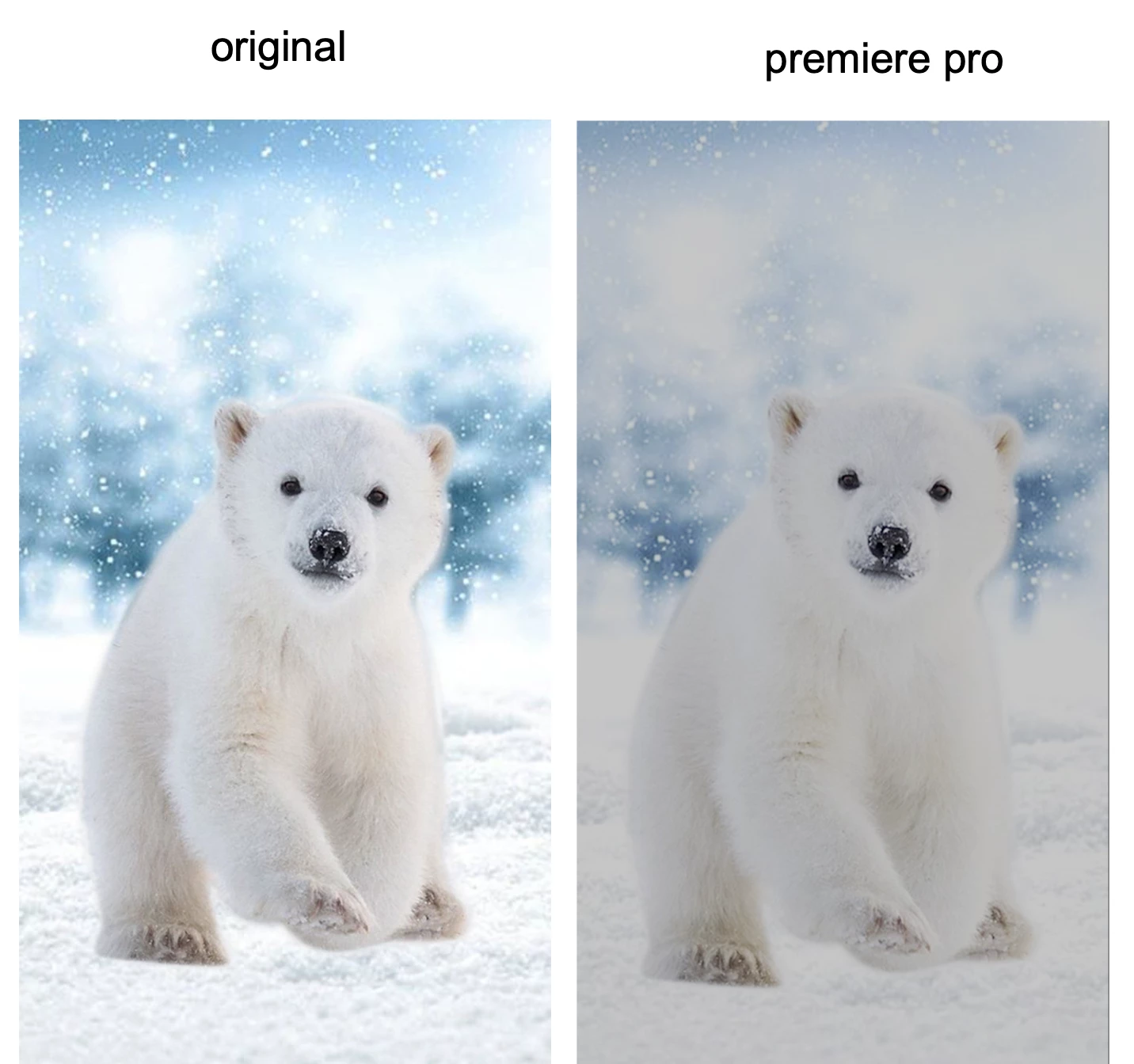
 

This is a problem that just occurred two days ago. 


Thanks in advance for help.


Kevin

This topic has been closed for replies.

2 replies

R Neil Haugen
Legend
June 25, 2023

Color management is a user responsibility now. Clip color space, sequence color space, and export settings color space must all ve matched.


You can work in HLG, a form of HDR, if you want, as long as 1) your monitor actually shows it, and 2) you have your OS, monitor, and Premiere settings all set correctly.


Understand, HDR is still very much Wild Wild West. Most screens don't handle it correctly if at all. And color/tonal handling is different than SDR and takes some additional efforts to learn.


You can typically more easily work in SDR, but again, you need to match color management throughout the project. Including clip color space Override settings.


For HLG or PQ clips and/or stills, use the Override option set to Rec.709. Rec.709 sequence settings and standard export settings. Do not use export presets with HLG or PQ in the preset name.


More screens will show it closer to what you expect though no two screens will ever match.


Neil

Everyone's mileage always varies ...
Ann Bens
Community Expert
Community Expert
July 15, 2022
Participant
April 27, 2023

This video is related to another issue that has nothing to do with this desaturation problem. I've been days looking for an answer and literaly NOBODY is talking about this specific issue...

Participant
June 25, 2023

Follow the steps in the video but instead of overriding it to Rec 709, change it to Rec 2020. It worked for me and I hope it'll work for you too!