Participating Frequently
October 29, 2021
Answered

ImporterREDServer on Mac slowing Premiere down

  • October 29, 2021
  • 2 replies
  • 438 views

Hey,

I'm editing RED Komodo footage and in 1 project I have massive performance problems. The activity monitor shows the "ImporterREDServer" taking up a lot of the performance.
Any idea what this is?

In a lot of other projects, with the same camera footage etc. everything is running fine. Maybe something went wrong while importing?

Thank you!
Correct answer Evgeny Production Studio

Guess what... I tried everything. Nothing worked except duplicating the same sequence and the problem is gone. 

It seems like a sequence problem. 

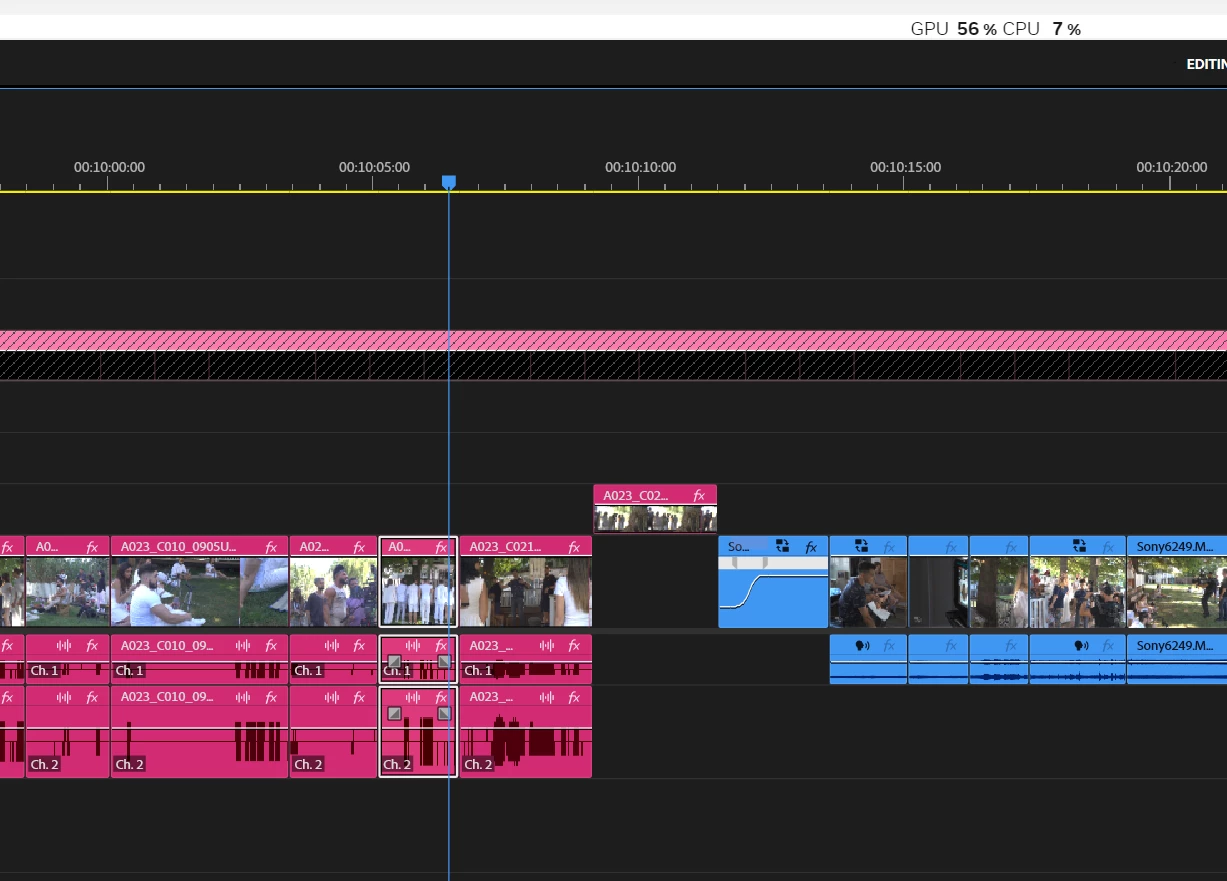
First screenshot is the timeline with the problem (You can see the CPU usage)

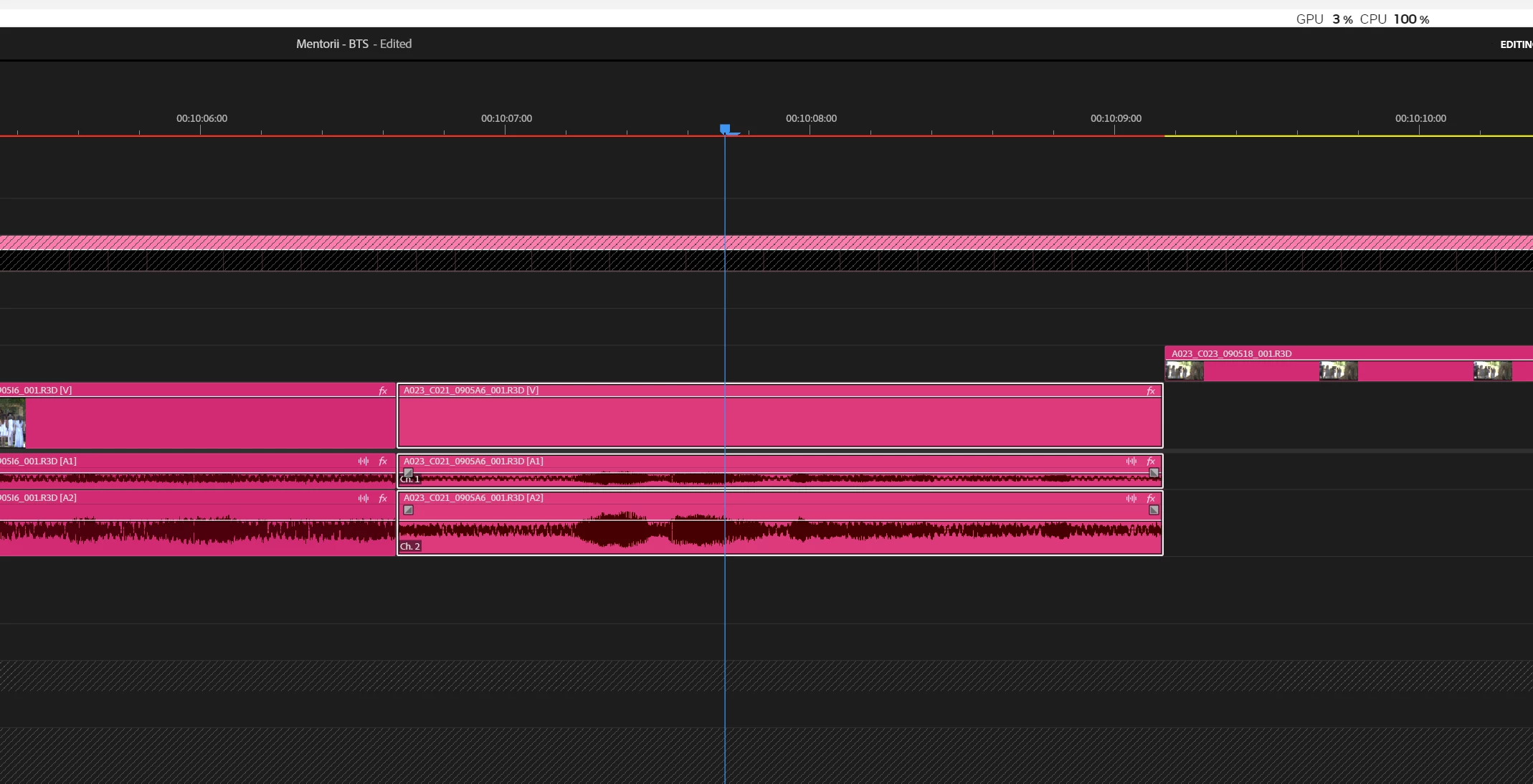
Second screenshot is the same timeline, on a duplicated sequence. Amaizing...

VS 

 I hope it will help you.

2 replies

Participant
January 25, 2025

Guess what... I tried everything. Nothing worked except duplicating the same sequence and the problem is gone. 

It seems like a sequence problem. 

First screenshot is the timeline with the problem (You can see the CPU usage)

Second screenshot is the same timeline, on a duplicated sequence. Amaizing...

VS 

 I hope it will help you.

Kevin J. Monahan Jr.
Legend
January 25, 2025

Thanks for the workaround, @Evgeny Production Studio. I wonder if you got a corrupt sequence, preview file, or cache file. Very strange!


Cheers,
Kevin


Kevin Monahan - Sr. Community and Engagement Strategist – Adobe Pro Video and Audio
Participant
January 25, 2025

Same here.. i9 13900KS, RTX 4090...

100% CPU usage. Bad playback.