

S_ A
Inspiring
January 10, 2025
Answered

importing does not work

  • January 10, 2025
  • 2 replies
  • 564 views

Hi,


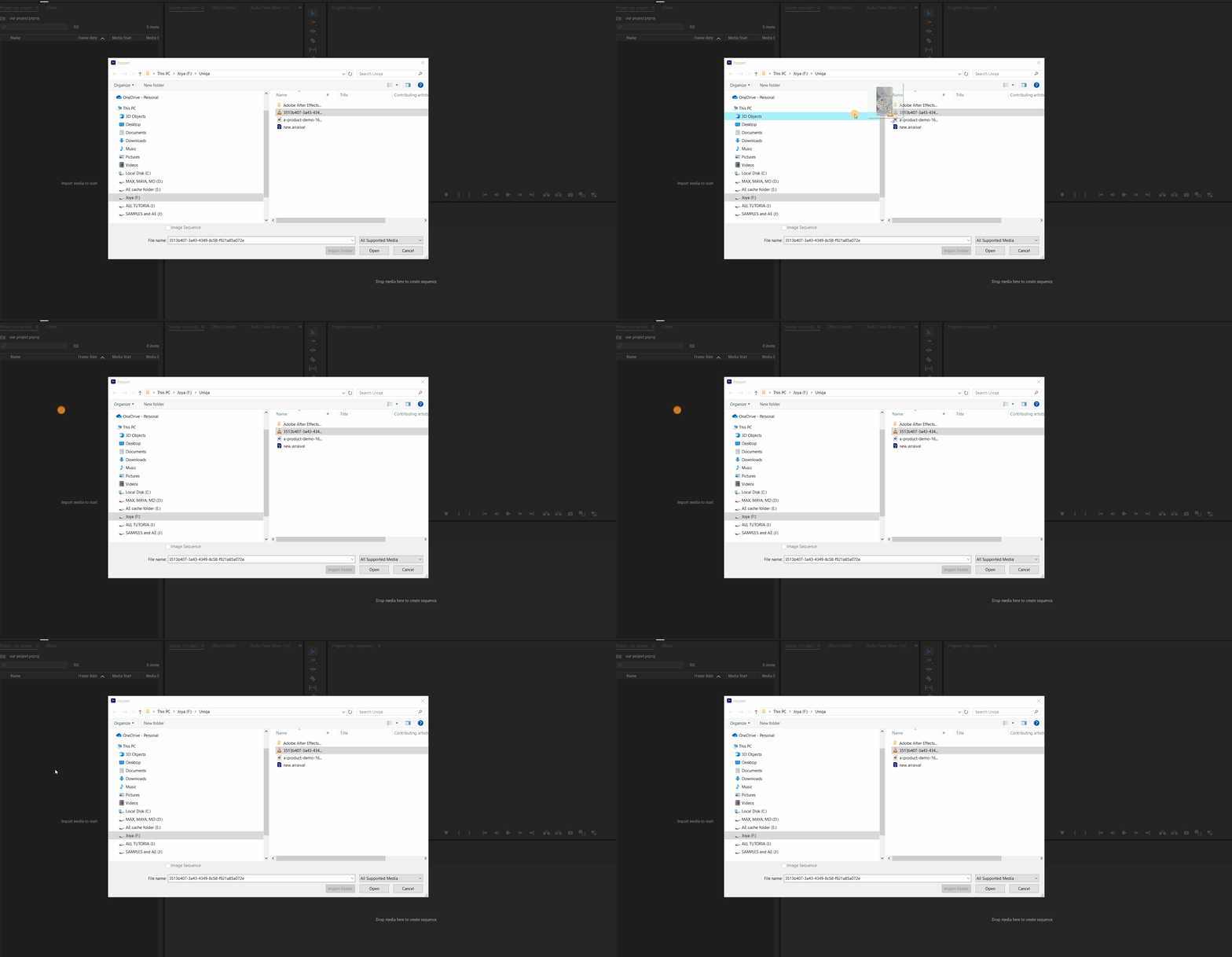
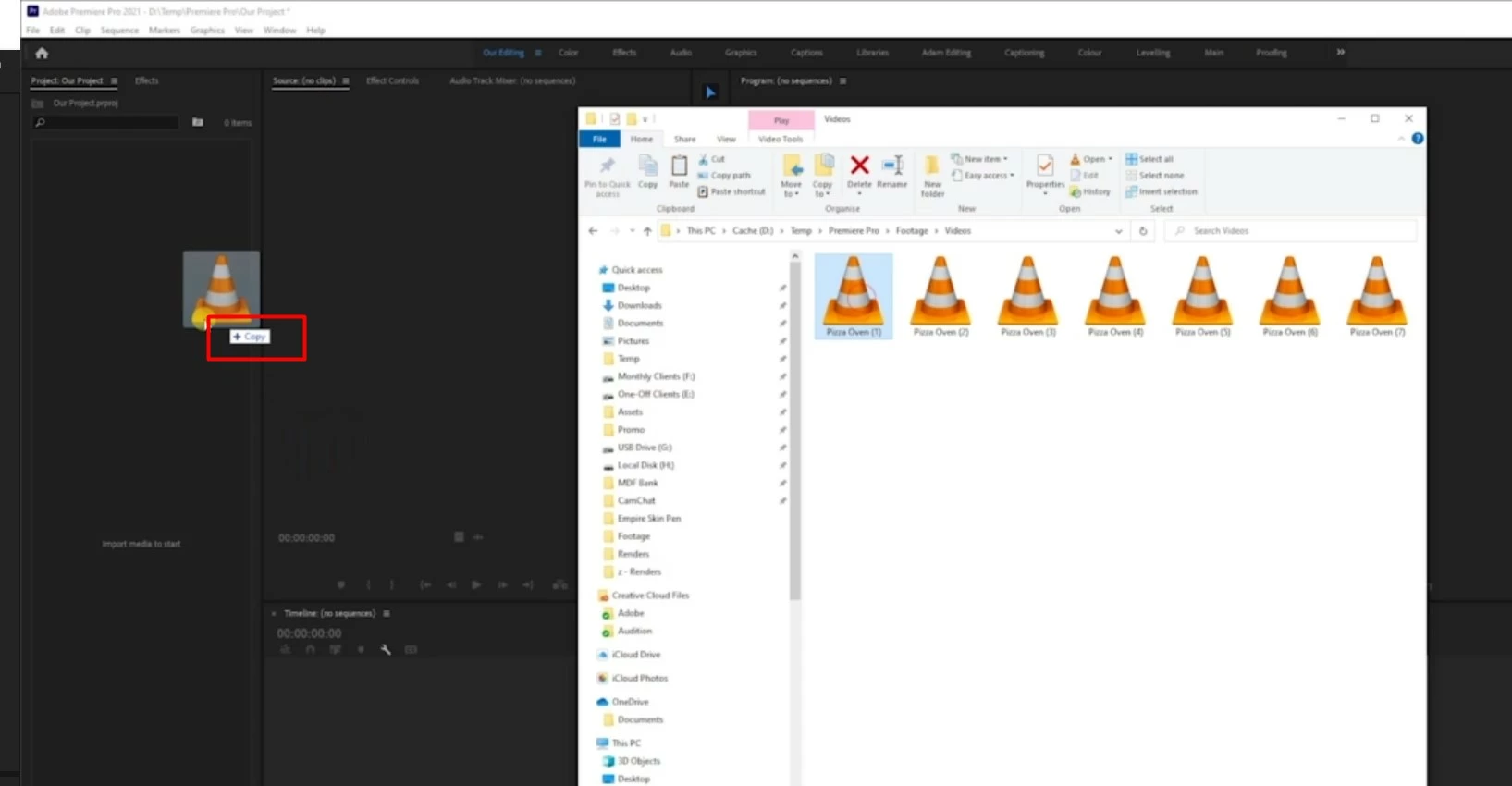
I am very new to preimer pro. I am following a tutorial where am learning the ways to import videos to the project panel. But I can not do what the tutor is doing. we get two very diffrent icons while doing it, As I am very new I know its me who is doing something wrong. Please help me. I want to import like he does.
 

Thank you.


Correct answer Ann Bens

When using the import panel you cannot drag items to the Project window: you need to select the clip and hit OPEN.

You can only drag clips directly from Explorer to the Project window.

2 replies

Ann Bens
Community Expert
Ann BensCommunity ExpertCorrect answer
Community Expert
January 10, 2025

When using the import panel you cannot drag items to the Project window: you need to select the clip and hit OPEN.

You can only drag clips directly from Explorer to the Project window.

S_ A
S_ AAuthor
Inspiring
January 10, 2025

Hi, Yes later I did that. I guess he is a pro. he knows stuff.  I need time to be like him.


Thank you. 

Ann Bens
Community Expert
Community Expert
January 10, 2025

If I were you leave the dragging for now and use the panels as is.

Dragging stuff around is known to make unexpected behavior.

Kevin-Monahan
Community Manager
Community Manager
January 10, 2025

Hi @S_ A,

Thanks for the question and welcome to the community. What kind of video files are these? Which camera recorded the footage. More info would be very helpful.


Cheers,
Kevin


Kevin Monahan - Sr. Community and Engagement Strategist – Adobe Pro Video and Audio
S_ A
S_ AAuthor
Inspiring
January 10, 2025

Hi,
Thak you so much for your kind reply. It is a home made video, filmed in my mobile. I want to practice like he is doing. He is using Premier Pro 21, I am using Premier Pro 23. He is getting a plus icon while dragging am getting a diffrent icon, not like him. 
Thank you.