
Importing "mogrts" from After Effects leads to error message
Here is a problem we are experiencing on all our installations:
In AE, I create a simple AComp (3 text layers, one solid rectangle).
From there, I open the new "essential graphics panel" and drag some properties into it.
I save and export a "Mogrt" Template to a local drive (or a library, results do not vary).
On the same machine, I create a new Premiere Pro project.
I open the Essential Graphics Panel and import the *.mogrt file. (Alternatively, I tried using a library)
The template then shows up in the list successfully.
But as soon as I try to drag it into a timeline, I get a progress bar showing 15% completion, then this message pops up:
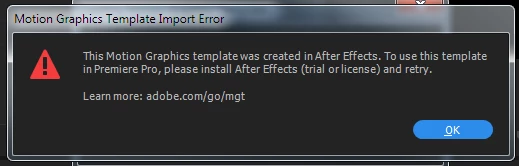
So, obviously, I have After Effects on that same machine. Also, I checked the versions:
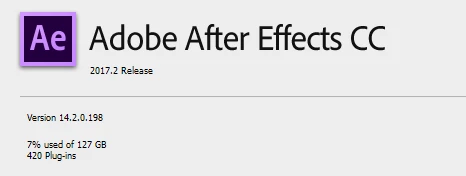
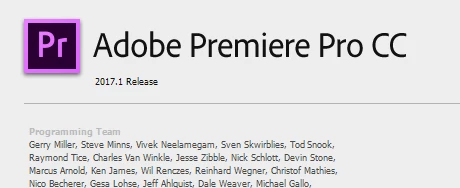
So, I am quite sure there is no version mismatch.
As this happens on all our installations (windows 7 and 10):
Can anyone confirm this behavior?
Is there a solution?
Things I already tried:
- Logging out and back in from CC
- install a trial version (not possible if a license already exists)
- uninstalled all older versions of PPro and AE.
Thanks!
Manuel
 AdChoices