



Impossible d'importer une image / can not import an image
Bonjour,
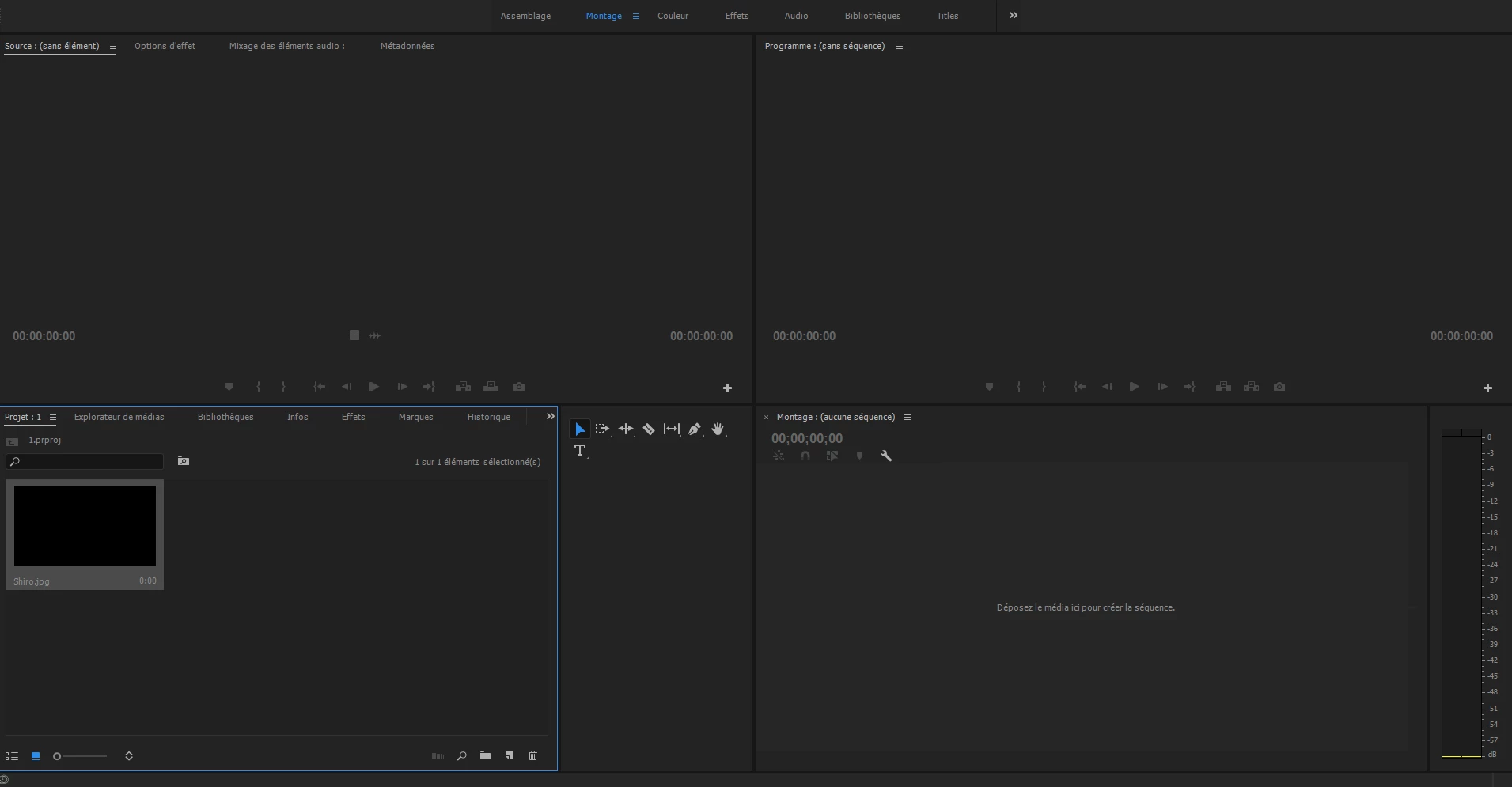
Je travail sur Houdini depuis peu, j'ai fais un rendu en "open exr" et je souhaiterai faire une séquence je me suis dans re plongé dans adobe première. Mon problème est comme dis dans le titre, lorsque je fais la procédure habituel "fichier > importer > (mon fichier)" il m'ajoute une image noir, non détecté par la timeline. Je me suis renseigné sur le web et on ma conseillé d'ajouter le plug-in "openexr.prm", chose faite, mais rien n'a changé. J'ai donc essayé de load une image "JPG" à ma grande surprise il ce passe la même chose. Donc en gros, il m'est impossible de charger une image, quelqu'en soit le format.
Ps : je tiens à ajouter que photoshop lis correctement mon fichier .exr
Merci d'avance pour votre aide
-------------------------------------------------------------------------------------------------------------------------------------------------------------------------------------------------------------------------
Hello, I work on Houdini recently, I made a rendering in "open exr" and I wish to make a sequence I am in re-immersed in adobe first. My problem is like saying in the title, when I do the usual procedure "file> import> (my file)" it adds a black image, not detected by the timeline.
I checked on the web and I was advised to add the plug-in "openexr.prm", done, but nothing has changed.
So I tried to load a picture "JPG" to my surprise it happens the same. So basically, it's impossible for me to load an image, whatever the format.
Ps: I want to add that photoshop read correctly my .exr file thank you in advance for your help
 AdChoices