
Known Participant
August 23, 2022
Question

In-focus object or person moving through blur

  • August 23, 2022
  • 1 reply
  • 1482 views

Is it possible, if a piece of the background is blurred (or the entire background) to have your subject move through the blur, like on top of it. For example, if I am the subject and the background is blurred, can I walk through it without blurring myself?

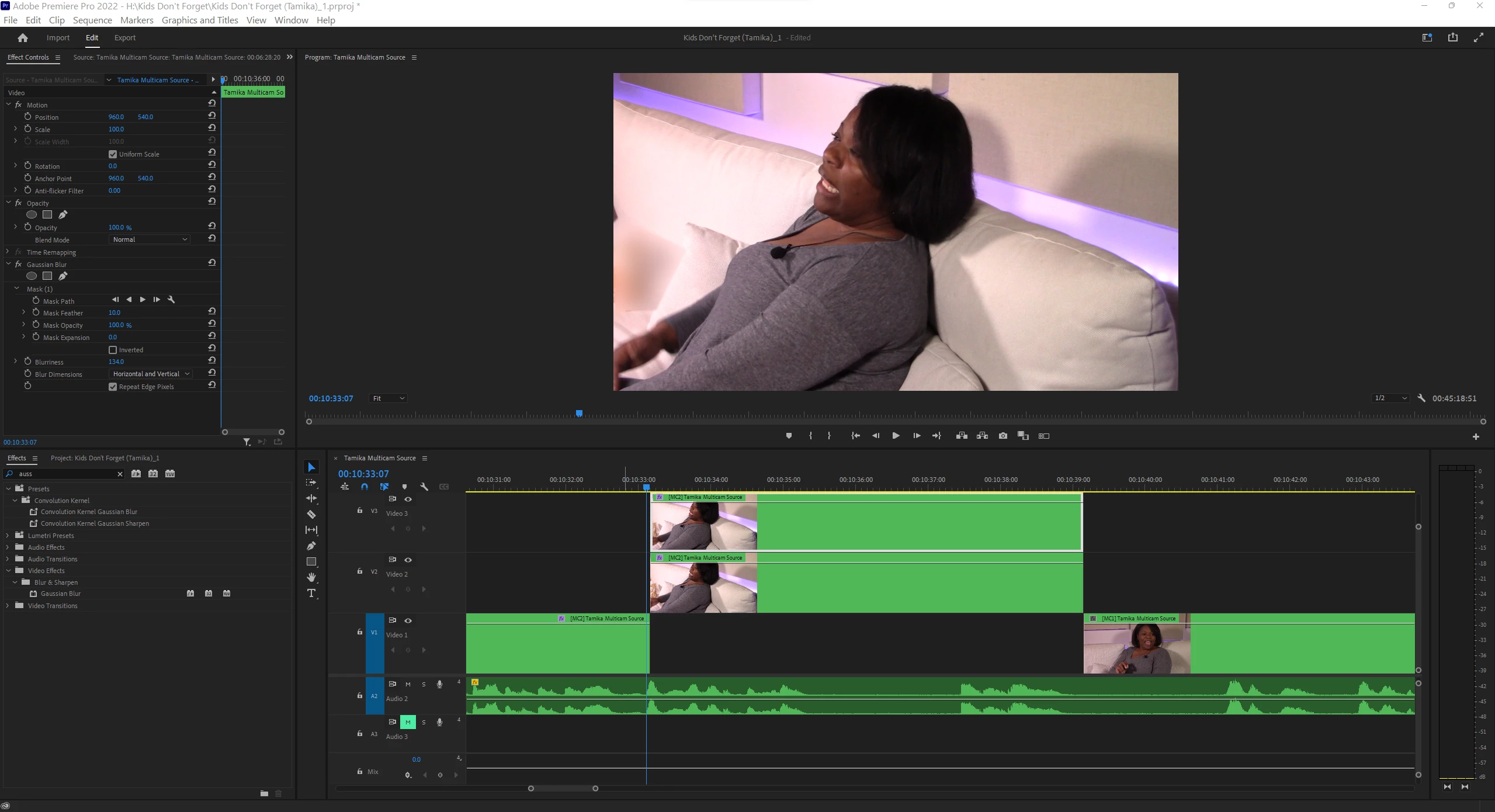
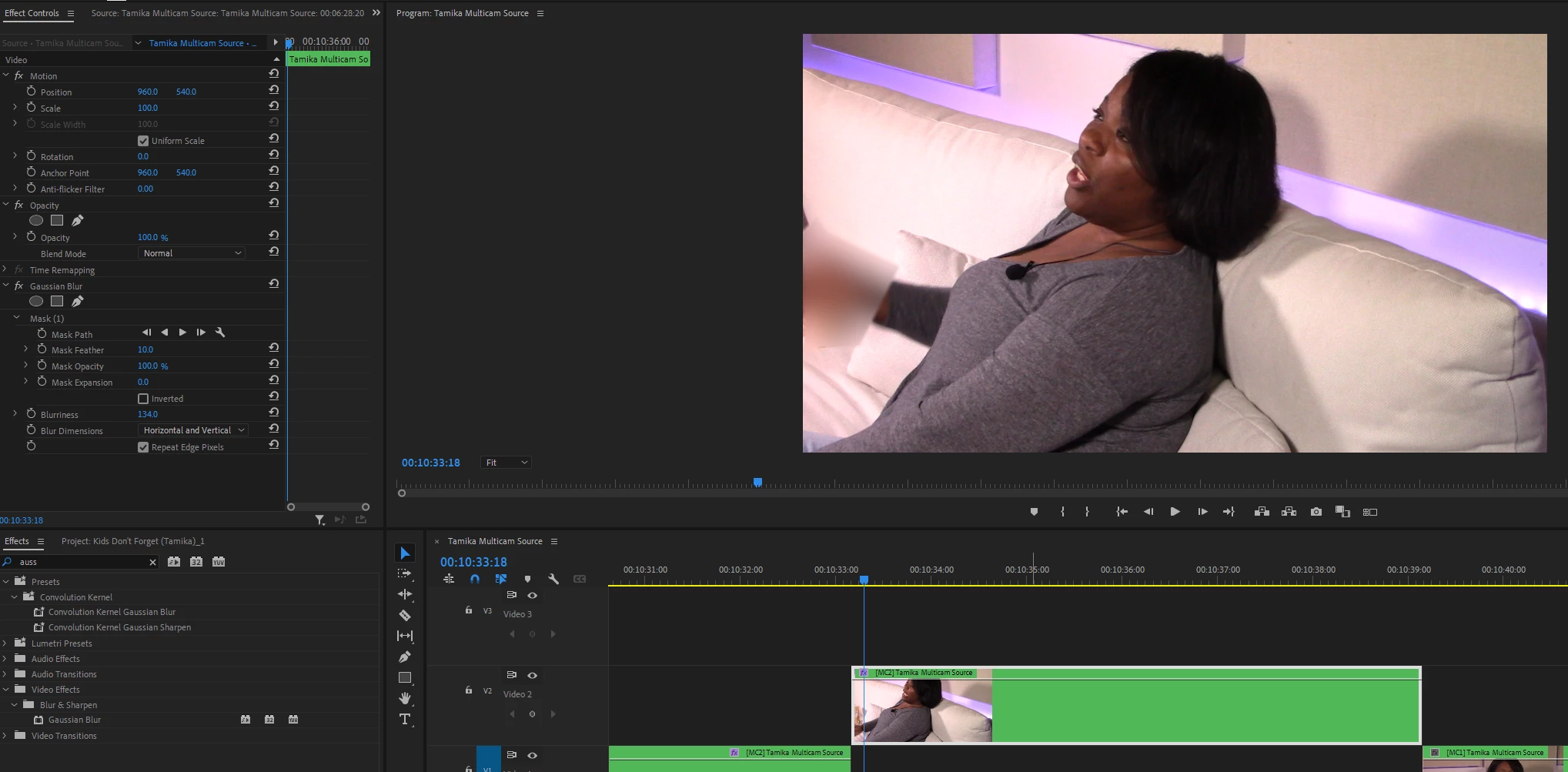
Attached is a clip of a woman I interviewed for my Kharismaticlee YouTube channel. This camera angle contains a box of tissue I'm blurring out, but then she moves her arm (second clip) and her hand is blurred. It is SUPER-TEDIOUS using the mask path - takes forever! Any other solutions?


This topic has been closed for replies.

1 reply

Community Expert
August 23, 2022

Rotoscoping in After Effects.

Known Participant
August 23, 2022

All the research I've done, in the 3 hours since you've replied, has identified that there needs to be some sort of element passing by over the entire screen. My item is stationary; I'm still hit!

Warren Heaton
Community Expert
Community Expert
August 24, 2022

To flush out Richard's suggestion a little more.


Remove any blur applied in Premiere Pro.  Right-click the clip in the Timeline and choose Replaced with After Effects Composition.  You only need to send from just before the subject's forearm and hand obscures (that is, passes in front of) the area to be blurred to just after.  So, add an edit with the Razor Blade Tool if needed prior to replacing with Comp.


In After Effects, you'll have the video clip as Layer 1 in a Composition.  Make a duplicate of the clip and use the Rotobrush Tool on the forearm and hand on the front layer (Layer 1).  It may help to hide Layer 2 as your work.  When that's complete, show Layer 2 and blur the area that needs to be blurred.  Save the After Effects project as you work.


Click back to Premiere Pro and you should see the results there that match what you were seeing in After Effects.