


In-Out Clip Nudge Up on Timeline
Hello everyone,
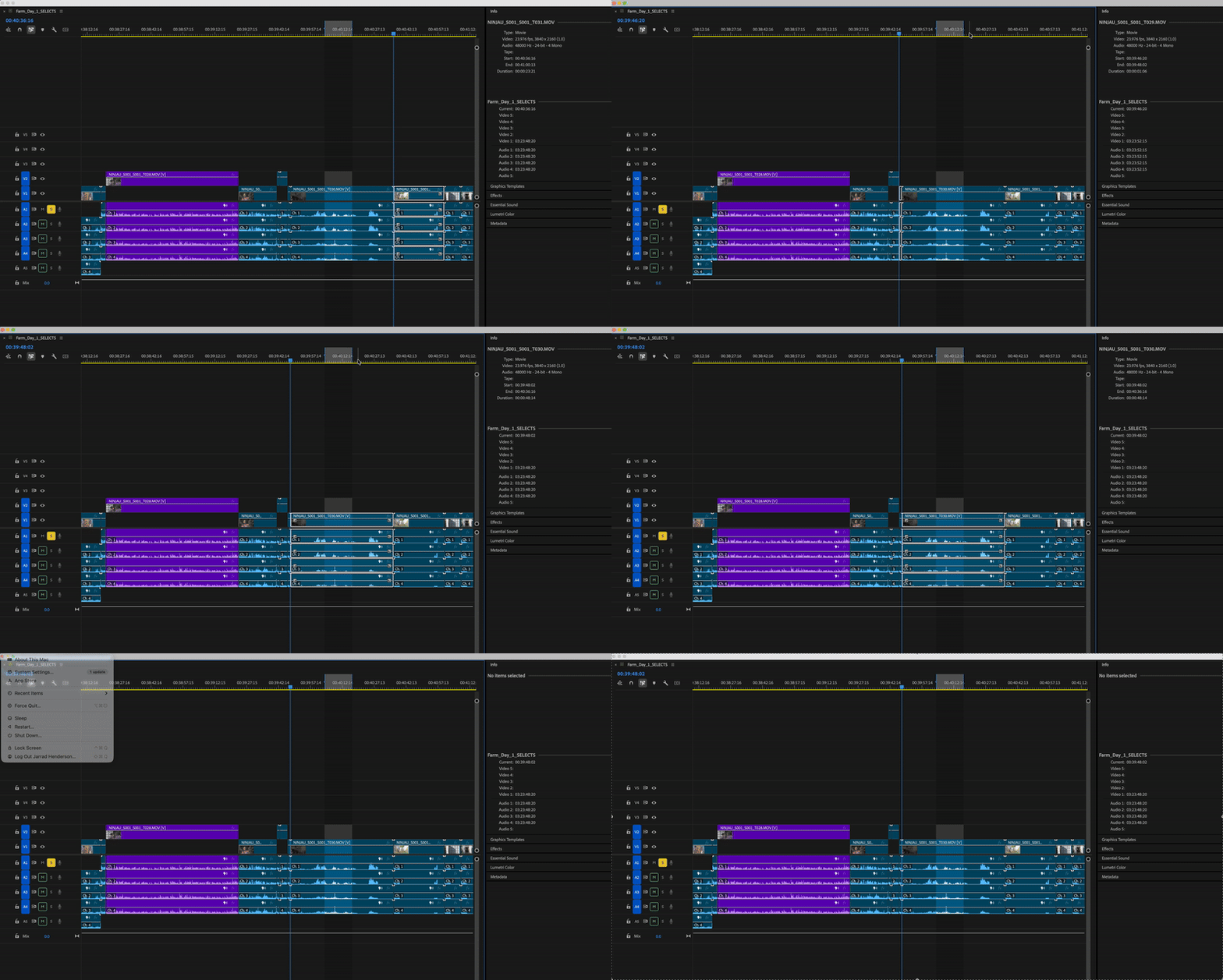
I'm having trouble getting the in and out points recognized when using the up and down arrows to navigate my timeline. I used to be able to quickly scan through footage on my timeline and set in and out points on the section of a clip I wanted to move up to the next video track. I once could even take that in out portion of my clip and, without moving the entire clip, could get that portion on one video track above the original. Not only does it seem this workflow doesn't work anymore, but I'm having trouble even getting up and down arrows to snap to the in and out points I set on the timeline. I 've tried turning snap (magnet) on and off. I'm not seeing anything in the settings or keyboard shortcuts to get the timeline to recognize my in and out points. Any help would be greatly appreciated! See below for an example.
Thank you!
 AdChoices