
Inaccurate Colors in MOGRT
I've been testing the ability to easily make Color Palattes available to our editors in Premiere Pro. One option is to look at the colors in the library, and manually type in the hexcode associated (since we can not use the eyedropper to select the colors from the Library). This is inefficient, so I have tried a second method. I created a mogrt that displays the 10 colors as squares. This would work great since its an easy overlay in our program monitor that could be referenced EXCEPT the colors are inaccurate! Even the hexcodes are incorrect if you add a Color Control to your mogrt. It does not match the hexcode input from After Effects. I'm now inclined to believe this is happening with all mogrts. Why is this happening? Please fix this.
First image shows the correct colors (displayed in After Effects where the mogrt is being created)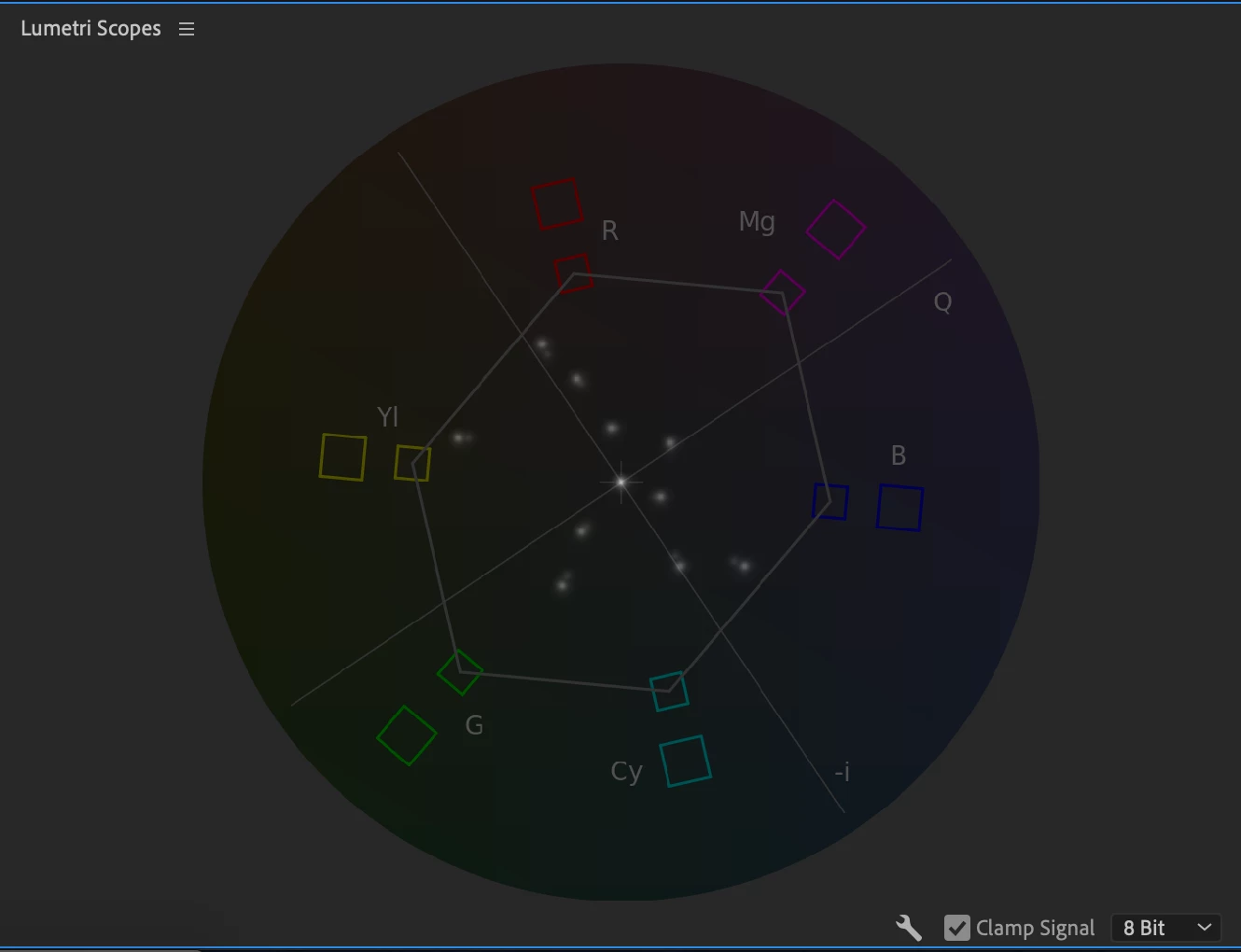
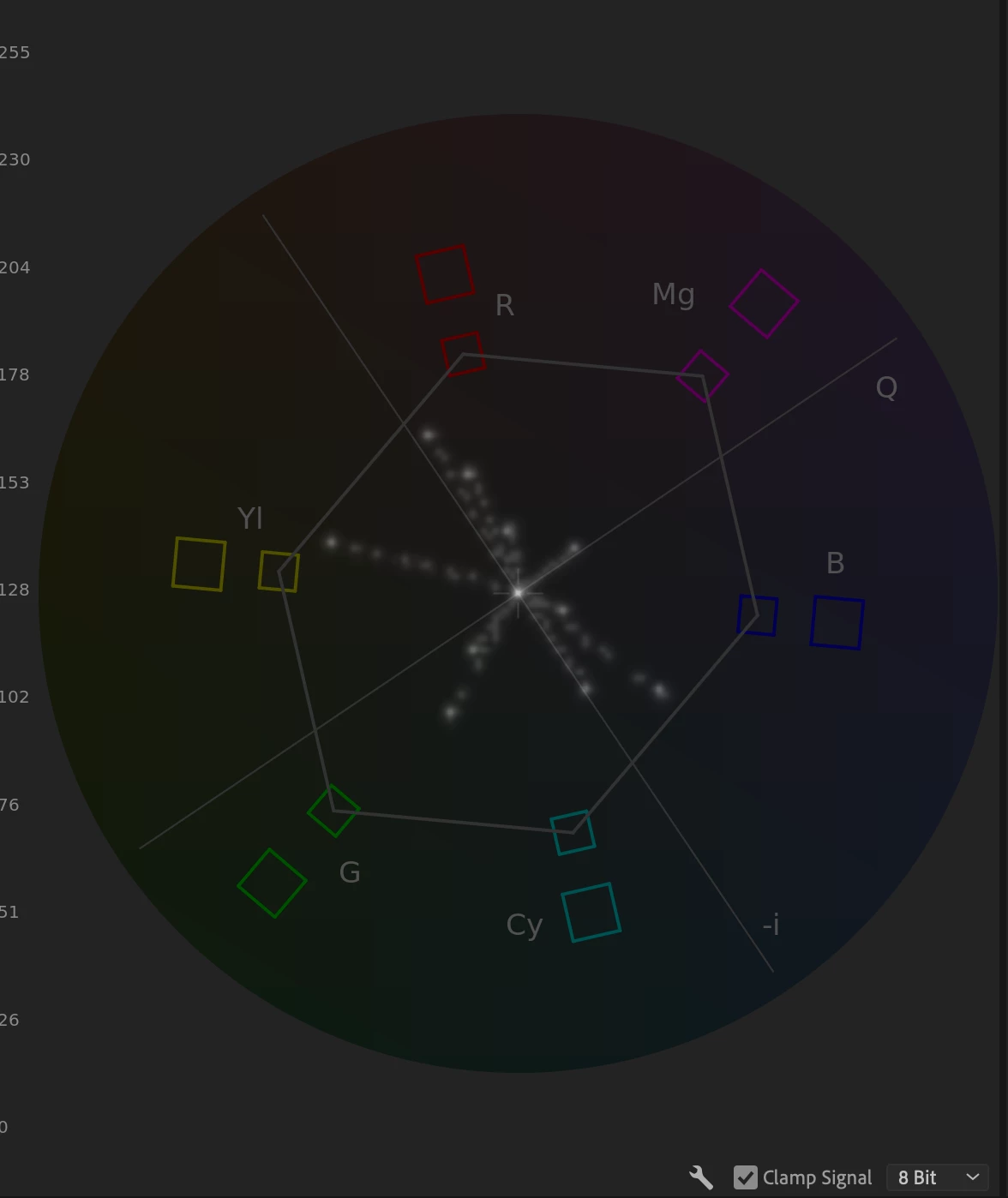
Second image shows the mogrt - rendered - in Premiere. These colors are inaccuate and causing the editor to be unable to find the correct color.
 AdChoices