
Input contract violation every time I try to create a timeline
I'm working with MXF files shot on a Sony FS7, and ProRes files from a BlackMagic Video Assist.
Every time I try to create a timeline (either with File > New sequence or by dragging a clip into the empty Timeline panel), I get this crash. 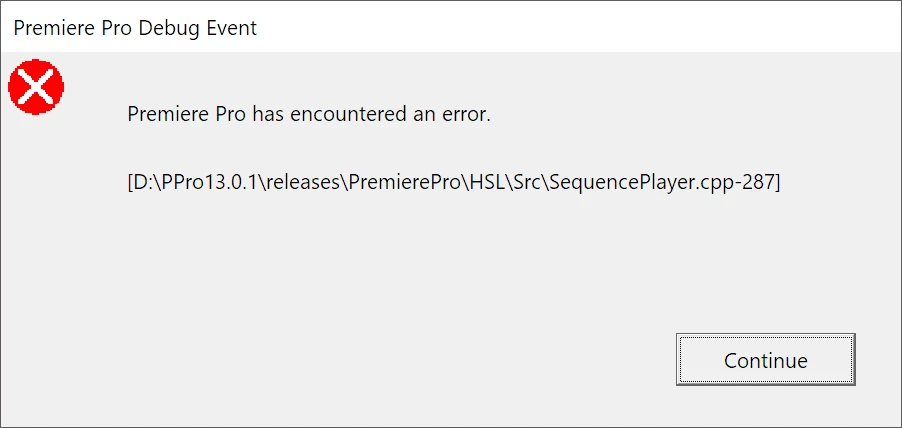
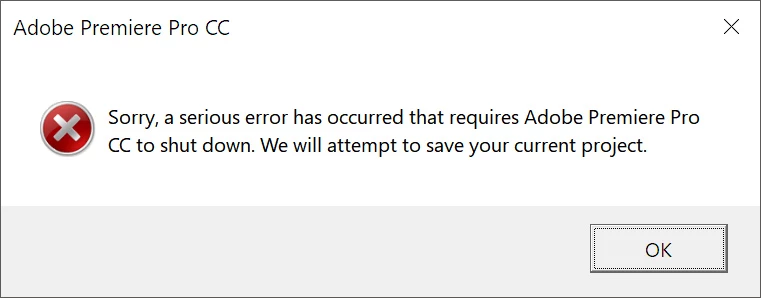
This happens with both CC2019 and CC2018. I reinstalled CC2019 in case that would fix it, and restarted, but it didn't help. I've also updated my graphics drivers and that hasn't helped either.
System: Windows 10 x64
64GB RAM
GeForce GTX980
Intel i7-6700K
This error seems to have been happening for years, although there doesn't seem to be a pattern in how others have reported it (sometimes it's on starting Premiere, sometimes on moving footage around, etc). The last couple of days are the first time I've experienced it, but right now Premiere is totally unusable for me.
It's not the footage, because I've tried it on one of our other machines (Windows 10 x64, Premiere CC2019, GTX1080Ti) and it works fine.
FWIW, the path referred to in the first dialogue box (D:\PPro13.0.1...) doesn't correspond to a path on my D drive.


 AdChoices