Question
Insert Trim Multiple Clip's Edit Points In CC 2018 Not Working
Hi,
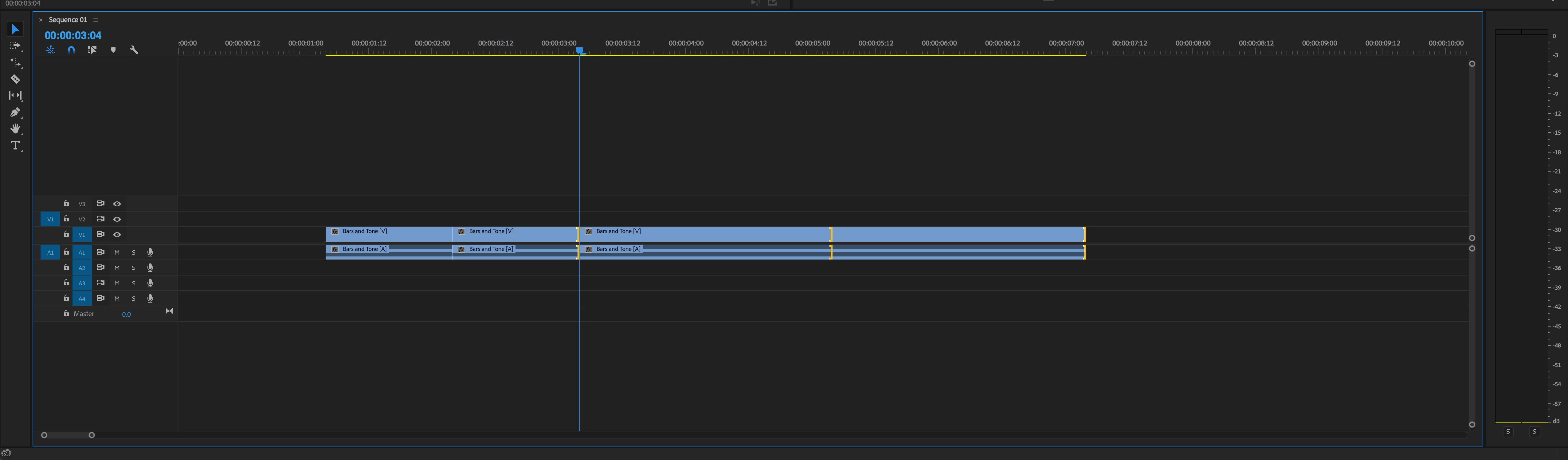
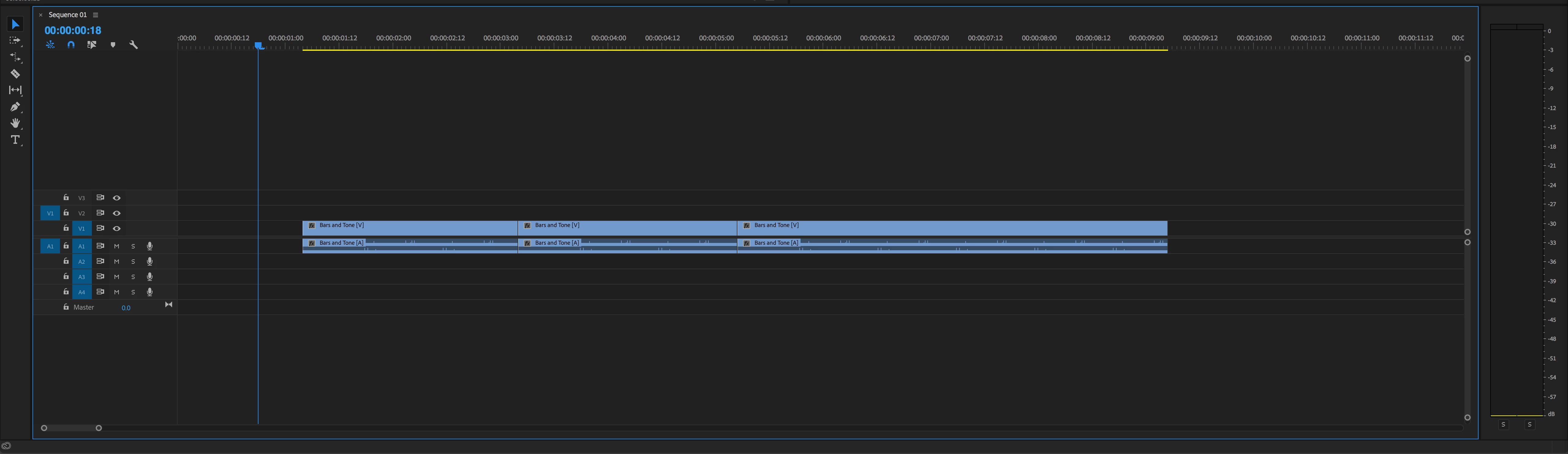
When I trim the edit points of multiple clips using the insert trim function I get odd results. Visually, the clip's edit points are not where they should be and are overlapping. When I select a clip after performing the edit, the clip length/edit point changes. If I then drag each clip down in the timeline so it is not touching another clip I can see that each clip has not had the appropriate amount of frames added/removed. 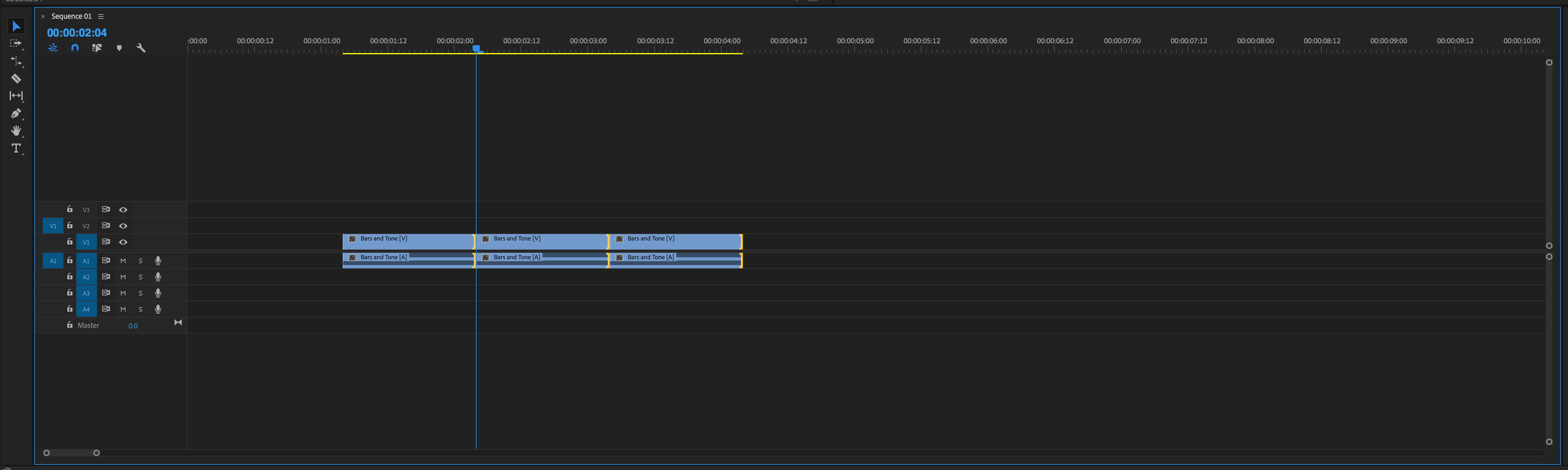
 AdChoices