



Intel Decoding in Premiere Pro SLOWS DOWN Thumbnails generation TWICE
I don't know how it works and what it's connected with, but with the Intel Decoding ticked in Premiere Pro options thumbnail generation of the files imported into the project bin lasts twice as long as without Intel decode.
Just facts:
Premiere Pro 24.3.0 (build 59), Intel Core i7 14700K, 71 h264 files on an SSD or an HDD (tried both but for a clearer result will use the HDD), Intel decoding is switched on in Premiere Pro options:
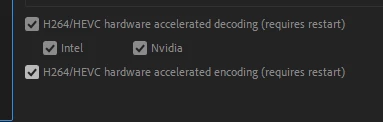
In a newly opened project I hit Import, choose all the 71 video files I mentioned above and start the timer which includes both the import time and the thumbnail generation time. The whole time till all the thumbnails have been generated is 43 seconds.
Then.
I turn OFF the Intel Decode, restart Premiere Pro. Delete the Cache files in the Media Cache tab (tried without deleting those too - didn't change the result).
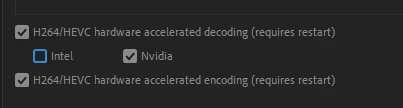
Hit Import, choose all the 71 video files and start the timer - the time amounts to 19 seconds.
Then I again turn on the Intel Decode in Premiere's options, restart Premiere Pro. Delete the Cache files in the Media Cache tab, hit Import, choose all the 71 video files and the time till all the 71 thumbnails have been generated amounts to 45 seconds.
Then I again turn OFF the Intel Decode in Premiere's options, restart Premiere Pro, delete the Cache files in the Media Cache tab, hit Import, choose all the 71 video files and the time till all the 71 thumbnails have been generated amounts to 24 seconds.
The most interesting thing is that during all the 4 imports and thumbnail generations my Intel iGPU is flat:
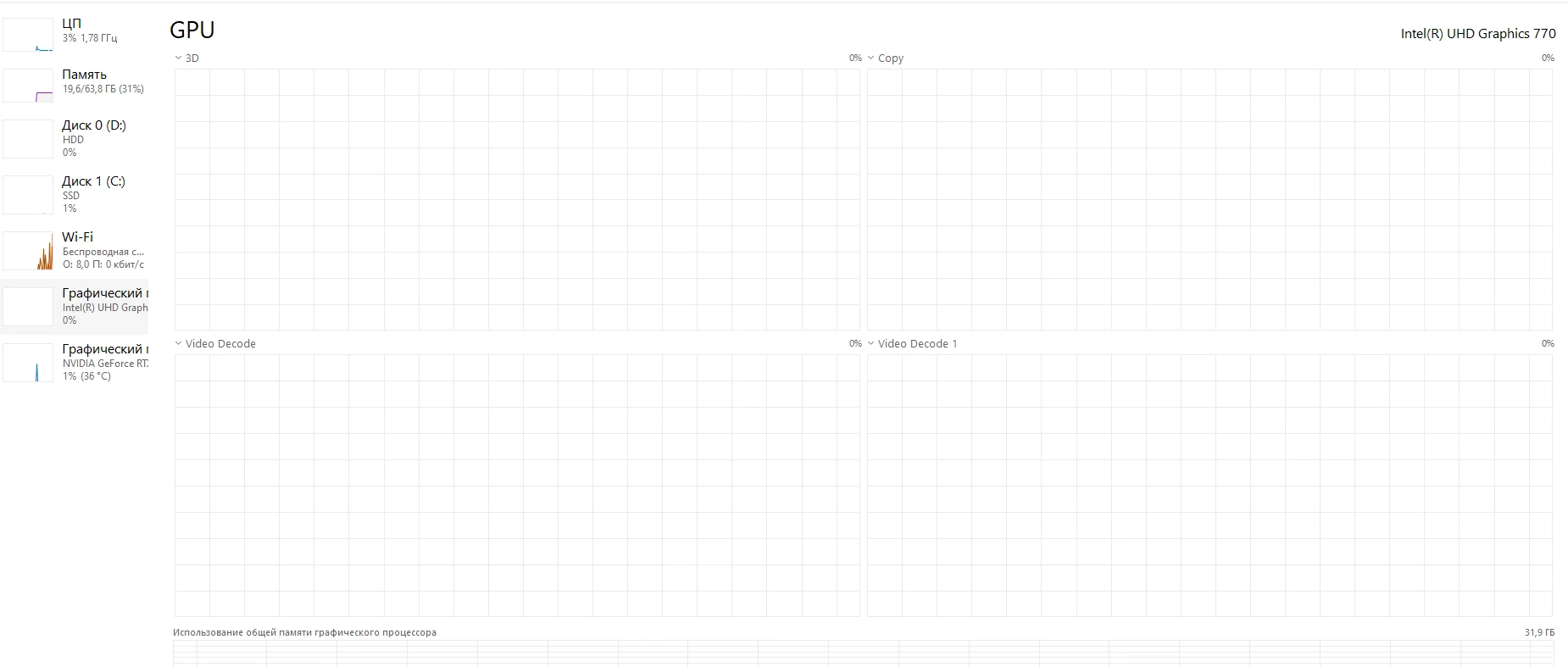
So I assume that it is not engaged in generating thumbnails but still somehow influences its speed.
PS: I tried different kinds of footage, both of different length and formats - same result. Files imported from an SSD (7000\6000 r\w speeds) give the same difference in thumbnail generation time but it's just much shorter.
 AdChoices