
interface have Glitch
- Issue - Hi there, please say me, what the hack? ( Only this problem actuall for Premiere Pro 2024 and Beta versions.. )
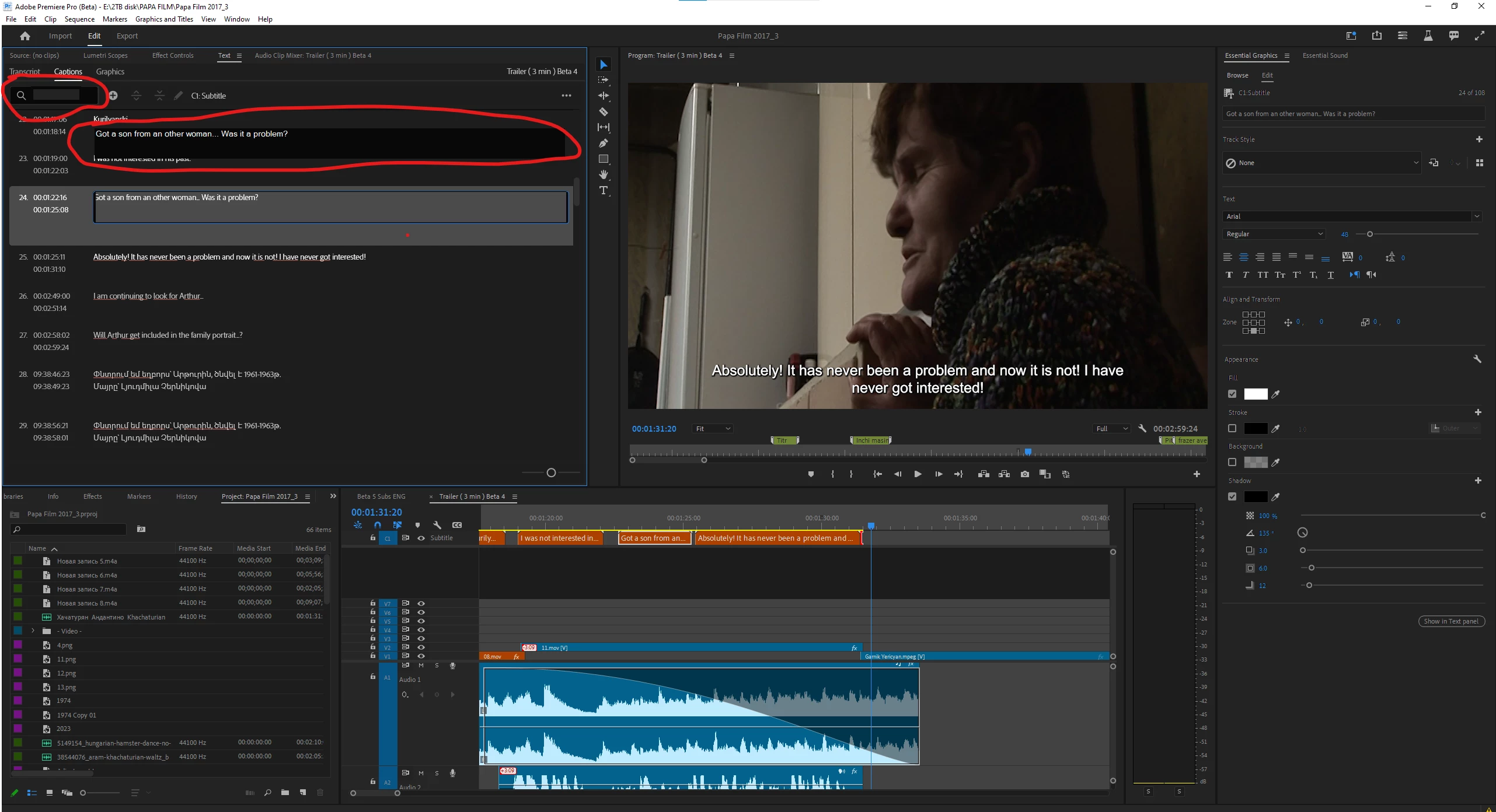
- When I minimize my Premiere Pro, I see this... at the top my windows...
-
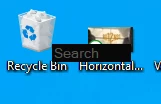
-
By the way, I don't download any programms, I just format my PC, install drivers, some times ago now I see this glitch / bug.
Please help me...
I Reset the settings on Premiere Pro 10 times... after 3/4 openings I see that bug.
when I click the captions, I can't edit that... and many panels are bugging, and doesn't works.
- Adobe Premiere Pro version number: Final, that's bug actually for beta version and Premiere pro 2024 version
- Operating system - Windows10
- System Info: CPU, GPU, RAM, HD:
-
CPU Intel(R) Core(TM) i7-4790 CPU @ 3.60GHz 3.60 GHz
-
GPU and Driver Version: Nvidia GeForce 2060 Super
-
RAM 32GB ( Corsair )
-
Hard Drive (and, if external, how the drive is connected: USB 3, Thunderbolt, etc.).
-
- 1 tb m2.
- 3 HDD 7200 rpm SATA 3 ( 2x10 tb, 1x 18 tb )
- Video format: Desn't metter ( MVP/Mp4/MOV ) I'm editing doc. film
- Workflow details: Thats a big project for shooting many cameras, but that's doesn't metter for project, that's metter for premiere pro...
- Steps to reproduce - (Very important!) : I try to delete and install, I try to restore all my settings, I try to dellete premiere pro with special programm ( revo uninstaller ) for delete all settings, but that's helping about 2-3 opening project, after that this problem come back.
Please help to solve the problem..
P.s. In Export panel same problem, I can't see the text, and see only the grey shape on the text when is name the file, and I can't change the name, actually I'm import to the encoder and solve that...


 AdChoices