warpigs666
Inspiring
February 24, 2020
Question

iPhone and Video Field Order settings

  • February 24, 2020
  • 1 reply
  • 782 views

Hi. I've stumbled upon a weird problem and I don't really know much about it. 


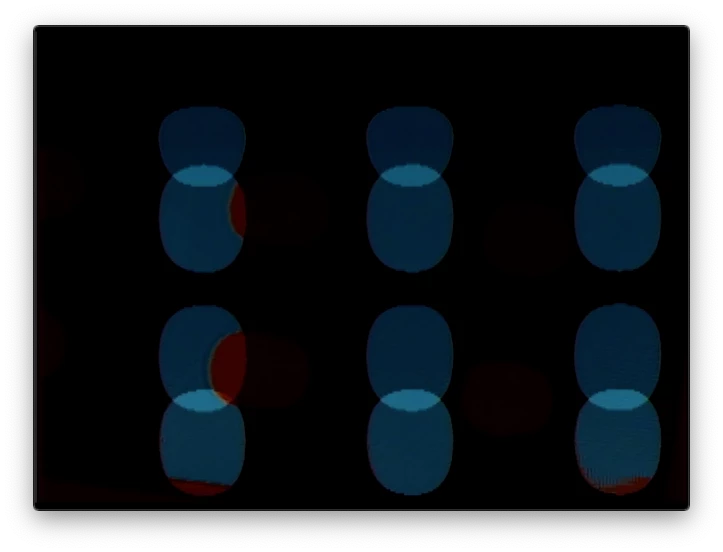
If I export an h.264 file with the video field order set to Lower First or Upper First the video appears as it should, but it won't play on an iPhone. 

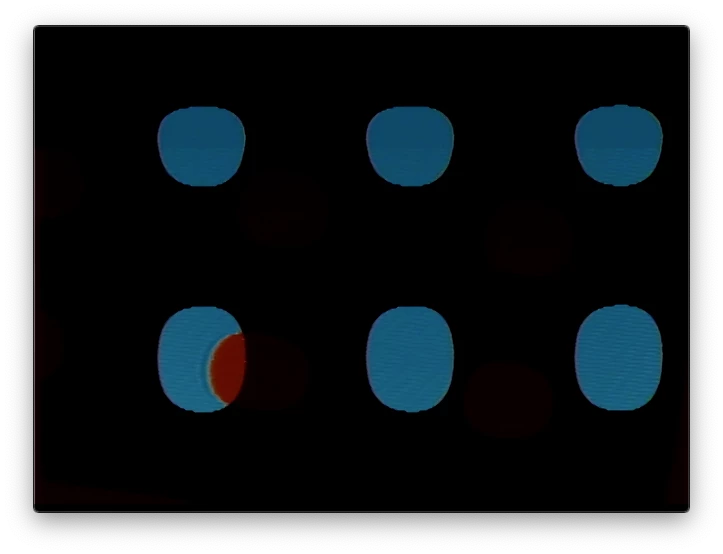
If I export the same video with Field Order set set to Progressive the video looks different than the original but will play on an iPhone. 

I've found tutorials about interlacing and field order, but I'm wondering if someone can explain in a simple way what is happening and how to fix it. 
 
I've attached the stills below. 

Thanks!


This topic has been closed for replies.

1 reply

Legend
February 24, 2020

well iphones are always progressive, and are possibly playing a single field rather than shmushing them together and I'm sure even if the phone is attempting to deinterlace (combine the 2 fields) it probably won't do a very good job.   Try deinterlacing your material in premiere.  Not sure if this is the way to get the best quality (luckily, don't really have to deal with interlaced material anymore), but select your clip in the timeline, go to the clip menu: video options:  and experiment with the options.   You could also change your sequence settings:  field options: to progressive.