

Question
Is it possible to deselect effect controls with a hotkey?
Essentially the title.
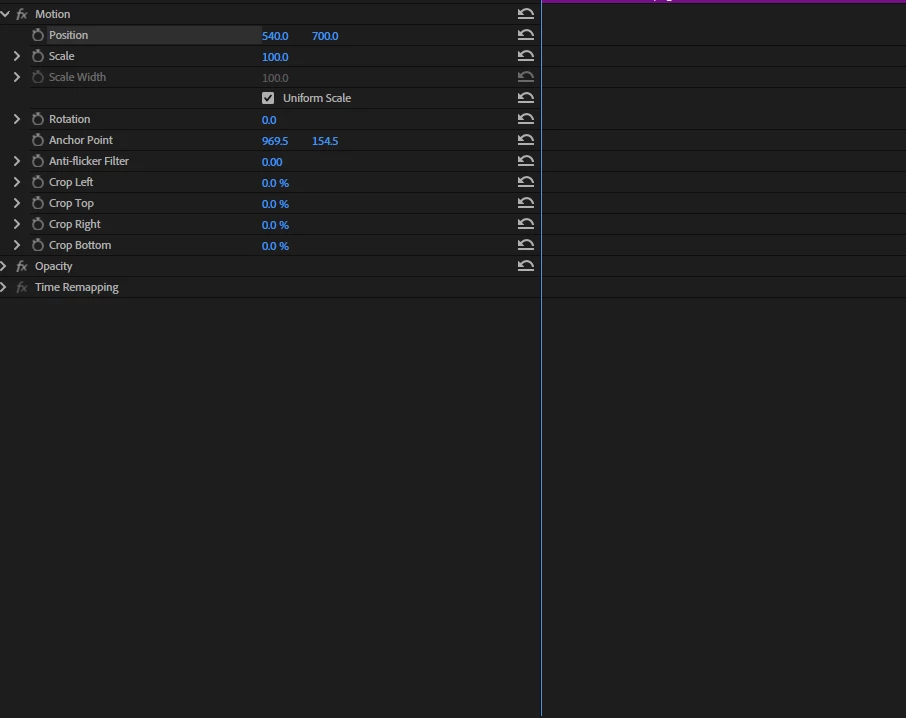
Sometimes I will be playing with the position heavily and I move to my playback preview to move with the hand tool. The only problem is that it moves the position of what I had selected. This is like a small problem but it would be really nice and useful if I could deselect using a hotkey or turning that off entirely. Other wise I have to move my mouse really out of frame or deselect it manually in the Effect Controls tab. Sometimes it selects other stuff in the project too and moves it and its just kind of annoying.
If anyone could let me know that would be awesome.


 AdChoices