
Participant
May 1, 2022
Question

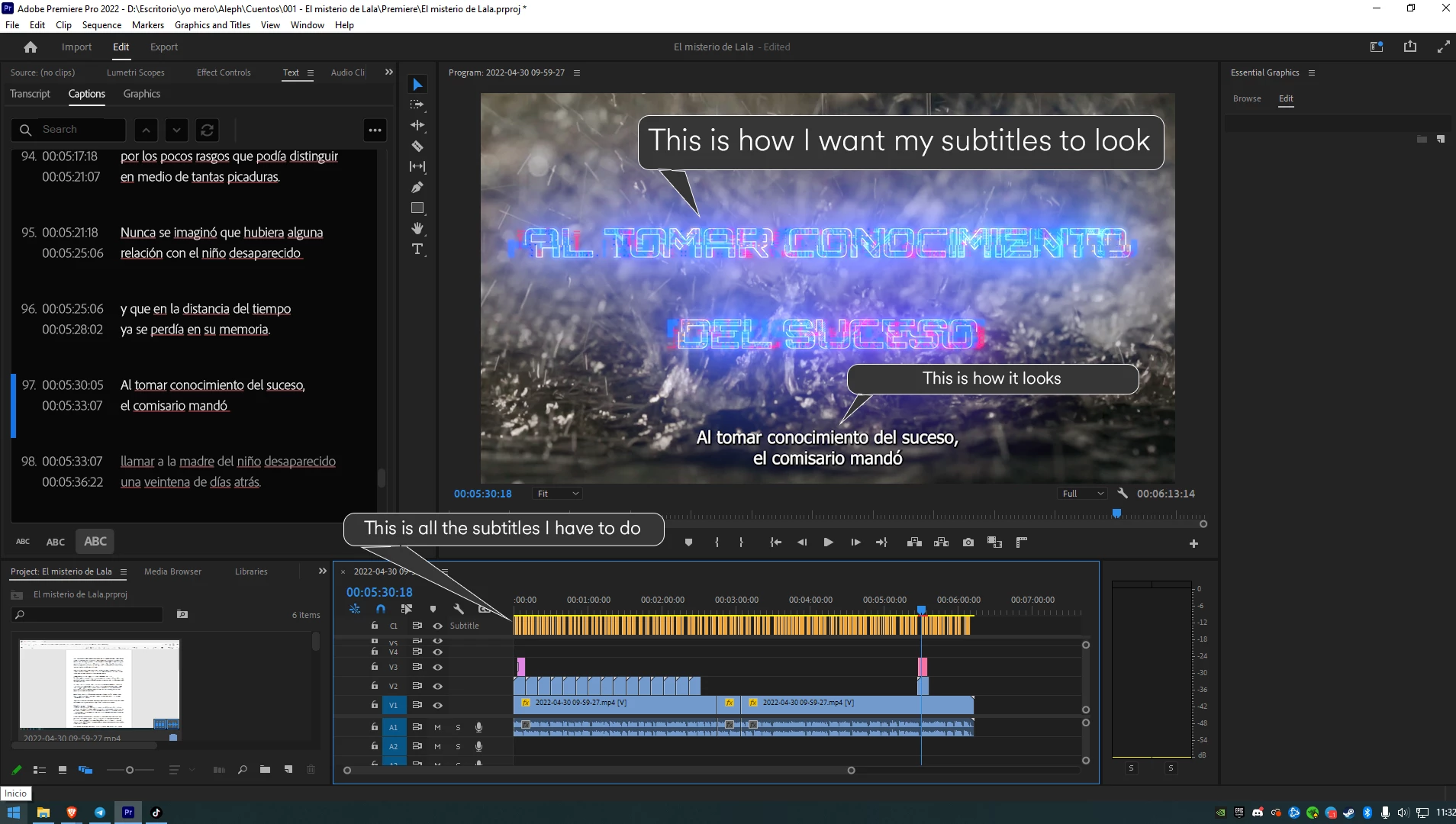
Is there a way to add an essential graphic template to all my subtitles automatically?

  • May 1, 2022
  • 1 reply
  • 1091 views

I want to use big tittles in my video instead of the subtitles but the transcript tool really speed up my work so I want to know if is there any way to convert the subtitles into big essential graphic tittles automatically.


This topic has been closed for replies.

1 reply

Community Manager
May 1, 2022

Hi CARLOS EDUARD24267397lsba,


Have you tried the steps mentioned in this article to stylize captions? Let us know if it helps.


Thanks,

Sumeet

Stan Jones
Community Expert
Community Expert
May 1, 2022

Sumeet, despite the greatly improved style options, I did not think this would come close to working. So I gave it a shot, and was suprised!


Carlos, see what you think of this. There are some important differences, but it meets your main goal. The "caption" at the bottom is nested from another sequence so we can see the original. But the large font is actually a caption, not regular graphics text.


 Here's a screenshot of the settings I used. I made them a "style" (arrow 1) so it applies to the whole track.

2 I picked a block font and made it very large.

3 I centered the text and put it at the bottom of the text box.

4 Ignore this; the leading increase spread the lines a little. It was intended to affect the background but I left that turned off.

5Set the caption to the center zone. You can also adjust the position more, but....

6 I maximized the text block, so you might see no change to trying to move the position.

7 - 8 No fill, 2 strokes of different colors.

9 No background

10 Shadow with 11 55% opacity; 12 90 degree angle to maximize center appearance; 13 45 distance; 14 100 size; and 15 185 blur.


Stan


Participant
May 3, 2022

¡Thanks for your help Stan!