Inspiring
April 8, 2023
Answered

issue with overwriting

  • April 8, 2023
  • 2 replies
  • 615 views

im trying to drag a clip into the timeline without overwriting, so i hold down the command key (im working off a macbook pro). but even when holding down the command key it is still overwriting.  

This topic has been closed for replies.
Correct answer Warren Heaton

During the drag and drop, what message are you seeing displayed at the lower left of Premiere Pro?
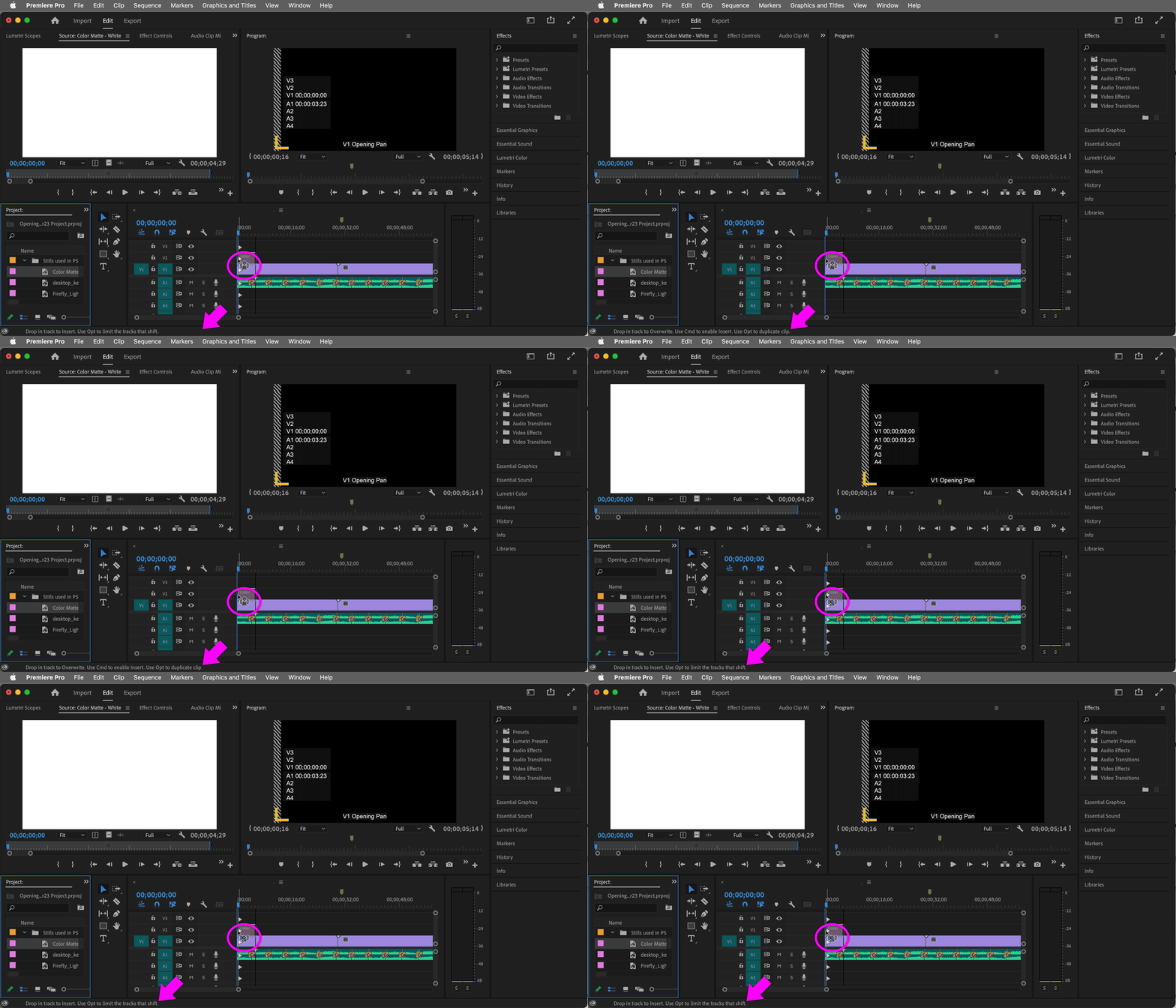


Does Insert work if you try a different method like opening the Clip in the Source tab and then clicking the Insert button?


What happens if you restart Premiere Pro?

2 replies

Warren Heaton
Community Expert
Warren HeatonCommunity ExpertCorrect answer
Community Expert
April 9, 2023

During the drag and drop, what message are you seeing displayed at the lower left of Premiere Pro?


Does Insert work if you try a different method like opening the Clip in the Source tab and then clicking the Insert button?


What happens if you restart Premiere Pro?

Inspiring
April 11, 2023

Got it, i quit premeir and then reopened it and it works. thanks 

Mike Dziennik
Community Expert
Community Expert
April 9, 2023

Are you dragging to an empty track on above clips? If you are doing that with the Toggle Sync Locks off then the clips below stay in place, even if you're holding CMD. Does the cursor change to a vertical bar with right-pointing arrows when you hold CMD?

Inspiring
April 11, 2023

yes i see that vertical bar with the right-pointing arrows, its odd because it was showing me that before it was overwrtiing but then i quit premier and reopened it and its working now