Issues with Extract function in Adobe Premiere Pro
Hi Everyone,
I am having issues with the extract function in Adobe premiere. I set my in and out points on my timeline, then hit the extract keyboard shortcut, and it comes out with a blank space in my timeline, and some of the audio not extracted. I'm wondering if I have a setting wrong or something, possibly I clicked something off or on that I shouldn't have. I am attaching two files for reference. I am running a PC with Windows 10, 16 GB ram and the most recent version of Premiere.
Thanks
Andrew
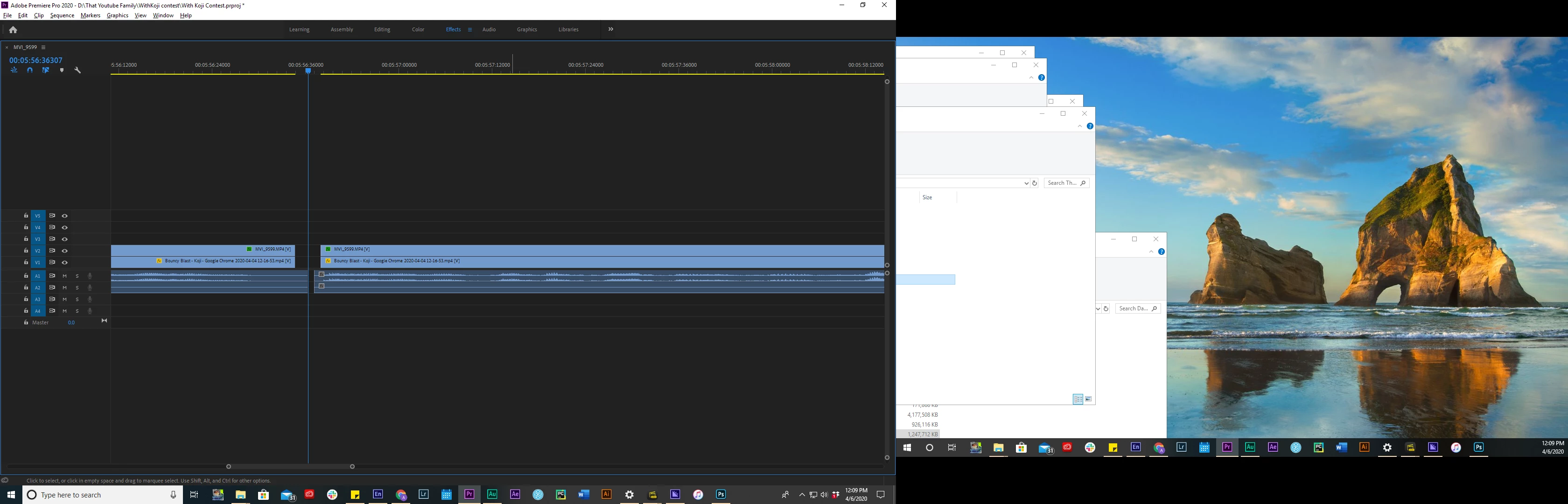
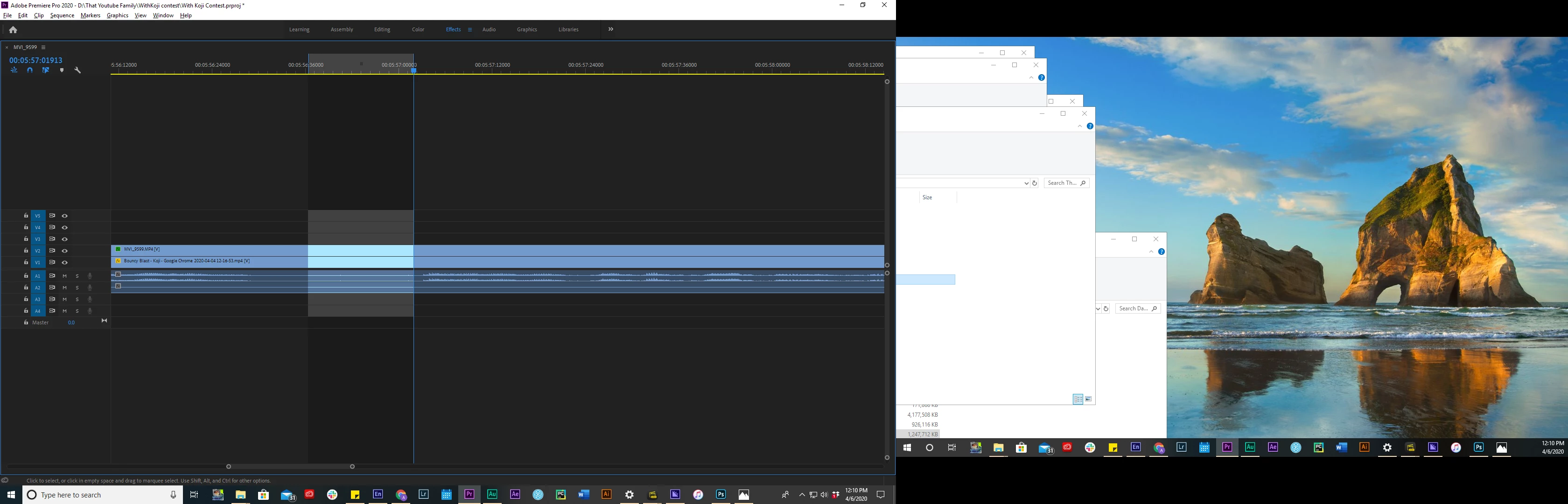
[Moderator note: please use the picture icon in the reply box formatting bar to bring up the add image dialog, and drag/drop your screengrabs directly to that box. That way, you are not requiring other users to download an unknown file to their machine to see the image.]
 AdChoices