
Jagged / Pixelated Text in Premiere Pro 14.1.0
Hey everyone,
Please bear with me as this will be a very long post. I have troubleshooted this issue myself in very many ways and want to provide as much background information as possible.
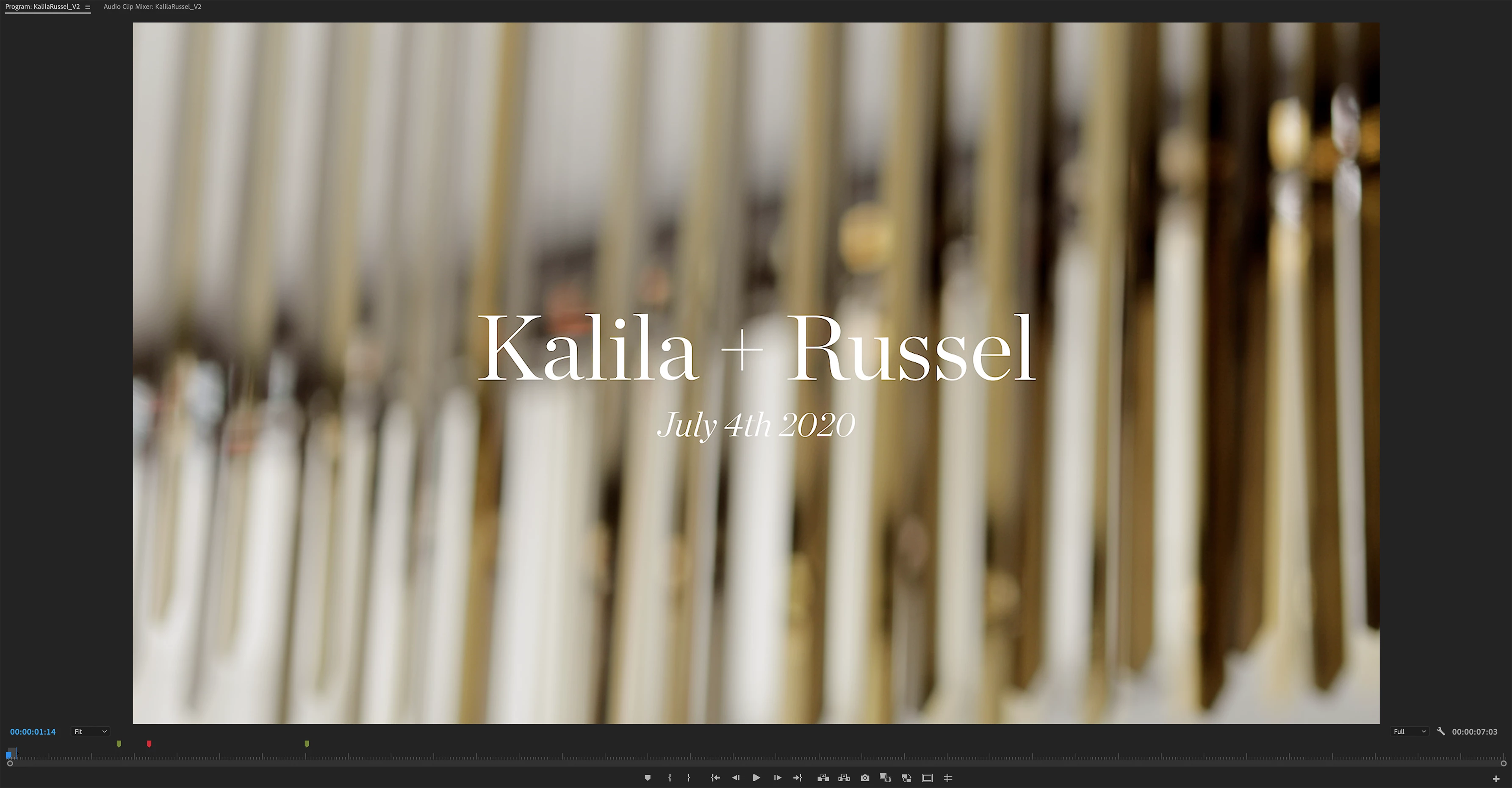
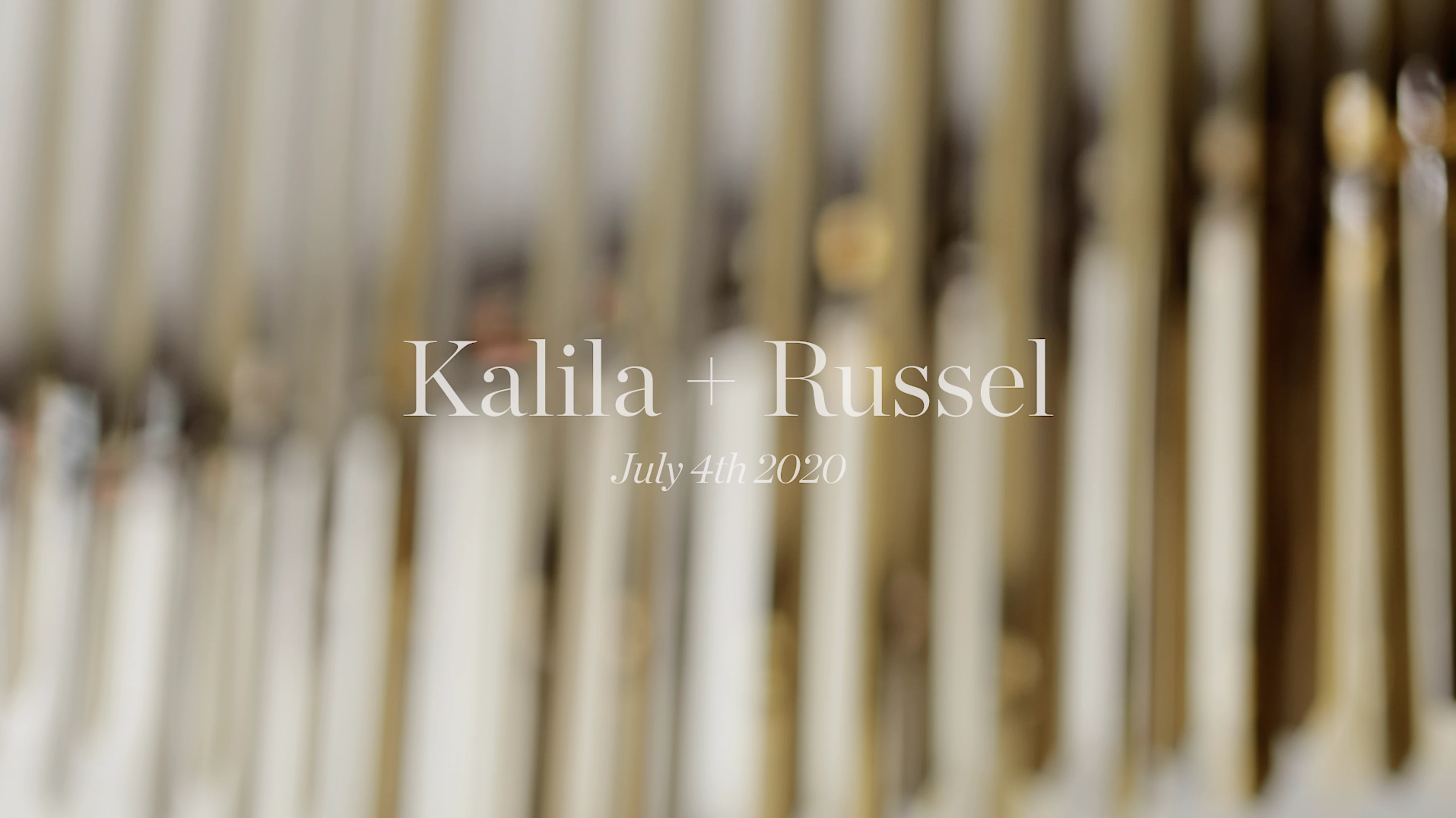
Problem: Text within my Premiere Pro projects as well as in my exports appears with pixelated / jagged edges. This happens with text created using multiple formats: (Illustrator generated PNGs, AI files, Photoshop generated PNGs, Photoshop files, PNGs linked in the Library from within Illustrator, Legacy Title from Premiere, MOV files of the text generated from After Effects).
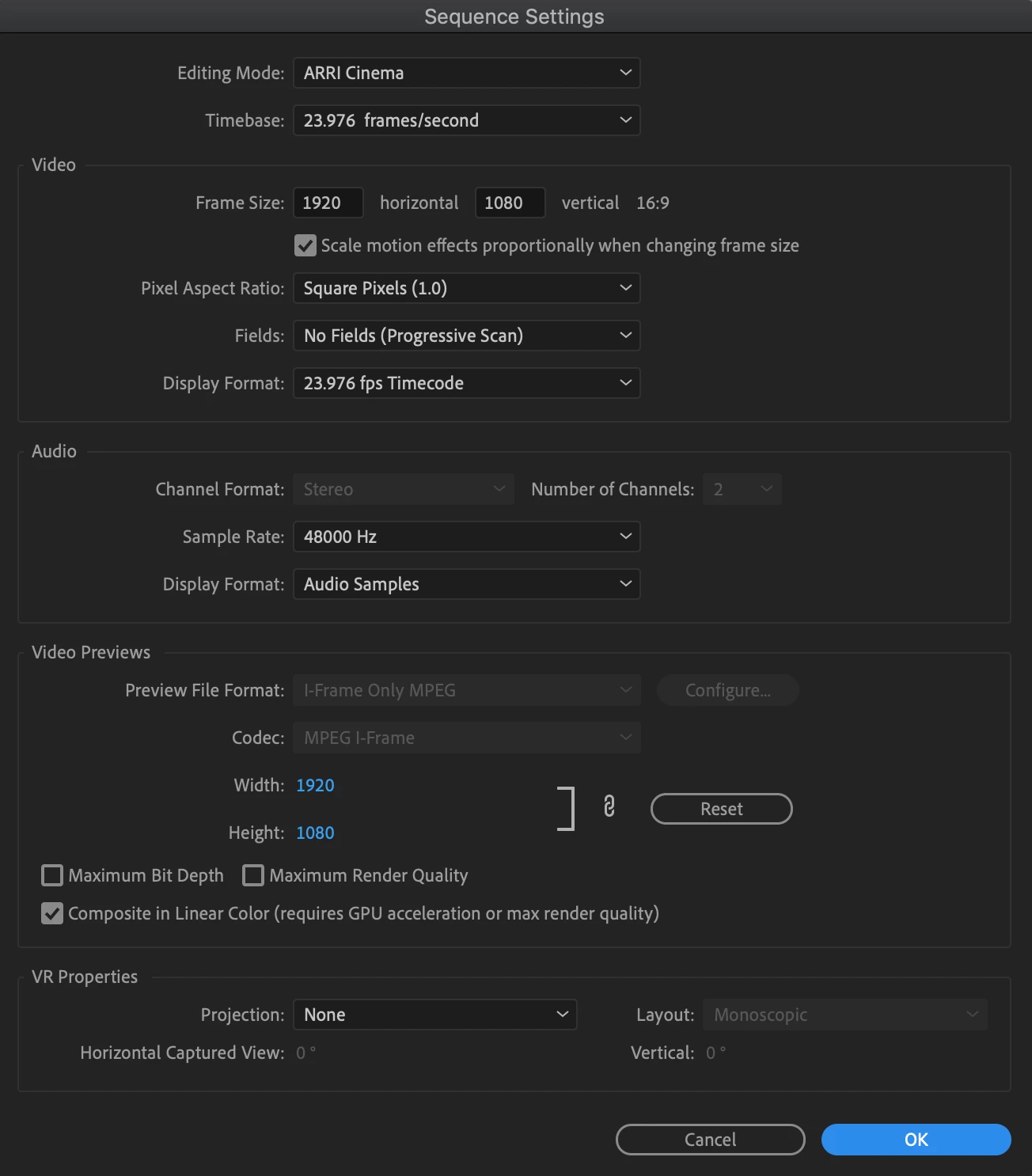
Sequence Settings and Export Settings in images below. I export with two different settings (one for upload online using H264 and the other as a Quicktime MOV) and I have experienced the issue with the text with both settings.
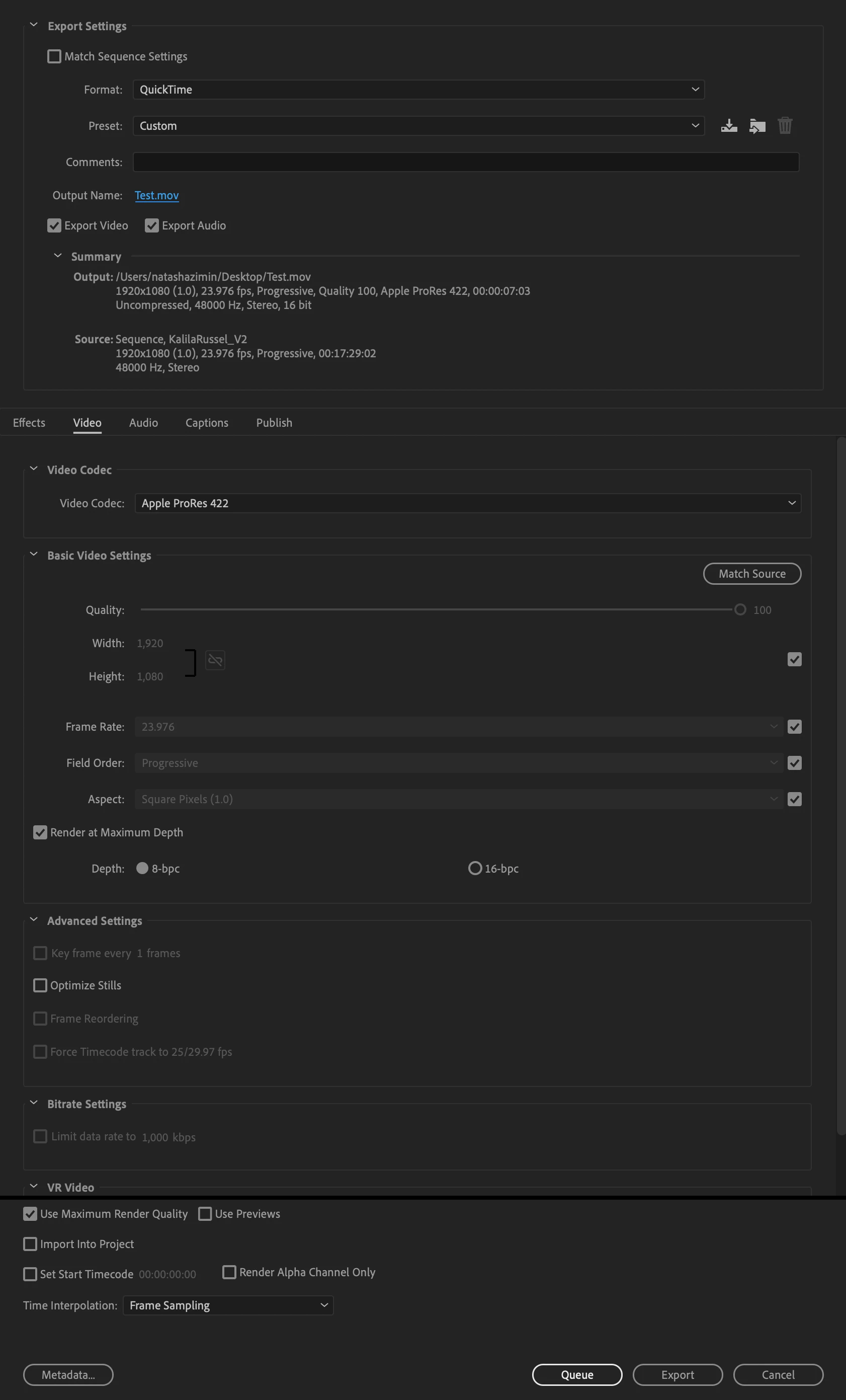
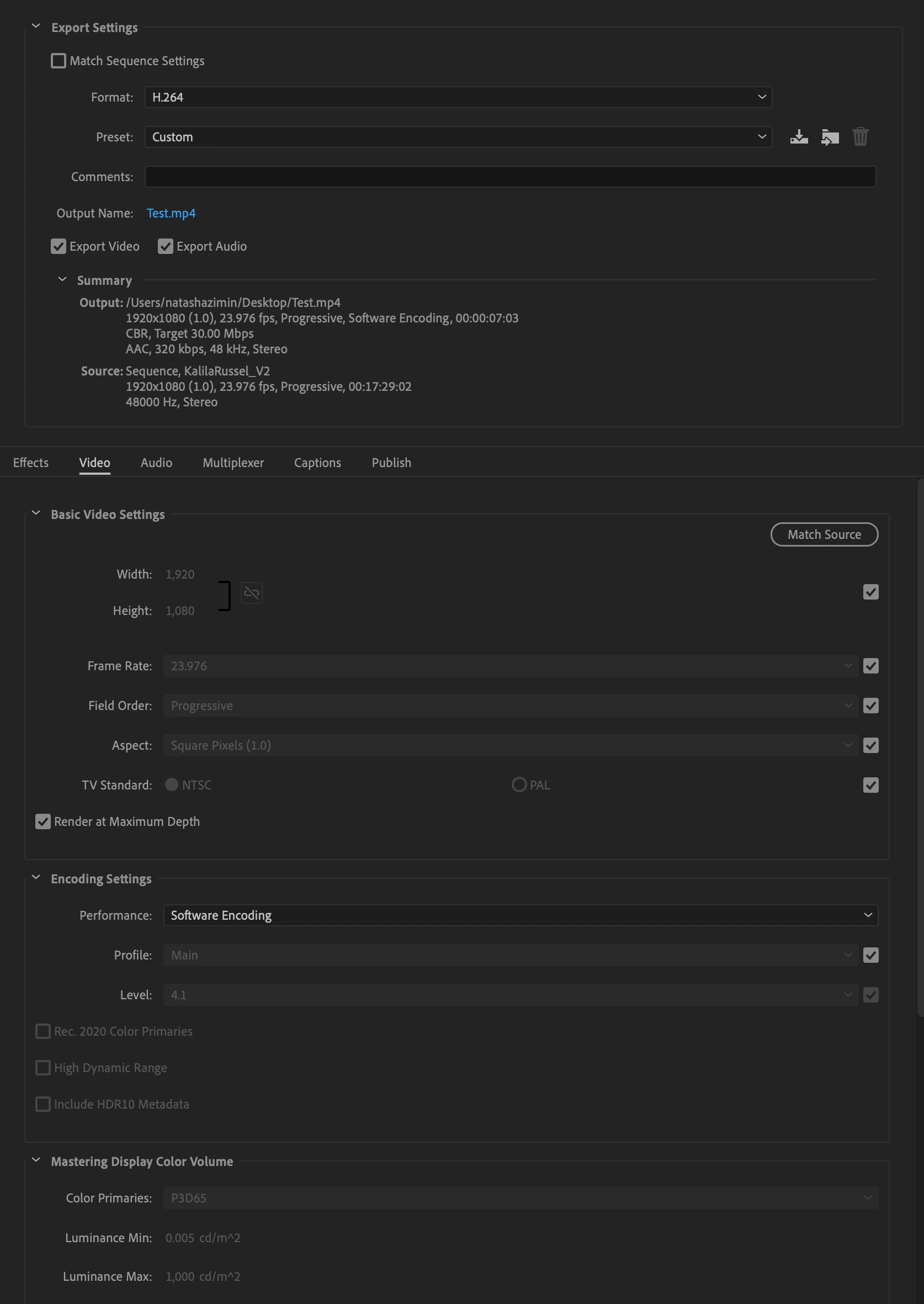
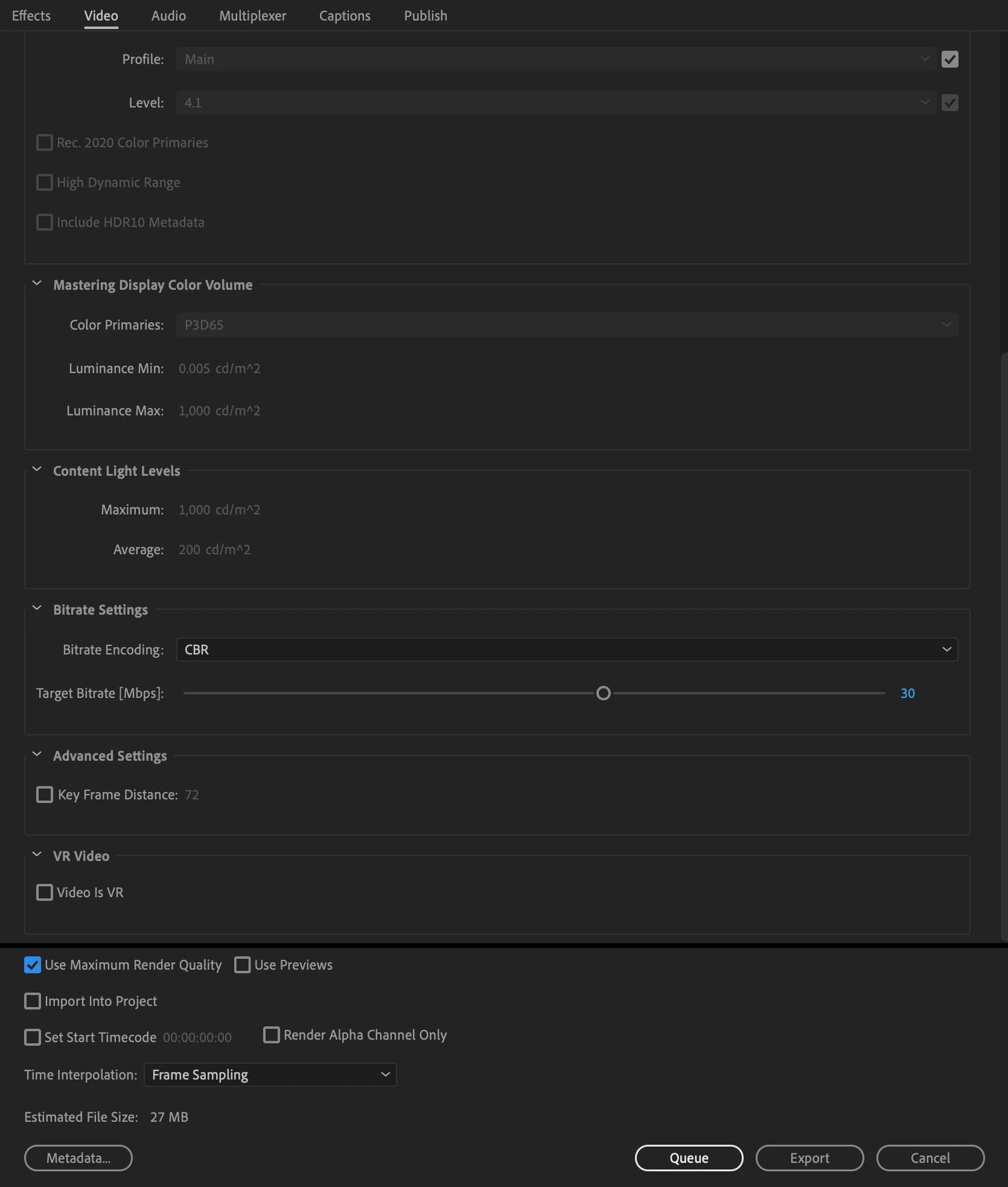
Background / Troubleshooting: My workflow is I export a PNG with the same dimensions as my sequence from Illustrator, then import that PNG into Premiere where it doensn't have to be resized, then I apply a simple opacity change + gaussian blur to the PNG using keyframes in Premiere. I've noticed that although the exported PNGs are crisp, upon import they become jagged around the edges (especially on rounded letters). This is most noticeable when the text is white, and I switch between black and white as the text colour depending on the video.
The font I use is Chronicle Display, Light and Chronicle Display, Light Italic. I have also tried other serif fonts like Georgia and this issue still exists so I don't believe it to be a font issue.
I have tried to create the titles in many different ways but they all seem to produce the same jagged result:
- Exporting higher resolution PNGs (to fit a 4k sequence) from Illustrator and scaling down within Premiere
- Exporting PNGs from Photoshop
- Using the actual Photoshop and Illustrator files directly in Premiere
- Using Legacy Title to create the title within Premiere
- Using After Effects to create an MOV with the animation already applied and bringing that video into the timeline in Premiere
Is this an issue anyone else has had? What is it that I'm missing? My sequence settings match my export settings and Premiere doesn't seem to care what kind of file I'm bringing in (or even using it's native Legacy Titles) in how it displays this text. I haven't had this problem with all text or graphics in the past - I often have better luck with sans-serif fonts and logos.
Any suggestions and help would be appreciated, thank you!
 AdChoices