
Question
JPEGs and PNGs show up darker in Premiere Pro 2022
My JPEGs and PNGs are loading darker. They look fine in the bin, but then when I pull them onto the timeline, they go dark. Please see the attached image.
Any fix for this?
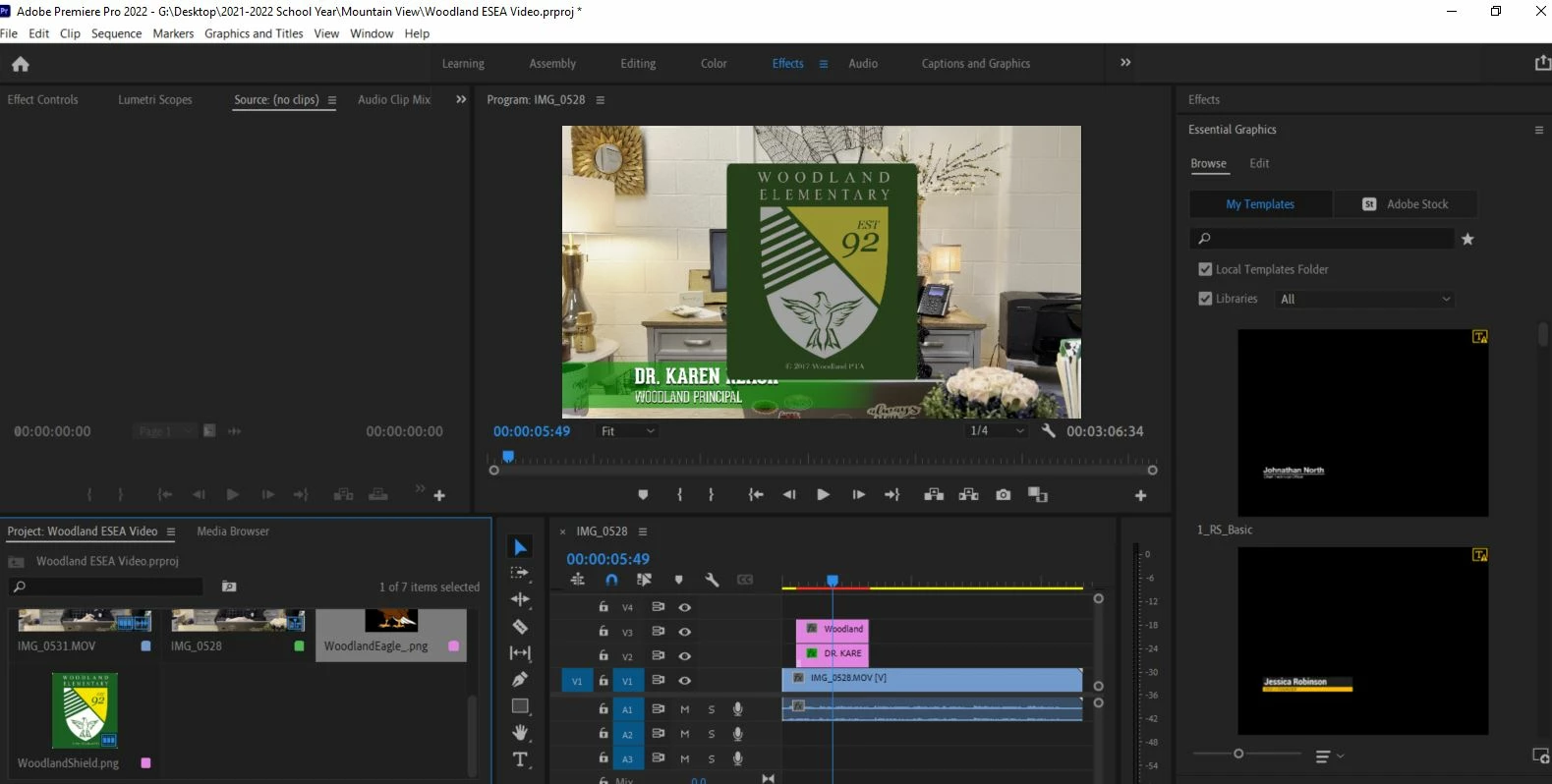
My JPEGs and PNGs are loading darker. They look fine in the bin, but then when I pull them onto the timeline, they go dark. Please see the attached image.
Any fix for this?
Already have an account? Login
Enter your E-mail address. We'll send you an e-mail with instructions to reset your password.
 AdChoices