
Question
Keep graphic and transition visible only in defined window?
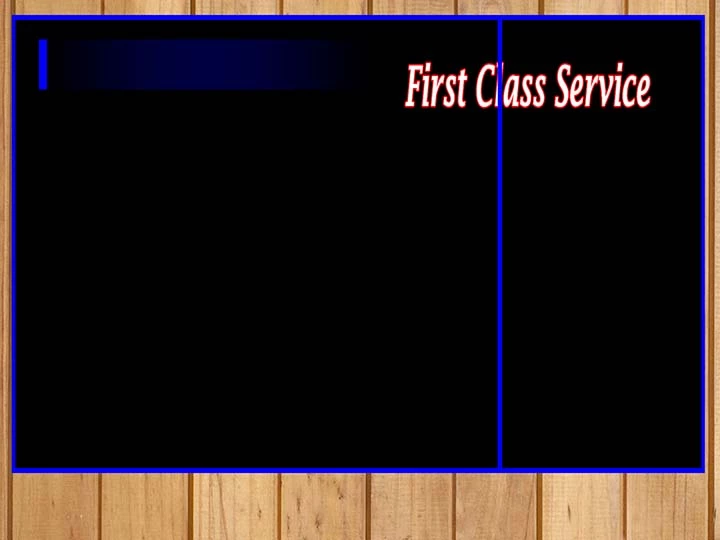
I created a title in PSD. The video transition is reverse push, creating the effect of the title sliding Right to Left.
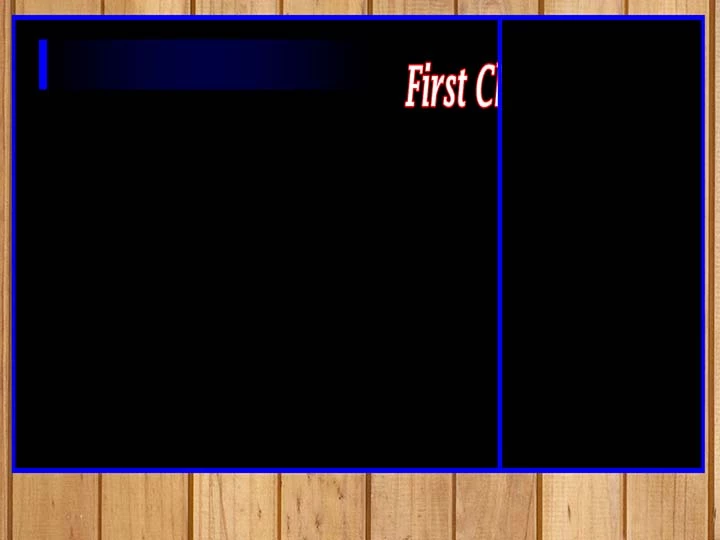
I don't want the title to be visible until after it is past the right 1/3rd of the screen.
- The right 1/3 of the screen is heavily key framed GoPro helmet cams. It is on video track 1.
- The left 2/3 of the screen is normal video clips with little or no effects or key frames, it is on video track 6.
I placed the footage on the respective video tracks to eliminate using masks on the action footage. The masks were choking my system, and also difficult to control.
Is there a way to hide the title/transition when it is over the right 1/3? I have tried masks and opacity with no luck.
Screen grab and desired result shown below.
Thanks in advance!
 AdChoices