


Answered
keep only what's under markers in the timeline and delete the rest
Hi everyone.
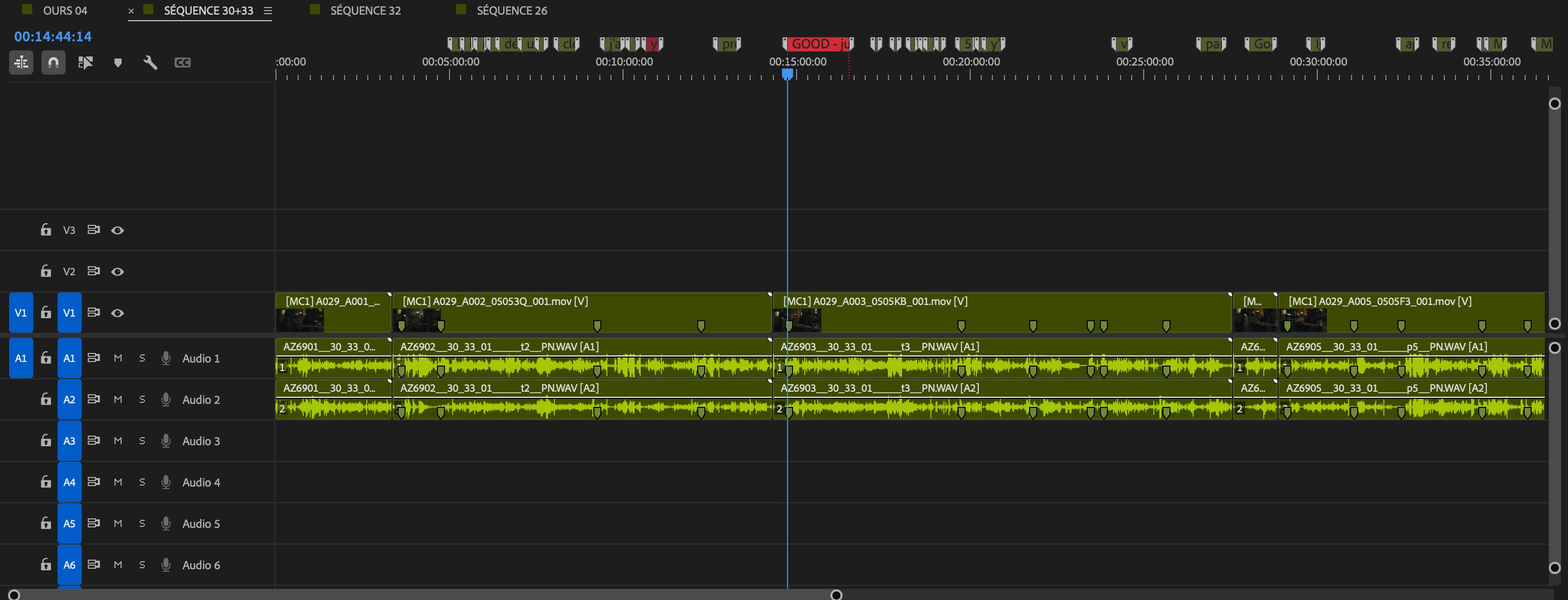
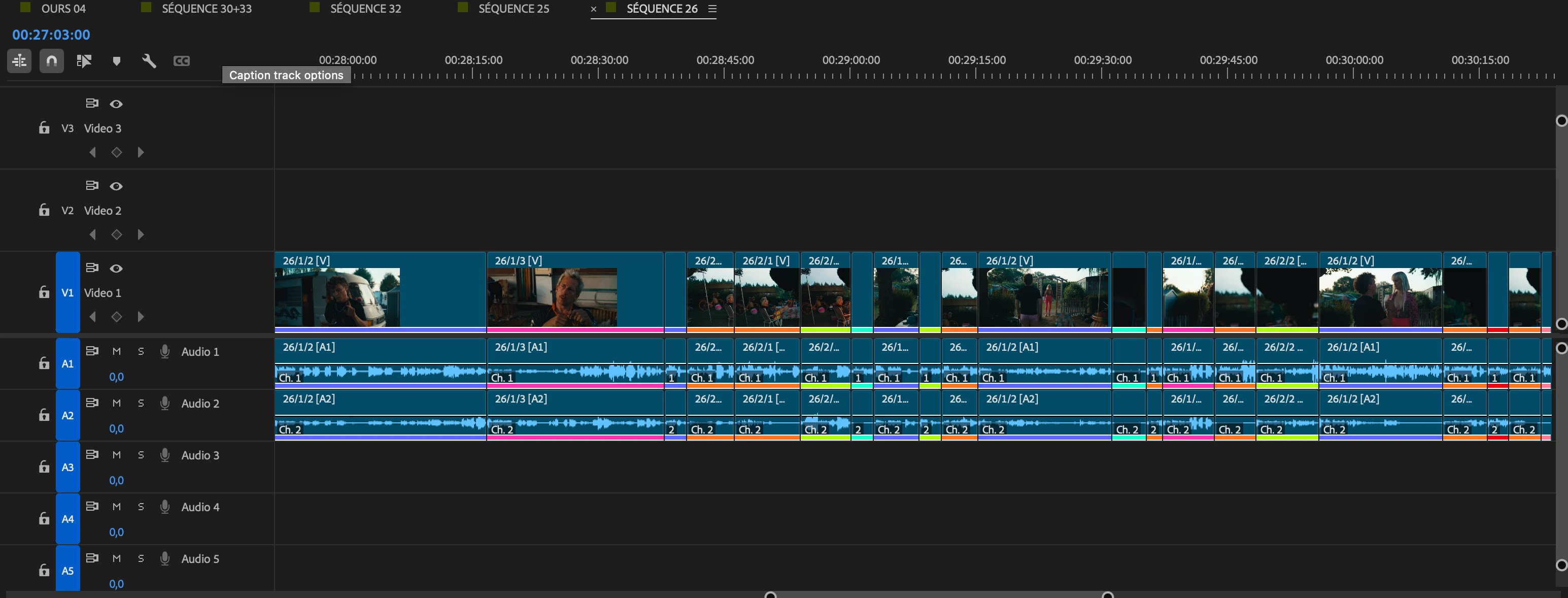
I’m working on a long feature film. The way I work is the following: I put all the rushes of a sequence in a timeline, watch everything and add markers with comments everywhere I find something interesting. Then I copy/paste all of these selection in a new timeline and reorder everything to have a rough cut of the scene with all the takes I like.
Is there a way to ask Premiere to delete all the material outside the material below the markers in the first timeline? It would save me the “copy/paste” action.
Thanx
 AdChoices