
Answered
keeping key frames fixed as you increase a graphic element's length
Hi
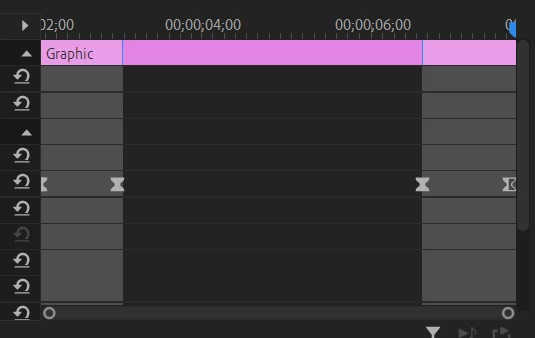
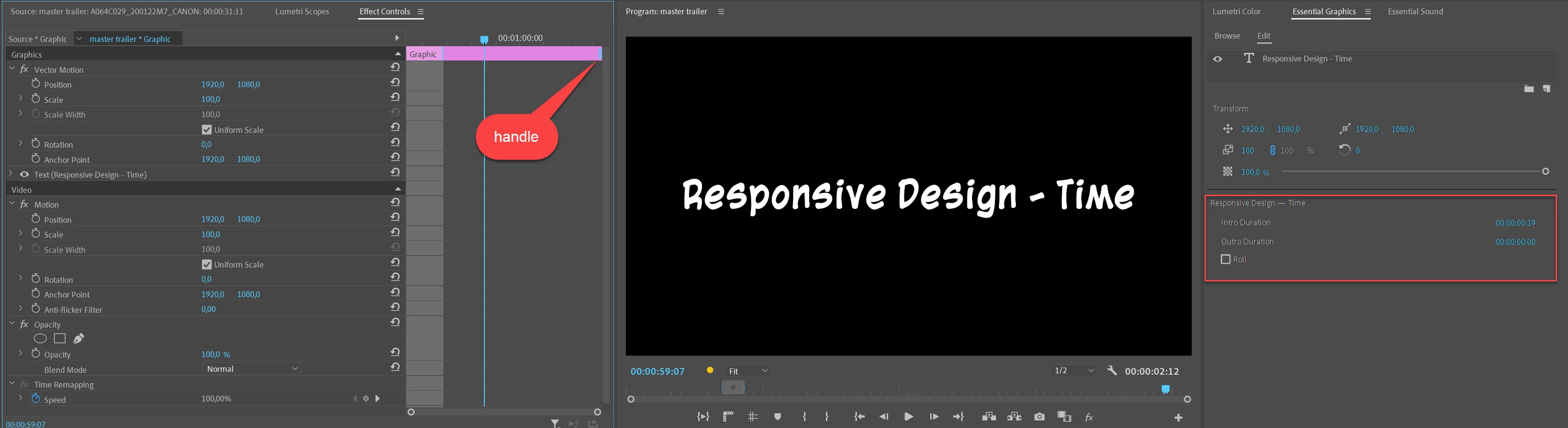
Sometime back I followed a tutorial... in which I created some keyframes over a graphic element. When I increase the lenght of the graphic the keyframes somehow stay fixed to the ends of the graphic rather staying in the same frames they were added to. I notice that in the effect controls panel there is a lighter gray section between the keyframes which I think shows that they are fixed???
I have tried to find the tutorial again and I have searched but can't seem to find out how to acheive this effect. Any ideas please?
and I cannot find it again. It showed how to create effects that stay at the end.


 AdChoices