Participant
February 20, 2023
Answered

Keyframe Timeline

  • February 20, 2023
  • 2 replies
  • 1198 views

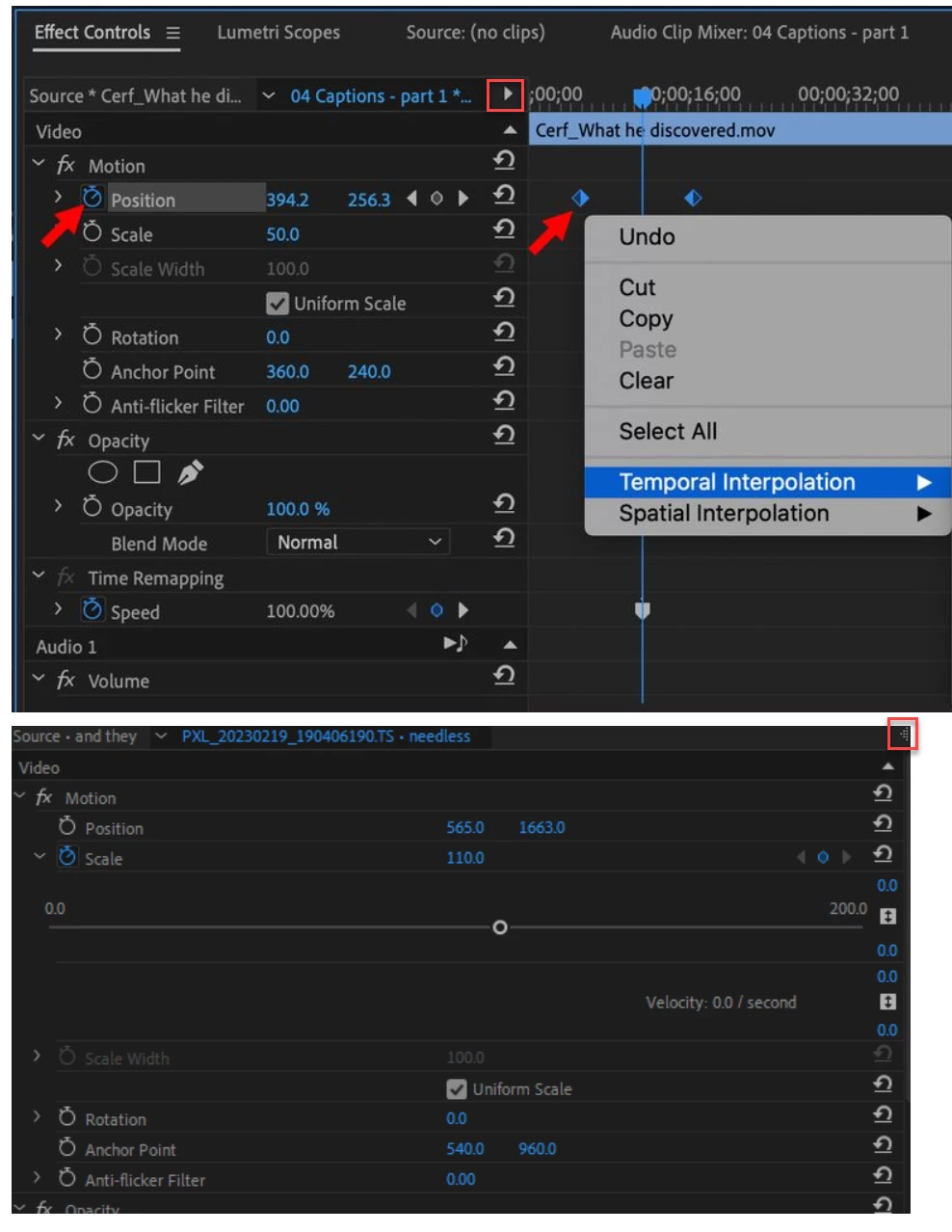
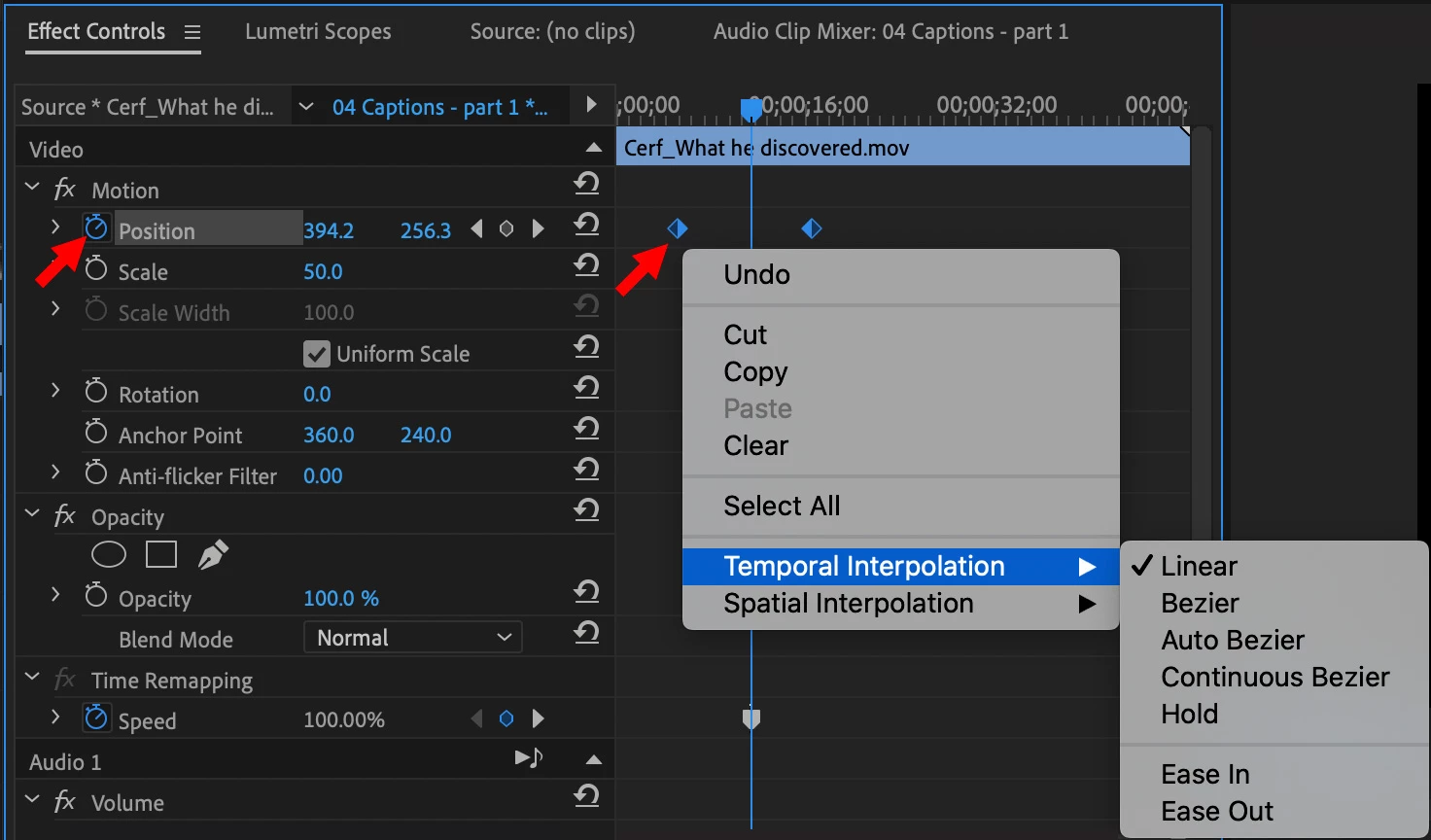
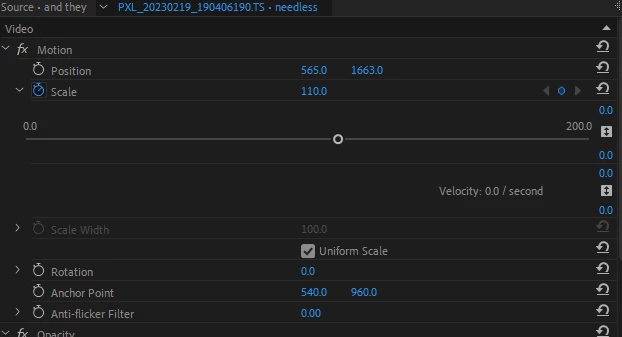
This may be a dumb question but now when I go to add keyframes I cannot see the timeline where they are on like I used to so I could drag and place them easily. I have attached an example of what I saw before and what I see now.


Thanks for yor help,

Alan
This topic has been closed for replies.
Correct answer Ann Bens

BTW do not use position/scale together with timeremapping (nest inbetween).

2 replies

Ann Bens
Community Expert
Ann BensCommunity ExpertCorrect answer
Community Expert
February 20, 2023

BTW do not use position/scale together with timeremapping (nest inbetween).

Participant
February 20, 2023

Got it thanks.

R Neil Haugen
Legend
February 20, 2023

See the little triangle/arrow-head above all the reset options in your top pic? Upper right corner of the settings part?


That's a "twirly-thingy" in technical terms ... click it to twirl down and it pops the keyframe timeline open.


Neil

Everyone's mileage always varies ...
Participant
February 20, 2023

Thank you!