
Answered
Keyframes not visible. Help!
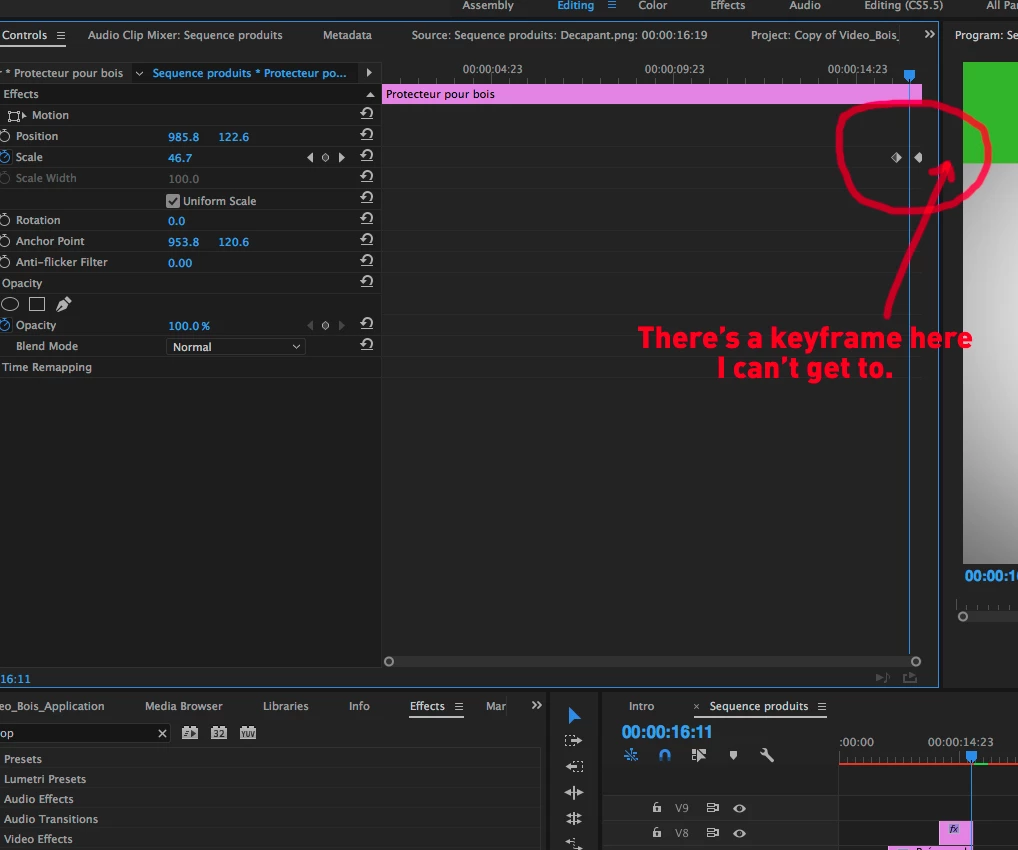
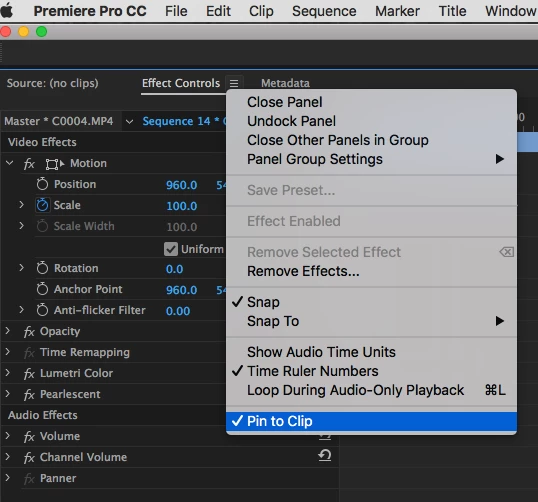
This issue was addressed back in 2013 but it seems it was never corrected. The problem is that I can't see the keyframes on each end of a clip in the Effects Control in Premiere Pro CC 2017. The keyframes are "outside" of the window's edge. I want to reach them so I can move them. When I pull on edges of the Effects Control window, it only enlarges the keyframe graph, it does not reveal the actual keyframe.
Is there something I'm not doing right or is this a bug?
 AdChoices