

Answered
Lagarith Lossless : Not the same color
Hi, the color is not the same after uploading on YouTube
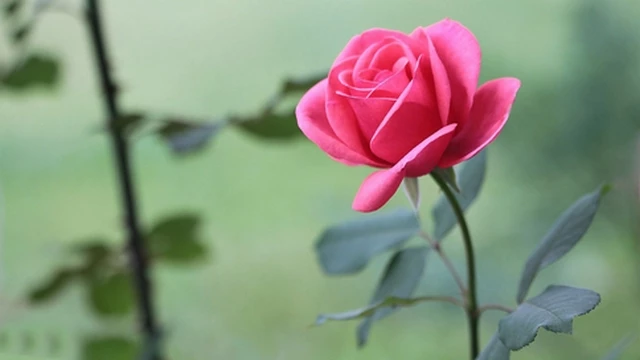
Lagarith Export (Original) :
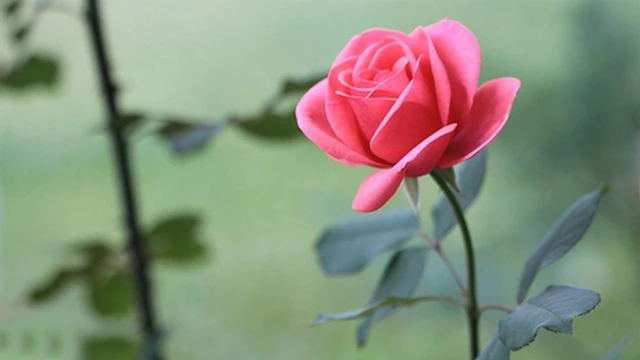
Lagarith Upload on YouTube :
Why does this happen?
what is the solution ?
Thank you

Hi, the color is not the same after uploading on YouTube
Lagarith Export (Original) :
Lagarith Upload on YouTube :
Why does this happen?
what is the solution ?
Thank you
As per knowledge Youtube converts your video into mp4 with H.264...so export the video from premiere pro using youtube presets instead of using the AVI with lagarthi codec
You see the change in color due to conversation done by youtube into mp4 with h.264
See youtube help for codec informatio - Recommended upload encoding settings - YouTube Help
Already have an account? Login
Enter your E-mail address. We'll send you an e-mail with instructions to reset your password.
 AdChoices