Known Participant
October 17, 2022
Question

Lagging/ Performance + Cache - Internal vs. External Hard Drive

  • October 17, 2022
  • 2 replies
  • 482 views

Hi,


I have a lot of <1 TB of Video Files on an external HDD. For my Premiere Project I'm actuall "only" using around 300 GB I guess - but I'm not quite sure which of the Files. 


My Project is lagging more and more and I wonder if using an external HDD is the reason?


Is there a quick way to move what is needed to my internal Flash Drive? (Mac Studio) 

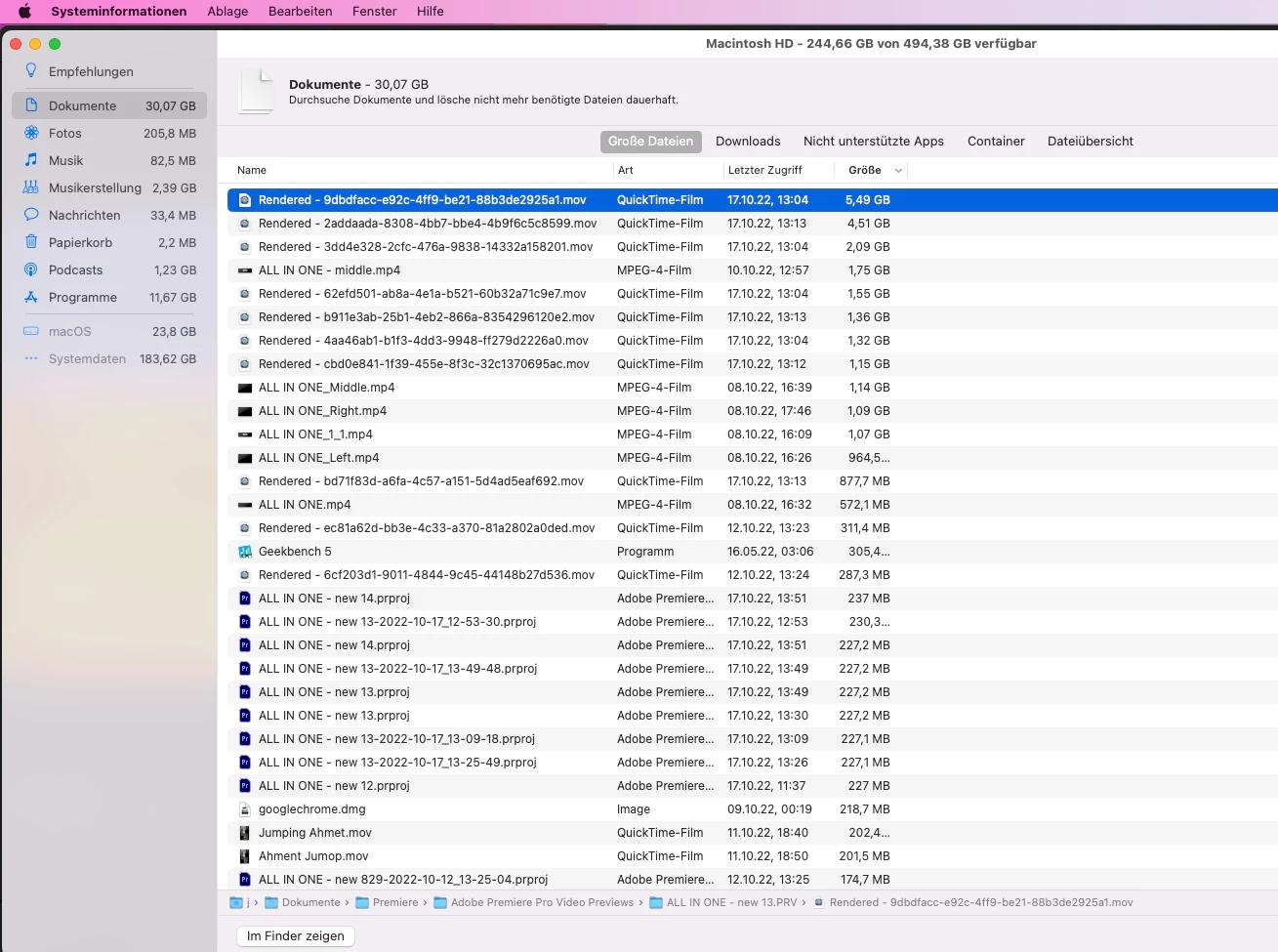
-> Additnional question/ info: From the 500 GB of the Mac 250 GB are used for "System" Files. Could this be already used by Premiere? 


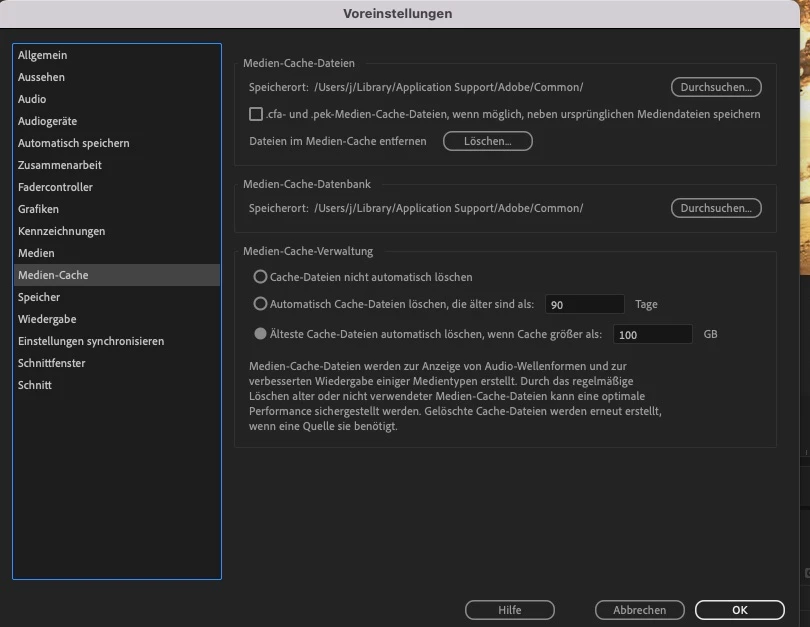
In the settings of the Project it says it saving Media Cache on my internal Hard Drive, no? See screenshot


This topic has been closed for replies.

2 replies

Legend
October 17, 2022

What are your source properties and sequence settings?   Many cameras shoot mpeg formats which although they are relatively small file sizes require heavy lifting on the part of your computer to play and render.  And the larger the pixel dimensions, the more difficult they become to handle.  A proxy workflow is often the solution to this bottleneck.  Premiere has a great proxy workflow that although can take some time to get your head around, can vastly improve performance.   I strongly recommend you use one of the lower resolution prores proxy options already set up within Premiere...    Working on a very large documentary project with around 40 tbs of media most of it 4k mxf files with many 2 camera interviews...    and proxies are working great.


It's generally recommended that media be stored on an external drive although this is less of an issue than it used to be...  But an external Thunderbolt SSD drive might be the best solution for your media.  

Known Participant
October 17, 2022

I did generate Proxies (however I'm not 100% sure anymore if at one step I created a hickup when changing the folder of these).

I used iPhone 12 (4k) and a Lumix Cam for my footage.


But maybe the Mac Studio with 32 GB RAM are simply not enough for playing 3 screens in on next to each other smoothly all the time... 😕😕


Legend
October 17, 2022
Iphone footage is variable frame rate which can cause intermittent
unpredictable issues. Do some searching here to find how to fix
this issue. Unfortunately I'm on a train and don't have access to my nores
Known Participant
October 17, 2022

One more Info: Premiere is quickly eating up 10-20 GB of my Ram (sometimes more). Is that normal? 

The project has some complexity (main point are 3 screens next to each other), but no 3D Models or any effects I would consider super fancy