
Participant
May 27, 2017
Answered

Layer masking

  • May 27, 2017
  • 1 reply
  • 531 views

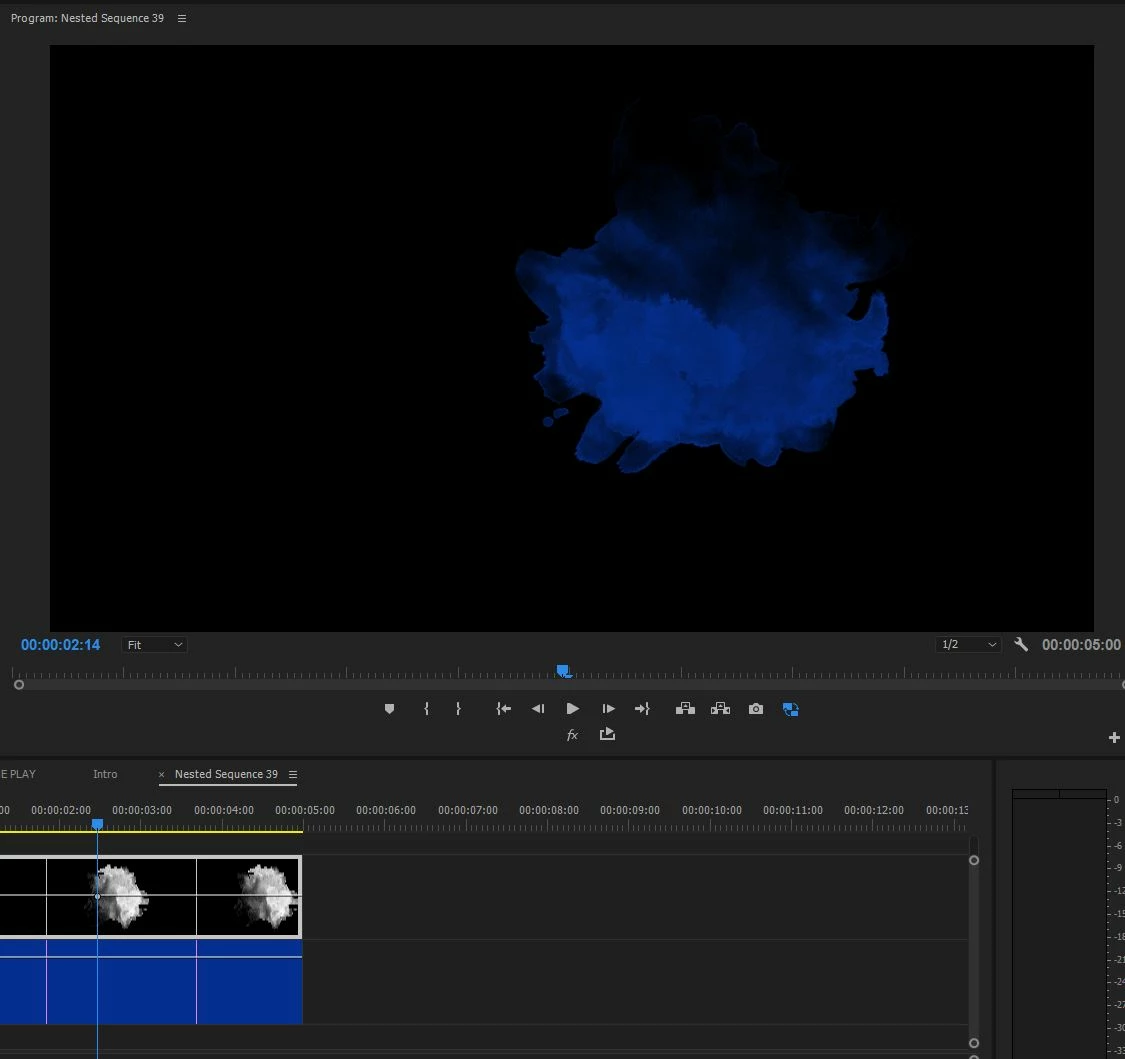
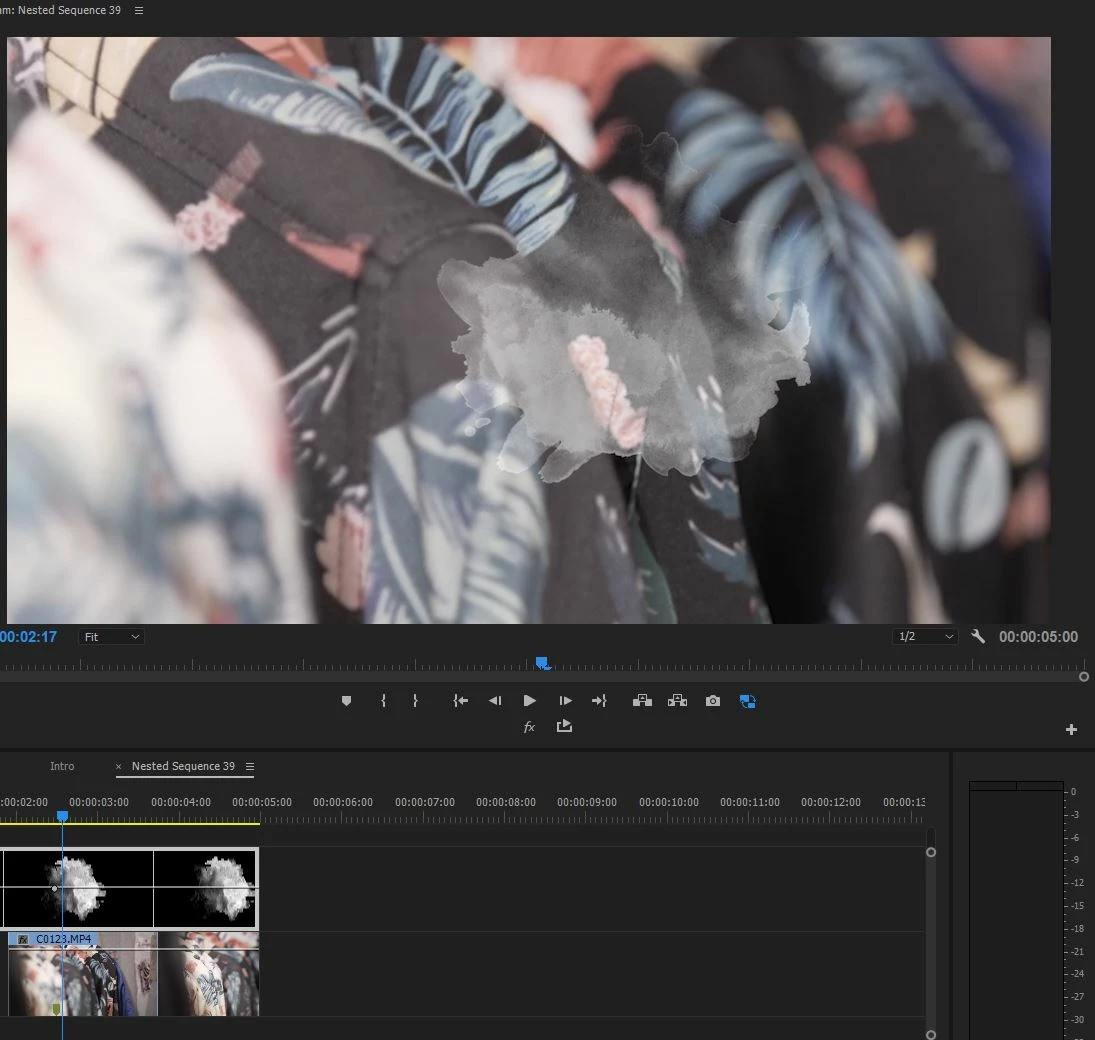
Hello Everybody. Question of a newbie I guess. I'm trying to understand why when i put color matte underneath my shape i see the color only in the shape and when i put regular video underneath i see the video on the whole screen with my shape sitting on top of it. Please look at the images. Thank you.
    This topic has been closed for replies.
    Correct answer Roei Tzoref

    no clipping masks in premiere but even if there was, you appear to have 2 full frame images one on top of the other so a clipping mask won't work in this case. a Ps clipping mask clips the layer (or group of layers) to the transparency of a base layer that's at the bottom.

    what you want to do is use the brightness values of one layer as the alpha channel (transparency information) of another layer and this is what track matte effect is for. you apply the track matte effect to the clip (the video) you want to be affected by another (the shape). set it to matte luma (Luminance) and define the shape video layer to be the matte (source).

    1 reply

    Inspiring
    May 27, 2017

    What are you trying to do?

    MtD

    vlaccentAuthor
    Participant
    May 27, 2017

    I'm trying to make the video appear only where my shape is (like in the picture). I know that I can do opacity mask on the video layer but is there any other way. In Photoshop it is achieved with clipping mask. Just in case if you are familiar with Photoshop.

    As you see I've achieved it by some weird combination of Image matte key and Track matte key without really understanding.

    Roei Tzoref
    Roei TzorefCorrect answer
    Legend
    May 30, 2017

    no clipping masks in premiere but even if there was, you appear to have 2 full frame images one on top of the other so a clipping mask won't work in this case. a Ps clipping mask clips the layer (or group of layers) to the transparency of a base layer that's at the bottom.

    what you want to do is use the brightness values of one layer as the alpha channel (transparency information) of another layer and this is what track matte effect is for. you apply the track matte effect to the clip (the video) you want to be affected by another (the shape). set it to matte luma (Luminance) and define the shape video layer to be the matte (source).