


Inspiring
February 19, 2026
Question

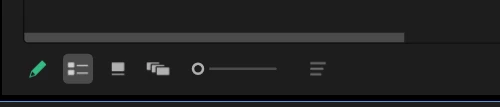
List View mode kills Premier Pro
  • February 19, 2026
  • 1 reply
  • 71 views

In this mode, the program does not respond to commands, and the mouse and keyboard do not work. At the same time, the processor, disk, and card load is 2%. When switching to Icon Views mode, the problem disappears. Problem on all versions 23-24 in different versions of drivers and Windows operating system.Materials from different cameras and different formats. Even PROXY! even when selecting a low resolution. I'm working in multi-camera mode!

    1 reply

    Community Manager
    February 27, 2026

    Hi Paul_Gringo,

    Sorry to hear about this. Are you still experiencing this issue? If so, have you tried resetting the workspace to check if it’s working properly?


    Thanks,
    Sumeet

    Inspiring
    March 13, 2026

    I reinstalled all versions of Adobe many times, deleted the settings, and ran various projects. Problem when using multicam mode. In other mode, there is no such problem.I think that PP can`t work with two cameras at the same time.I even changed the HDD/SDD.

    R Neil Haugen
    Legend
    March 13, 2026

    There are thousands if not millions of daily users that do work with multicams every day ... so the program can do so, even if in some ways it’s clunky and in bad need of major upgrading for that use.


    So the issue then is more likely due to something local in basic troubleshooting 101 ... and for that anyone needs data ... the whole OS/CPU/GPU/media and effects and whatnot information.

    Everyone's mileage always varies ...