Participant
April 7, 2024
Question

Little Color / Saturated Blacks

  • April 7, 2024
  • 1 reply
  • 158 views

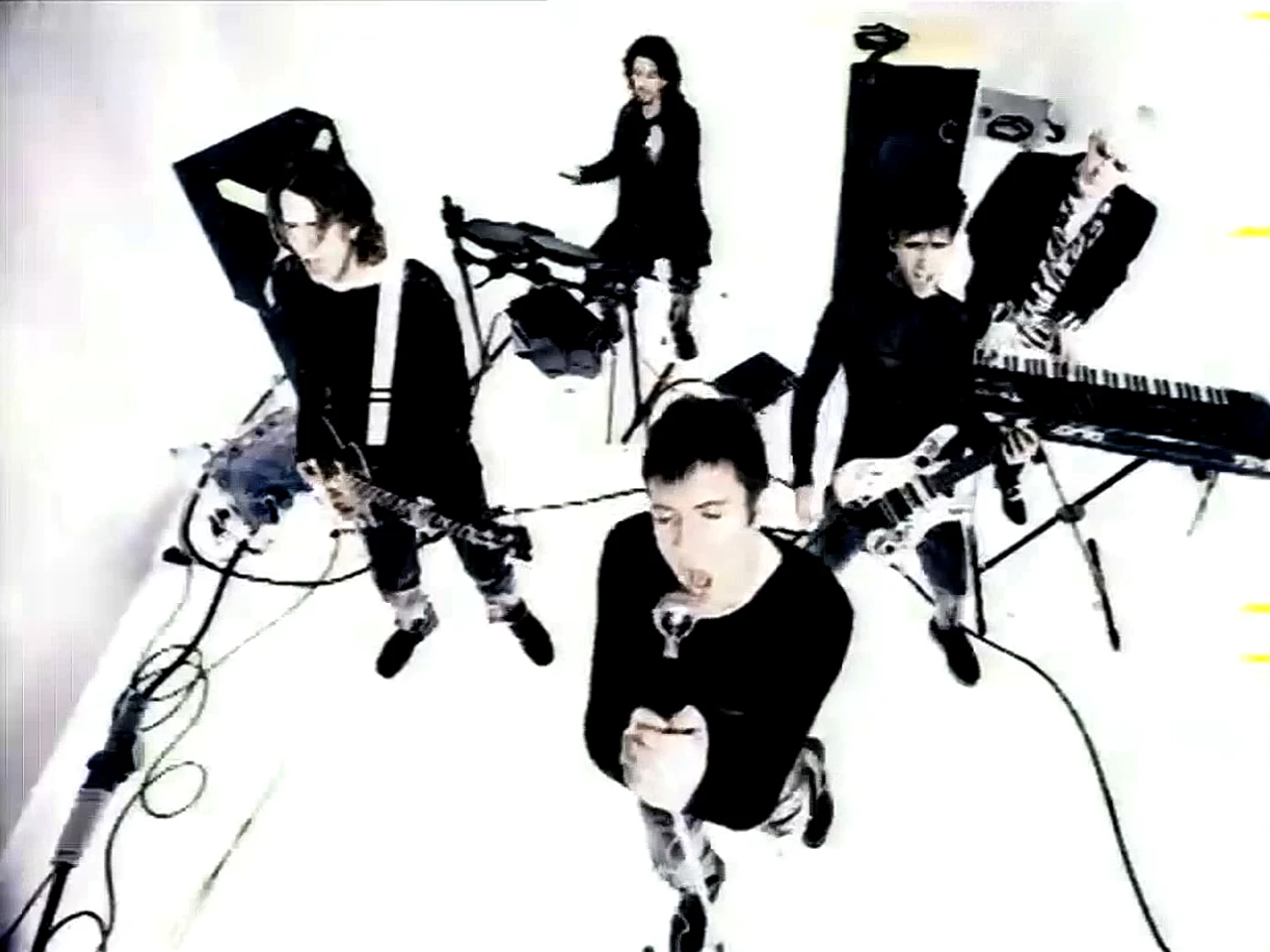
I'm trying to duplicate this effect. Not a lot of color and over saturated blacks. Does anyone know how to d with Premiere?

 

This topic has been closed for replies.

1 reply

R Neil Haugen
Legend
April 7, 2024

High contrast, low saturation. Pretty easy to do.


In the Color Workspace/Lumetri panel, Basic tab ... drop Saturation well down, then raise the Contrast quite a bit while working the Exposure control to set the middle tones where you want them. So you control what you're losing on both ends.


If you need more contrast, you can go to the Curves tab, move the White point (far right end/edge of the RGB Curves panel) by clicking and dragging. Up raises your White value, and pulls up the rest of the values on that line as a straight line thing from the Black point.


You can click/drag the Black point to taste also.


And then you could click/drag somewhere in the middle, and play with where your middle values 'set'.

Everyone's mileage always varies ...