
Loading motion graphics template (was essential) stuck at 15%
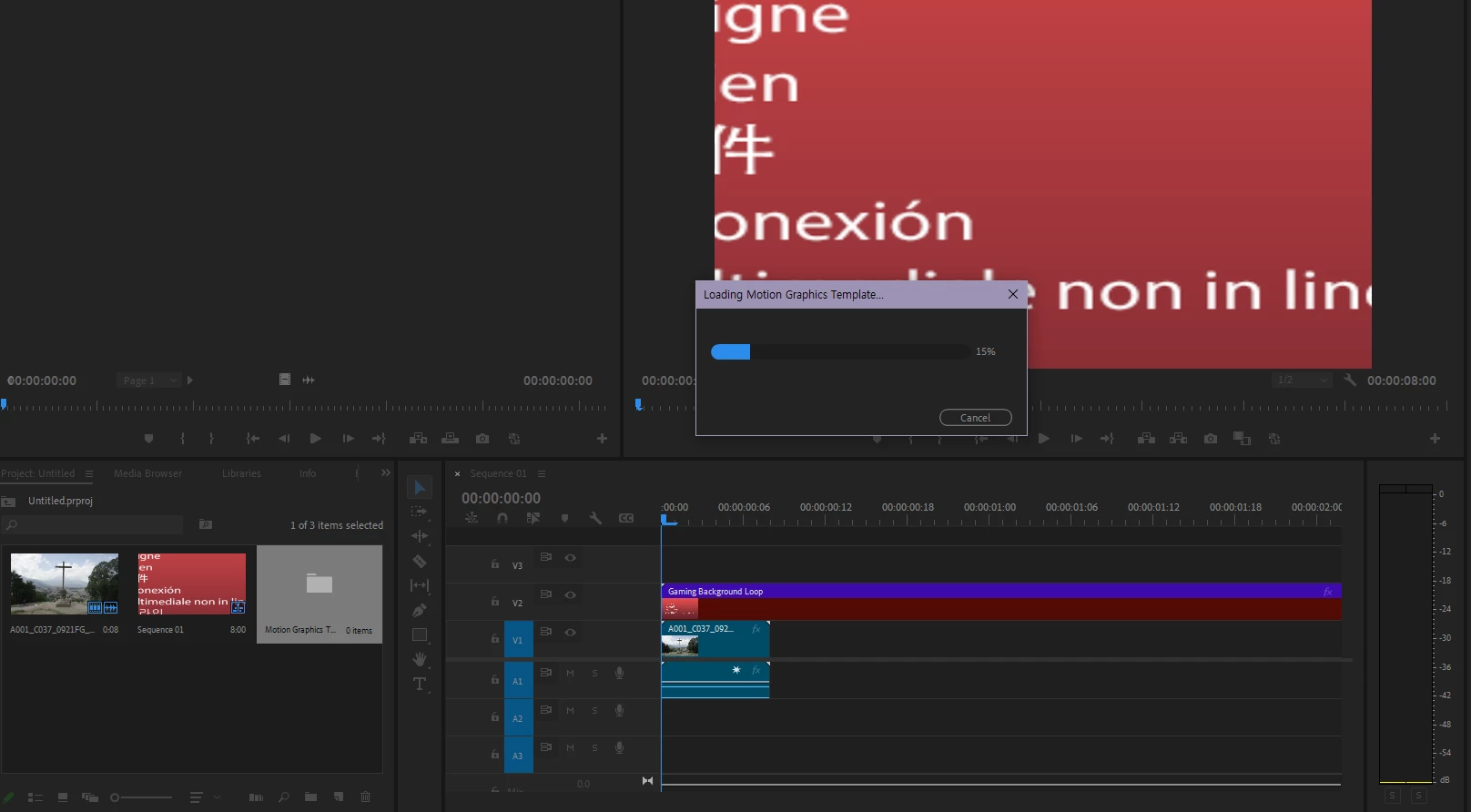
This issue occurred first at 23.5, and it continues no matter how many times I update it.
When I drag and drop the mogrt on a timeline, "Loading essential graphics" popup would stuck at 15%.
It doesn't matter the mogrt is a stock one, which is provided by default. However I found that only the mogrt files contained in folders starting with [AE] makes problem, such as Sports Package or Video Gaming Package. It also occurs with the mogrt made by myself at AE.
I don't use any external plug-ins.
I already tried uninstall and reinstalling with CC Cleaner.
My graphic driver is already updated.
My AE version is same with Premiere.
My desktop spec:
OS: Windows 10 Home
CPU: AMD Ryzen 5 7600X
Memory: 32GB
Graphics: NVIDIA GeForce RTX 3060
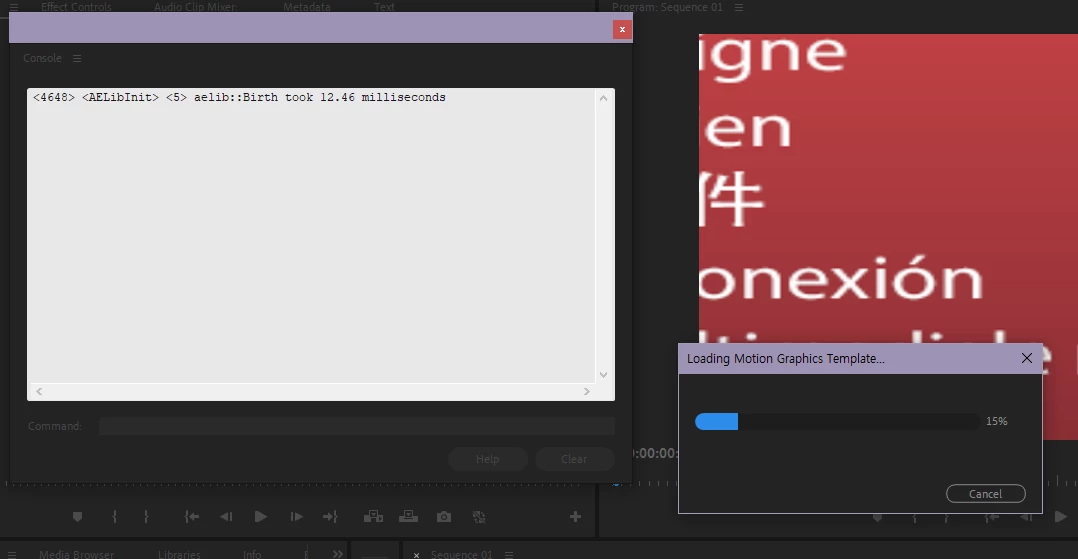
This is screenshot with Console View after applying a mogrt. It just stops after this one sentence.
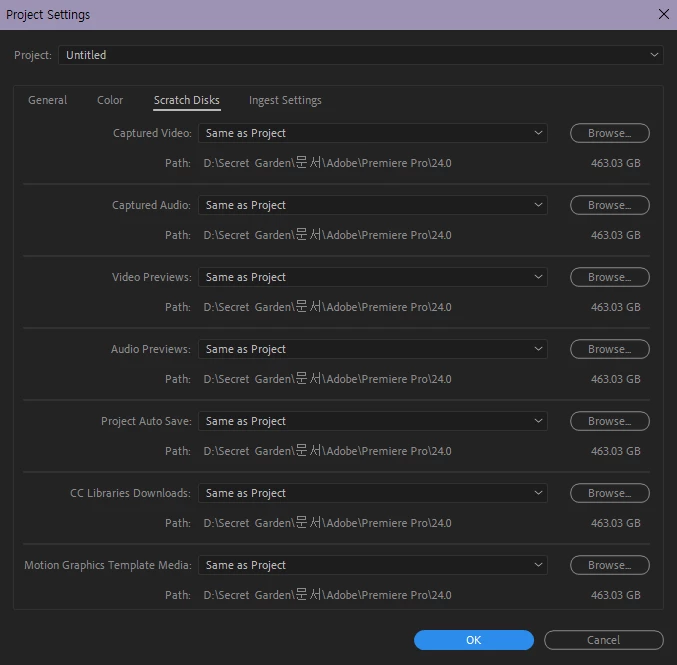
This is screenshot of Scratch Disks.
I tried to find C:\Users\<username>\AppData\Local\Temp\com.adobe.ae.cap\Premiere Pro folder but it doesn't exist.
Can anyone please help me?
Title edited by mod.


 AdChoices