steveclarkefilms
Participant
March 28, 2023
Question

Location for placing your own LUTs

  • March 28, 2023
  • 1 reply
  • 483 views

I was reading a post from Nov 22 about the proper location to place LUTs that aren't the standard set. When I did as instructed I still get the custom LUTs appearing in addition to the standard list thus throwing my previous grades out. Premiere still seems to be picking the LUT based how far down the list it is as opposed to the name of the LUT.  I have created folders within the Common folder and within LUTs - 'Technical' and 'Creative'. I have attached a couple of screen shots of where I have placed my LUTs.
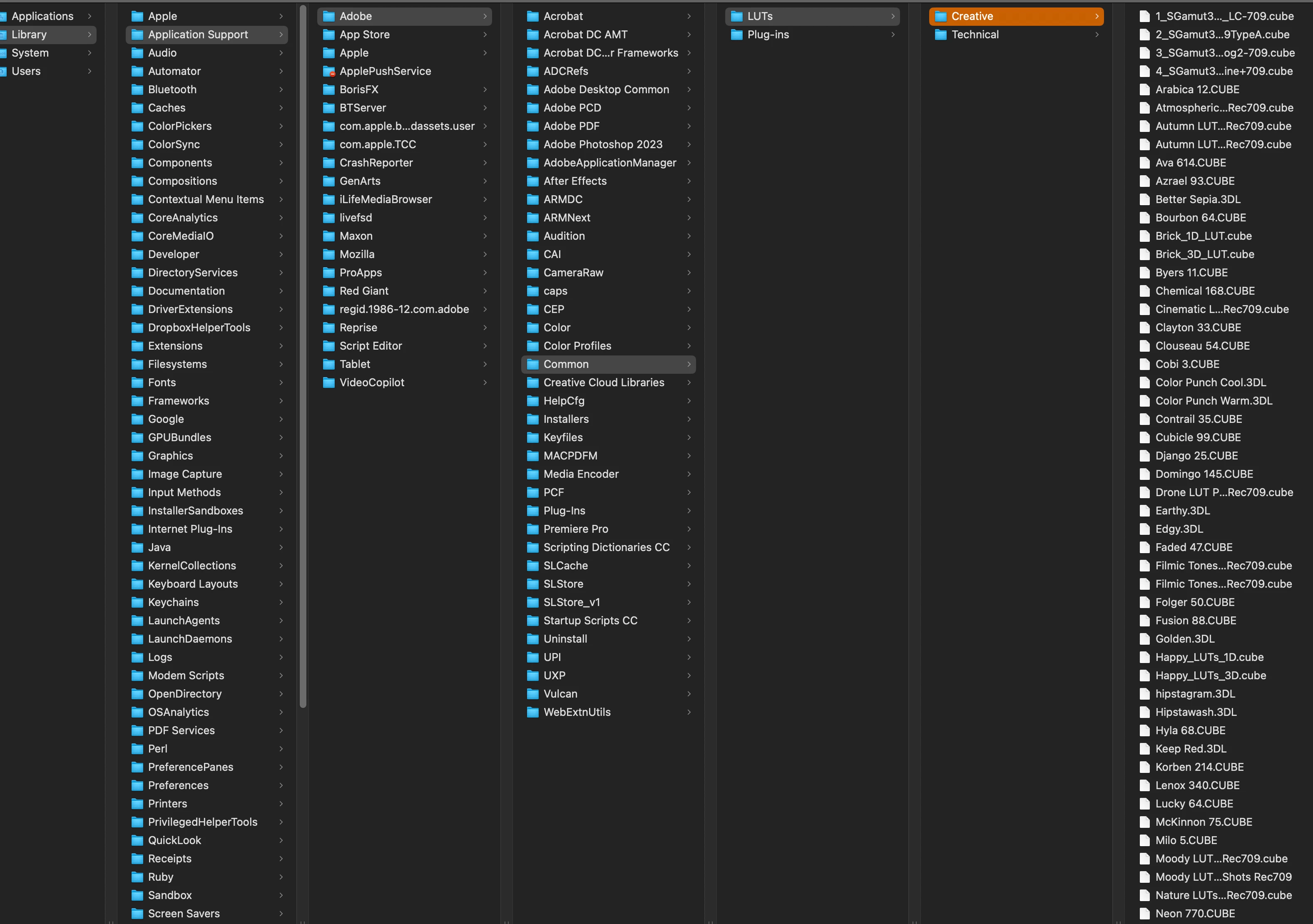
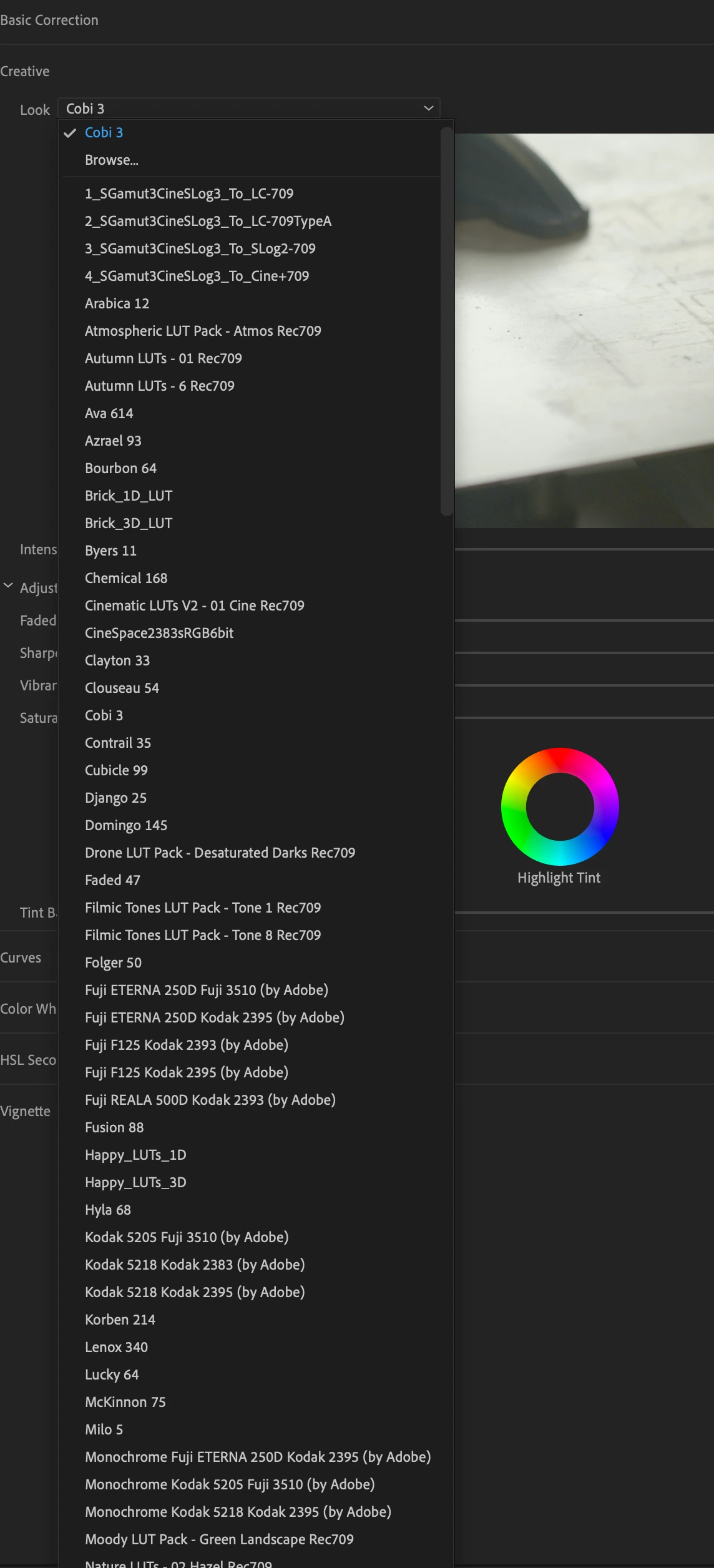
 

Would really appreciate any advice.

Many thanks,

Steve

This topic has been closed for replies.

1 reply

R Neil Haugen
Legend
March 28, 2023

The included LUTs will appear in the list when you have added LUTs to your own folders, so that part is normal. And your folder tree (as far as I can tell) is correct for Macs.


What should happen is you choose a LUT from your list there, and that LUT gets applied, no matter whether it is 'built-in' or your own acquisition.


Which apparently is not happening in your case? I think we need a Mac savvy person like @Kevin-Monahan or @Warren Heaton10841144 to hop in here.


Neil

Everyone's mileage always varies ...