Participant
November 17, 2017
Question

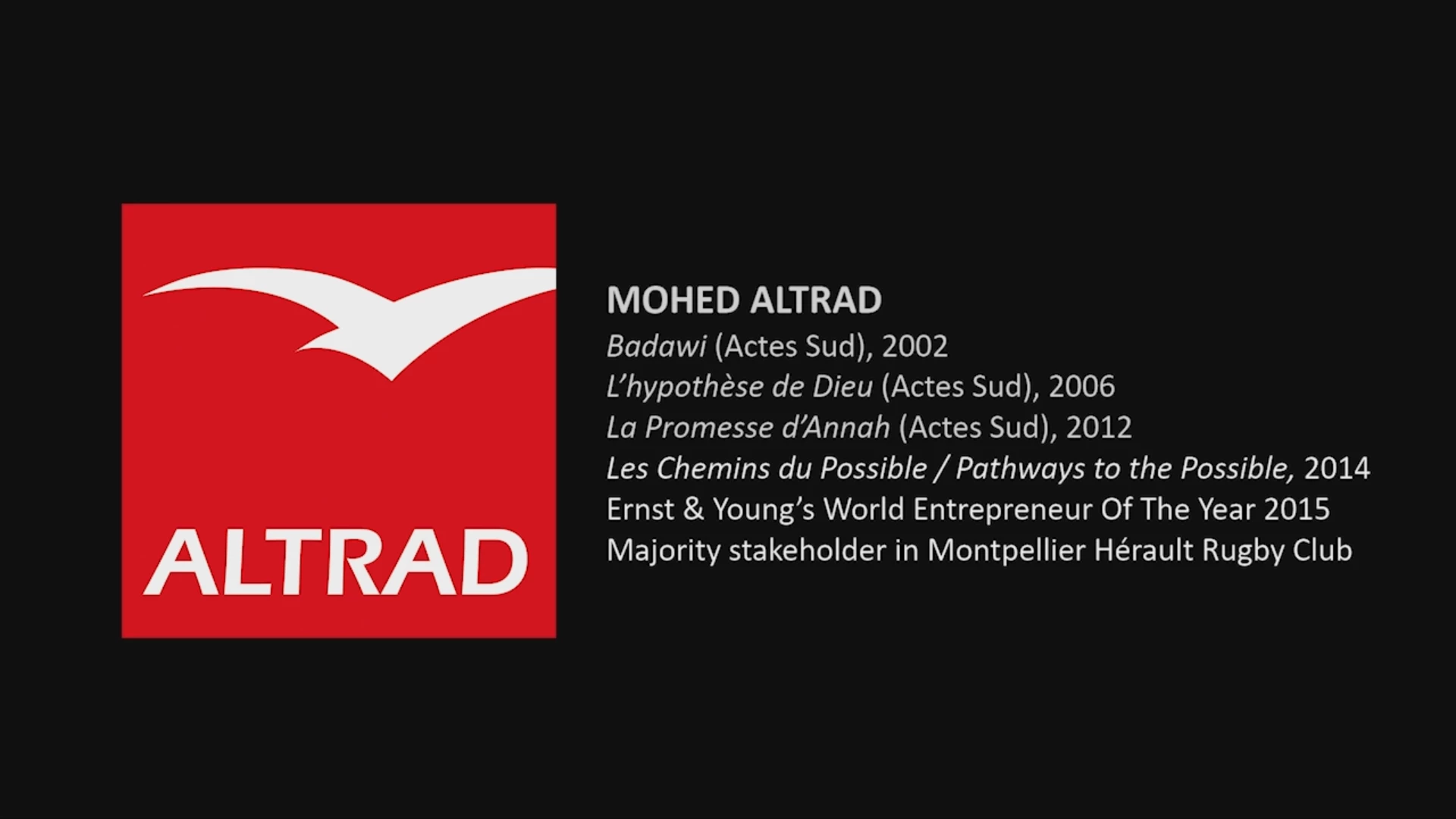
Logo I am using wont come out clear in Video

  • November 17, 2017
  • 3 replies
  • 597 views

I am trying to use this logo on black background in a video and when I export in HD in versions formats (I have followed tutorials to add a second pass, and to export at max render quality, H264 format  etc.

But my point is.. forgetting what settings I tried to export with, can someone tell me what settings I can export a video at and what output format to make this LOGO look clear.

I tried a PNG and also grabbed a large BITMAP from the net.   (and Im adding a screen shot of how it looks as video in full screen)

there is a slight fuzziness around the edges of the white text and bird image

I am using premiere pro cc 2018 latest update at this time.  Thanks

Thanks
This topic has been closed for replies.

3 replies

Participant
November 19, 2017

Here are the settings

Colin Holgate
Inspiring
November 19, 2017

The part about the second pass would be to help improve the quality of the MP4 version, but as you're asking for 20 mbps, one pass is likely to look good. For reference though, YouTube ask for 8 mbps, so 20 is quite high for social media, if that's where you're going.

The main suspicious thing in your screenshot is that the source is 1280x720. Do you have your Premiere project set to 720p or 1080p?

Participant
November 19, 2017

yes you are right, the original video is 1280x720

I just did a test with a new video which is just blank with the logo on that, and just black background at 1080p with nothing esle but still cannot get the logo to look as good as I had hoped.

I guess Im just trying to learn about the best way to output logos in video and at what settings.

I see what people meant about 'red tends to bleed a bit'

Legend
November 17, 2017

I have followed tutorials to add a second pass, and to export at max render quality

I think those are both bad advice.  They will only add to the total render time without improving quality.

Ann Bens
Community Expert
Community Expert
November 17, 2017

Post screenshot of export settings and with left tab to output with the image.

Looks fine to me but red tends to 'bleed'.

Participant
November 19, 2017

ok yeah. If you right click and open the bottom screenshot of the logo on black and see it big it looks pretty rough.

I thought there must be 'some way' to make the image output on video looking as good as the image I put in.. ?!?