Question
losing visual quality on export from premiere pro 2017
ok yall,
im new to premiere, hoping yall can help. here's the sitch.
im using premiere to add text and audio to 360 degree videos im creating using kolor autopano video.
so i import the h264 format "stitched" 360 video (3840x1920) into premier, add my audio and text and then export using the match source settings.
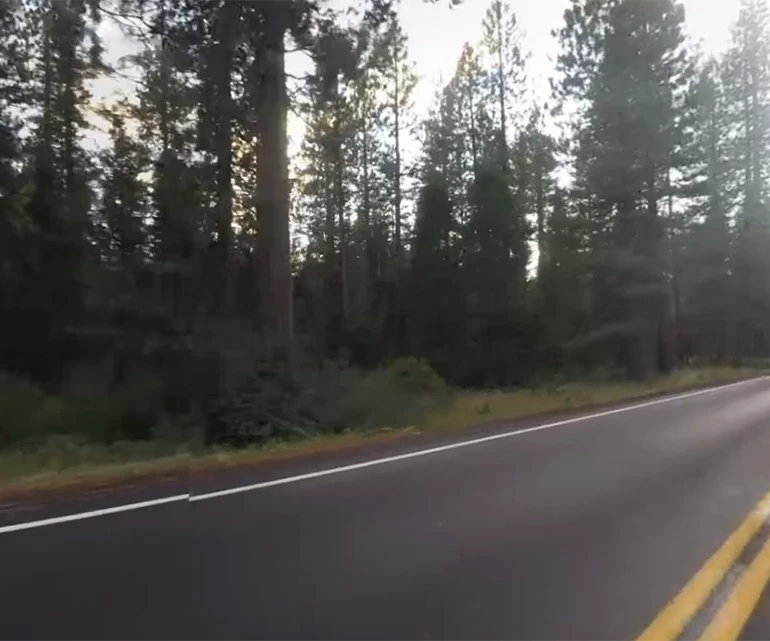
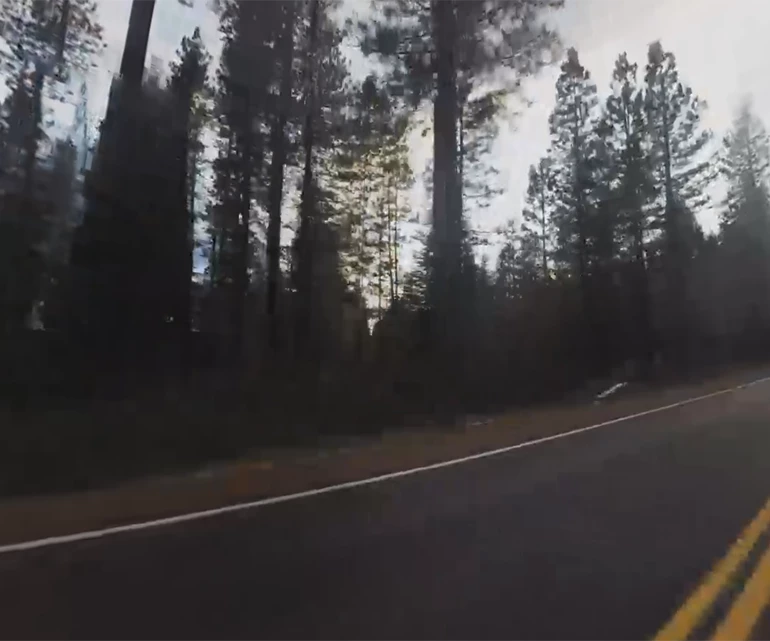
ive been thru this at least 10 times double checking all of the settings to make sure its set right. the rendered video is 3840x1920 but is considerably less sharp.
i must be doing something wrong?
P
before premiere....
after premiere...
help??
 AdChoices