Participant
June 4, 2020
Question

Lost Default Page

  • June 4, 2020
  • 1 reply
  • 264 views

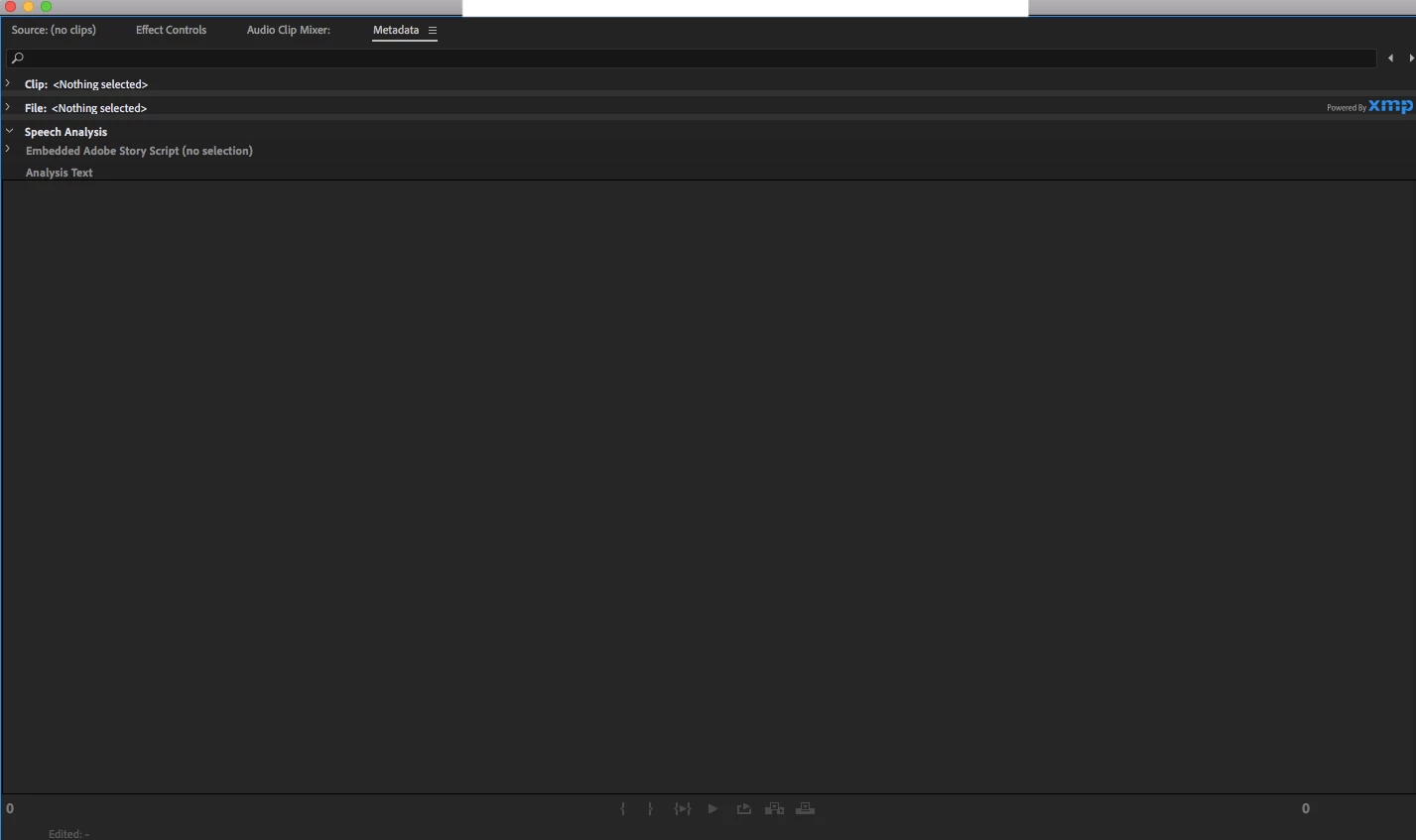
It was my first time using Premiere Pro and part way through finishing a production I must've clicked something and I lost the window/screen that showed me my production, sequence, import clips, etc.

Please help just need to access default production screen.


Current screen


This topic has been closed for replies.

1 reply

Participant
June 4, 2020

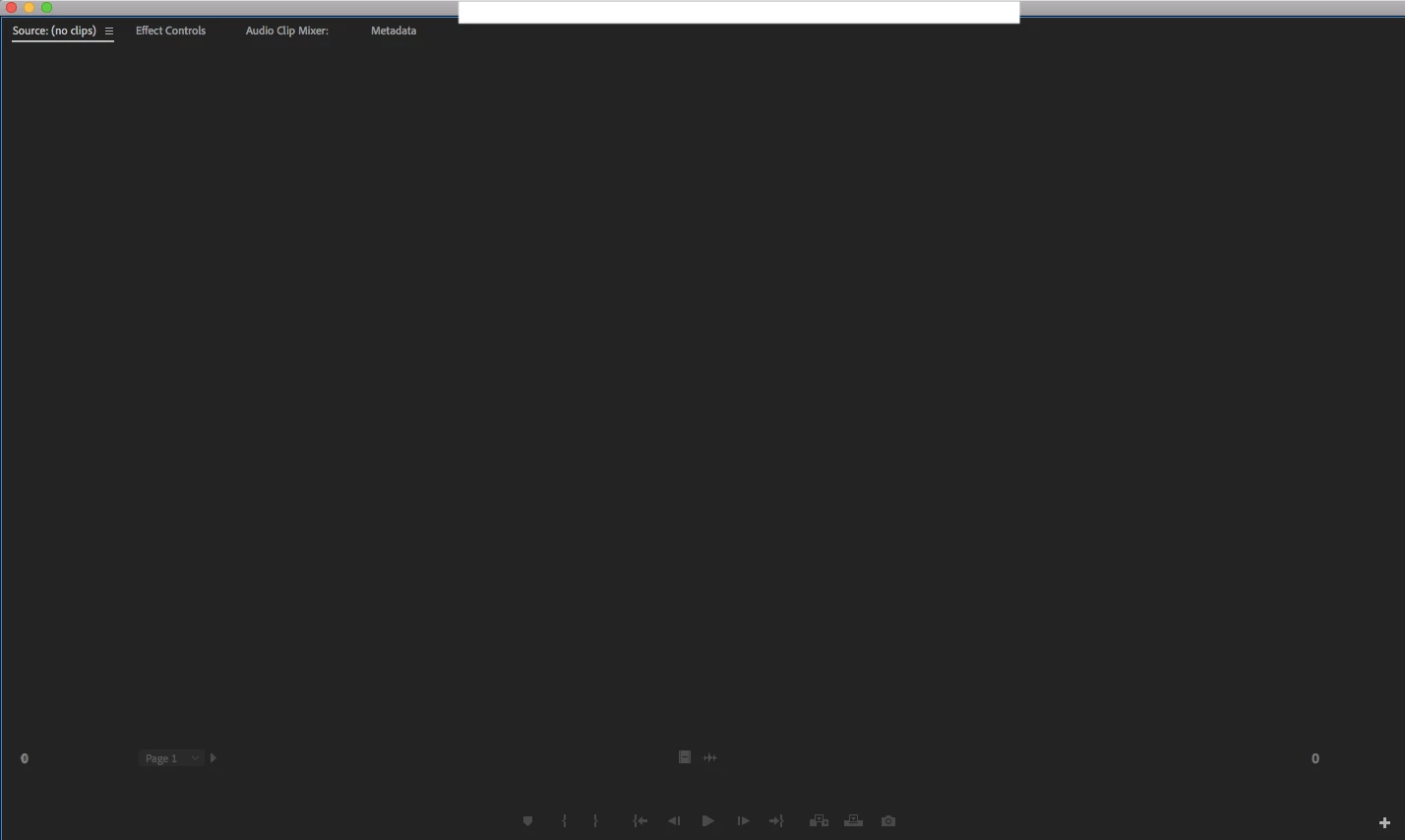
Somehow got to this screen, however still unsure how to view the video 😞 

Ann Bens
Community Expert
Community Expert
June 4, 2020

Resetting workspace might help.

Window > Workspaces > Reset to Saved Layout