Participant
February 23, 2022
Answered

Lost everything

  • February 23, 2022
  • 3 replies
  • 622 views

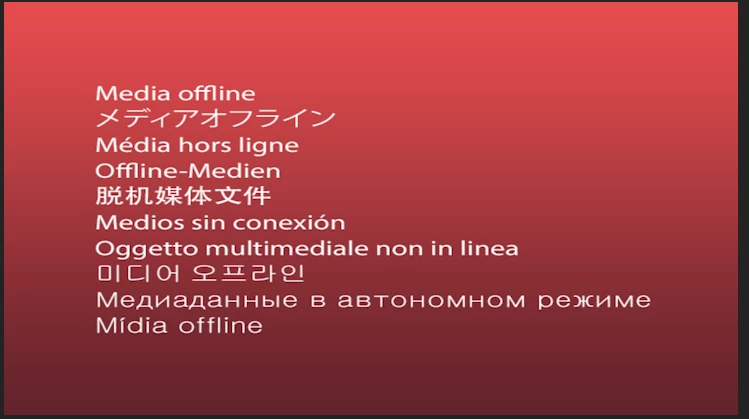
I Just spent hours making stuff in premiere pro just to delete the files that were still in use from my desktop i have gotten the original files back however i still have the error and do not know how to fix it.

 

This topic has been closed for replies.
Correct answer gerikp

If you still have the original files you were first editing with then you can relink the media. Here's an Adobe Help article that can guide you https://helpx.adobe.com/premiere-pro/using/relinking-media.html


3 replies

R Neil Haugen
Legend
February 23, 2022

It's lost the data for the location of the orignal media.


So go to this clip in the Project file, it will be showing a thumb with a question mark for this clip. Right-click, locate media. Then navigate to the place you have that stored on the computer using that dialog.


One thing a lot of those new to Premiere don't understand ... "importing" a video or audio file into Premiere does not move or copy the file on disc, it only imports a link to the file's location on disk. Premiere works on metadata like that.


Neil

Everyone's mileage always varies ...
Tahj123Author
Participant
February 23, 2022

Thanks one problem it is over one hundred random files


R Neil Haugen
Legend
February 23, 2022

If they're in the same folders, it can link however many are in that folder at a time.


Neil

Everyone's mileage always varies ...
gerikp
Community Expert
gerikpCommunity ExpertCorrect answer
Community Expert
February 23, 2022

If you still have the original files you were first editing with then you can relink the media. Here's an Adobe Help article that can guide you https://helpx.adobe.com/premiere-pro/using/relinking-media.html


Tahj123Author
Participant
February 23, 2022

Nevermind thanks a tonne 2 days of work regained I can't thank you enough


gerikp
Community Expert
Community Expert
February 23, 2022

Glad you were able to fix it!