


LottieFiles Panel showing persistent Black Screen in Premiere Pro 2025
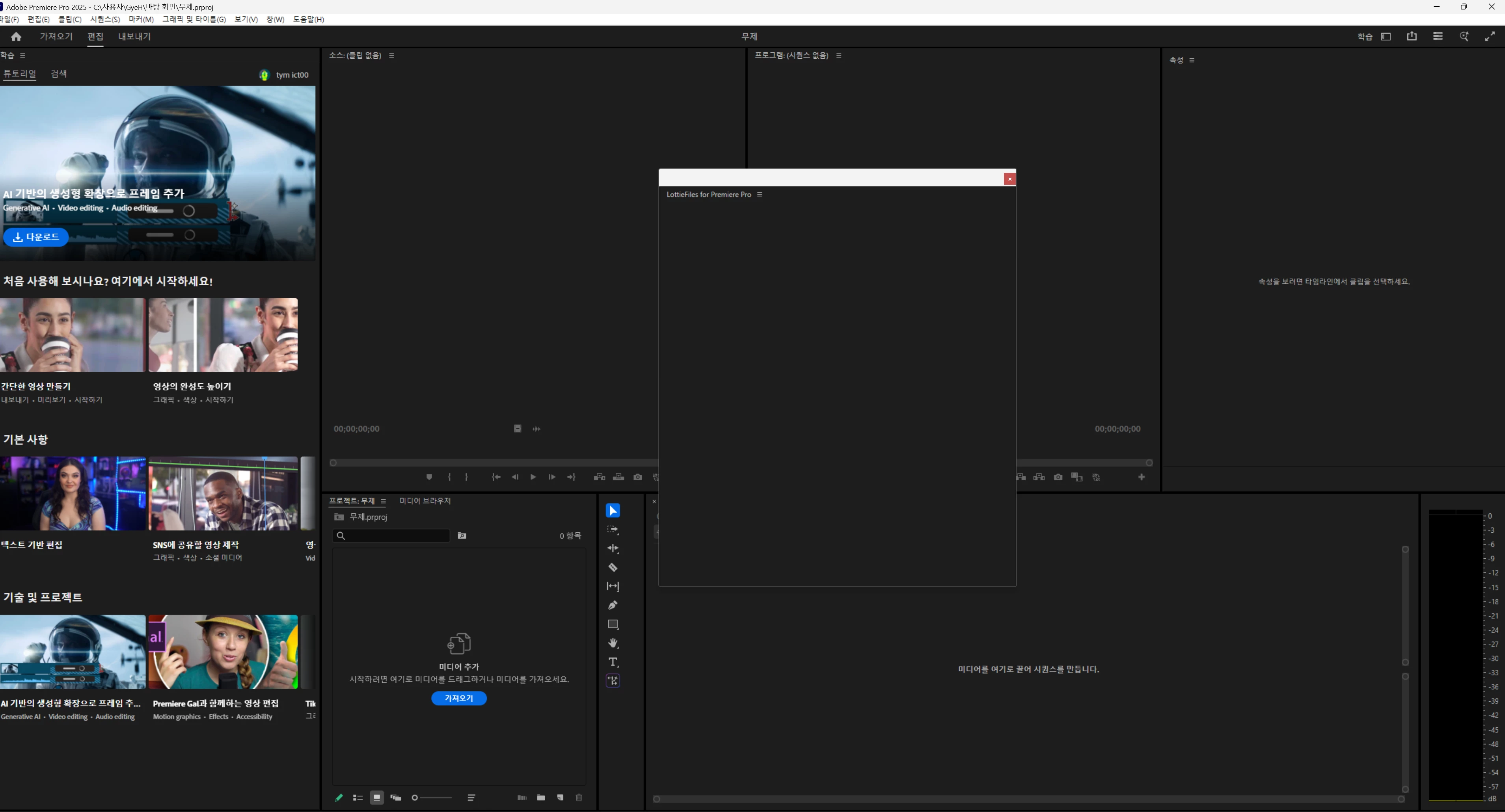
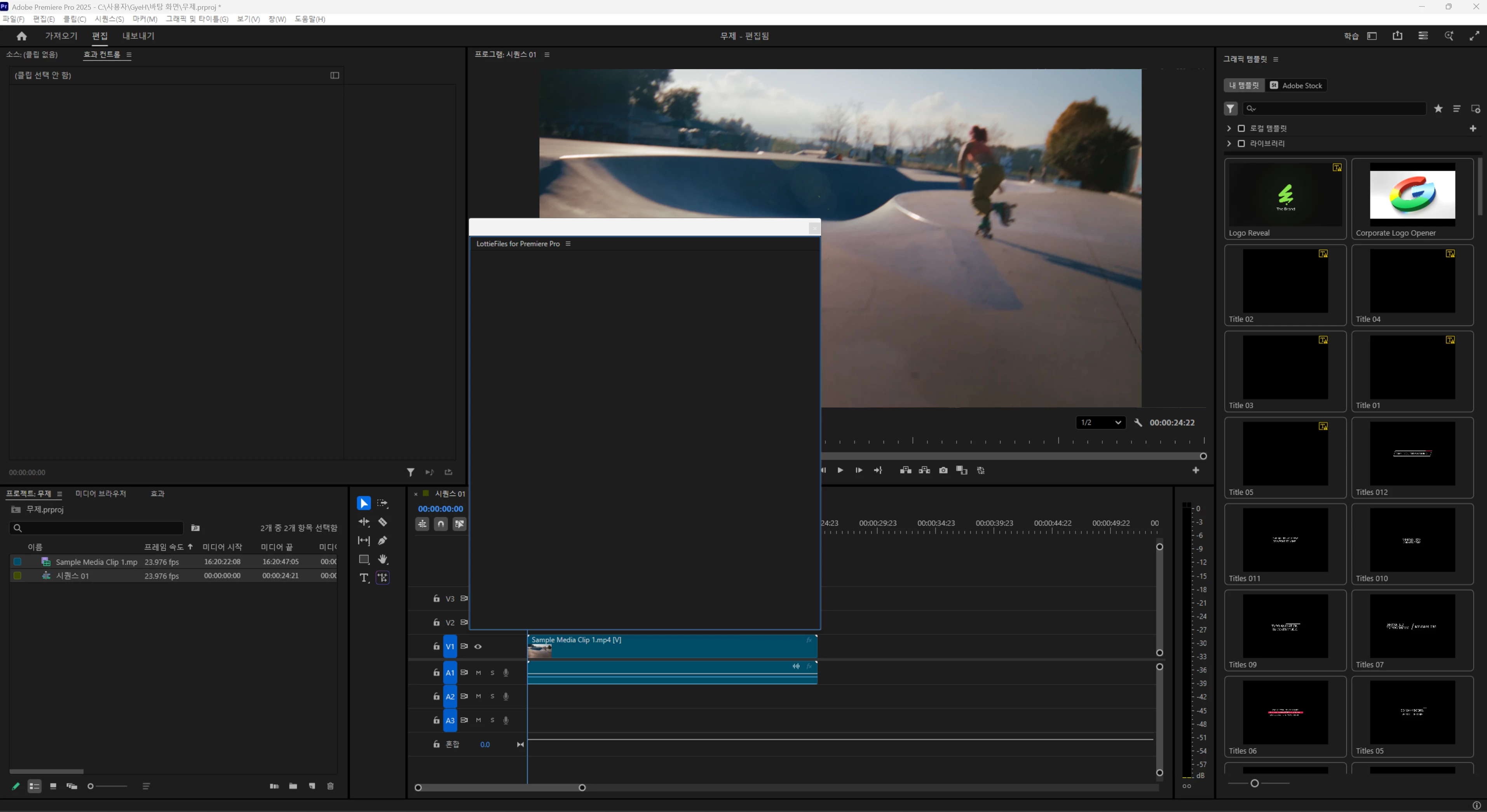
I am experiencing a critical issue where the LottieFiles plugin panel displays a persistent black screen in Adobe Premiere Pro 2025 on Windows. Nothing loads on the panel interface.
Symptoms:
Initially, the panel flickered between navy and black screens.
Currently, it stays as a static black screen (Blank).
Other Adobe extensions and plugins work perfectly fine.
I have already tried the following troubleshooting steps, but none of them worked:
Reinstallation:
Uninstalled and reinstalled the LottieFiles plugin multiple times.
Reinstalled Premiere Pro (Tested on both v2025 and downgraded to v24.6.8).
Rendering Settings:
Changed Project Settings > General > Renderer to "Mercury Playback Engine Software Only".
Cache & Credentials:
Cleared C:\\Users\\[User]\\AppData\\Local\\Temp (Deleted all Adobe/CEP related files).
Cleared cep_cache folder.
Removed Adobe-related credentials from Windows Credential Manager.
Registry Settings (Important):
Verified that PlayerDebugMode is set to 1 in HKEY_CURRENT_USER\\Software\\Adobe\\CSXS.x (Checked for all versions).
I have attached a screenshot of the issue. Please advise on how to resolve this.
System Info:
OS: Windows 11
App: Adobe Premiere Pro 25.6.3
 AdChoices