Inspiring
January 6, 2018
Answered

Lumetri vector scope and RGB Parade not showing consistent results?

  • January 6, 2018
  • 1 reply
  • 2831 views

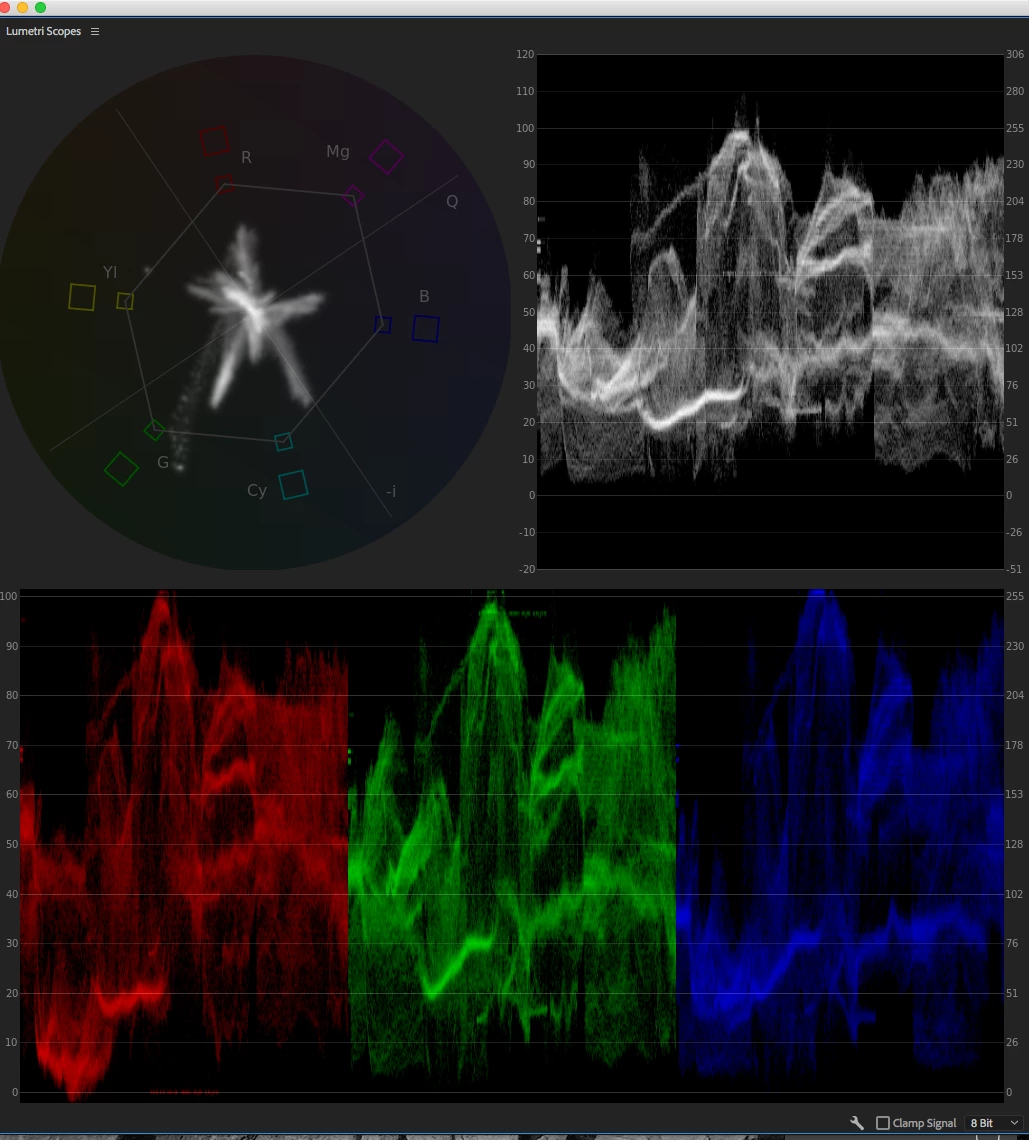
From what I understand, the vector scope is showing how much color is in a shot. Mine is showing nothing going towards green, however, my RGB Parade shows green at about same level as my R and B channels? This seems to suggest to me two entirely different readings of my shot. Why is this?

Thanks.

    This topic has been closed for replies.
    Correct answer Meg The Dog

    1. Does gain just mean the amount?

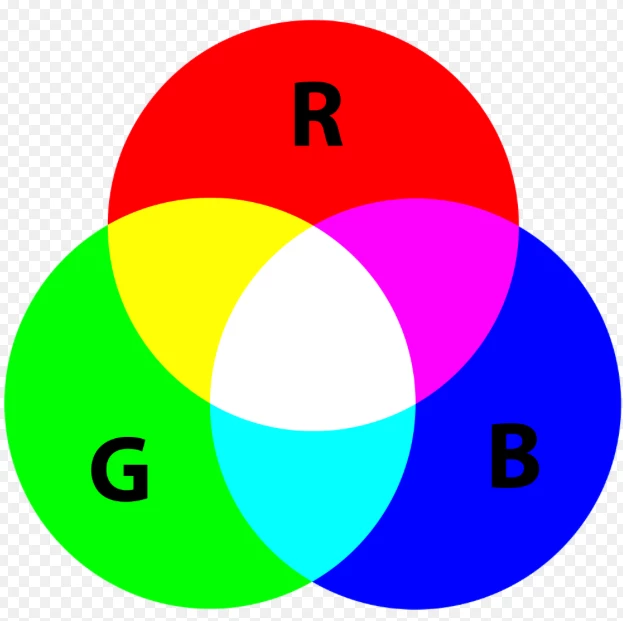
    or strength of the channel in the overall mix of the the three channels that produce the picture.. You adjust the RGB channels (usually)  to balance the image (usually to achieve white balance, i.e. what is white in the picture appears white).  The combination of the the three channels in varying strength is what produce all the colors and luminance in the picture - all the way from all channels full on; White to all channels full off: Black.
    2. Still a bit confused, is the RGB Parade showing the light, midtones and dark values for each Hue channel while the Vectorscope is showing just the Hue and how saturated the hue is?

    The parade is showing the gain (amplitude, strength) of the channel. The vector scope is showing the hue and amount of saturation that each color has.

    You use the RGB parade and the Vectorscope for two different purposes. While you could get an idea of the luminance present in a scene by looking at the RGB Parade, it is much more useful to look at Waveform set to Luma to see just the brightness and darkness of the scene, independent of its color content.

    This is the scope configuration I normally use, I'm sure others do things differently:
    MtD

    1 reply

    Inspiring
    January 6, 2018

    The RGB Parade is showing the gain of each of the individual channels. If your image was completely white, for example, the RGB parade would show R,G,and B flatlining at 100%, but the vectorscope would show nothing, as there is no color present.

    If you were to create a white color matte and drop it to the timeline, then apply the Color Balance (RGB) effect to it, you can see how varying the channel levels changes the overall tint of the image. For example, reducing the gain of the R channel makes the overall picture more cyan as the three channels are combined to make the image. And as you reduce the amount of gain in the R channel the Vectorscope will start displaying the Cyan color trace.

    The Vectorscope, on the other hand,  shows Hue and Saturation of color present in the image, and more importantly, where individual colors present in the image are falling within ranges of hue and saturation. This tool allows you to see the effects of color correction on individual colors.

    MtD

    Inspiring
    January 6, 2018

    1. Does gain just mean the amount?

    2. Still a bit confused, is the RGB Parade showing the light, midtones and dark values for each Hue channel while the Vectorscope is showing just the Hue and how saturated the hue is?

    Thanks.

    R Neil Haugen
    Legend
    January 6, 2018

    RGB Parade is showing where the data is from dark to light.

    Vectorscope is showing where data is as far as saturation.

    The two aren't related ... which is why you need both scopes. You can have a very saturated color at moderately low brightness, for example. The Vectorscope will show an extreme lobe out at that hue vector, but the RGB Parade will have no information about the saturation, just that there are pixels of that hue at that brightness level.

    Neil

    Everyone's mileage always varies ...