

Brandon Loshe
Legend
July 19, 2020
Question

Lumetri Vignette Bug Workaround?

  • July 19, 2020
  • 6 replies
  • 2054 views

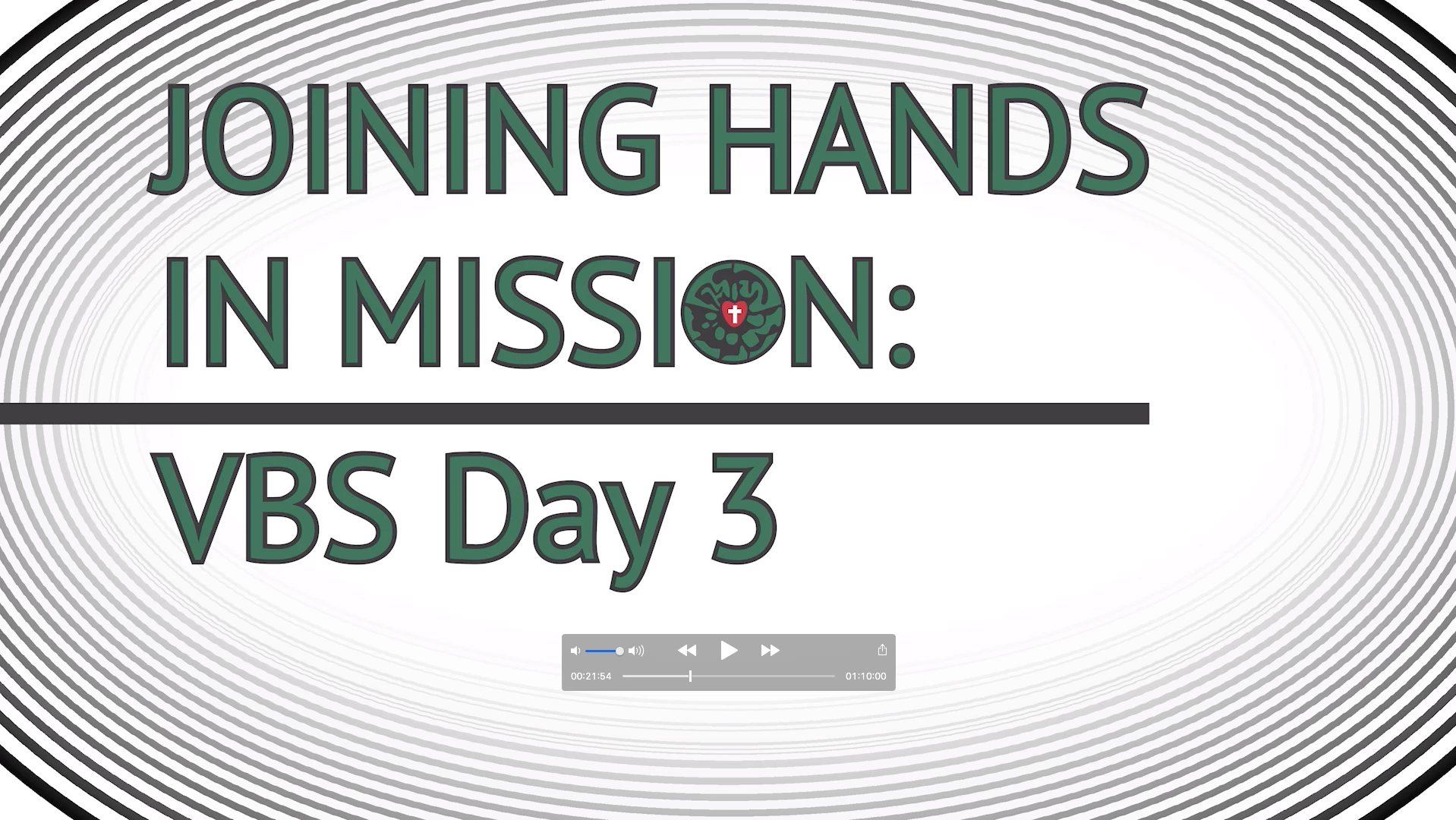
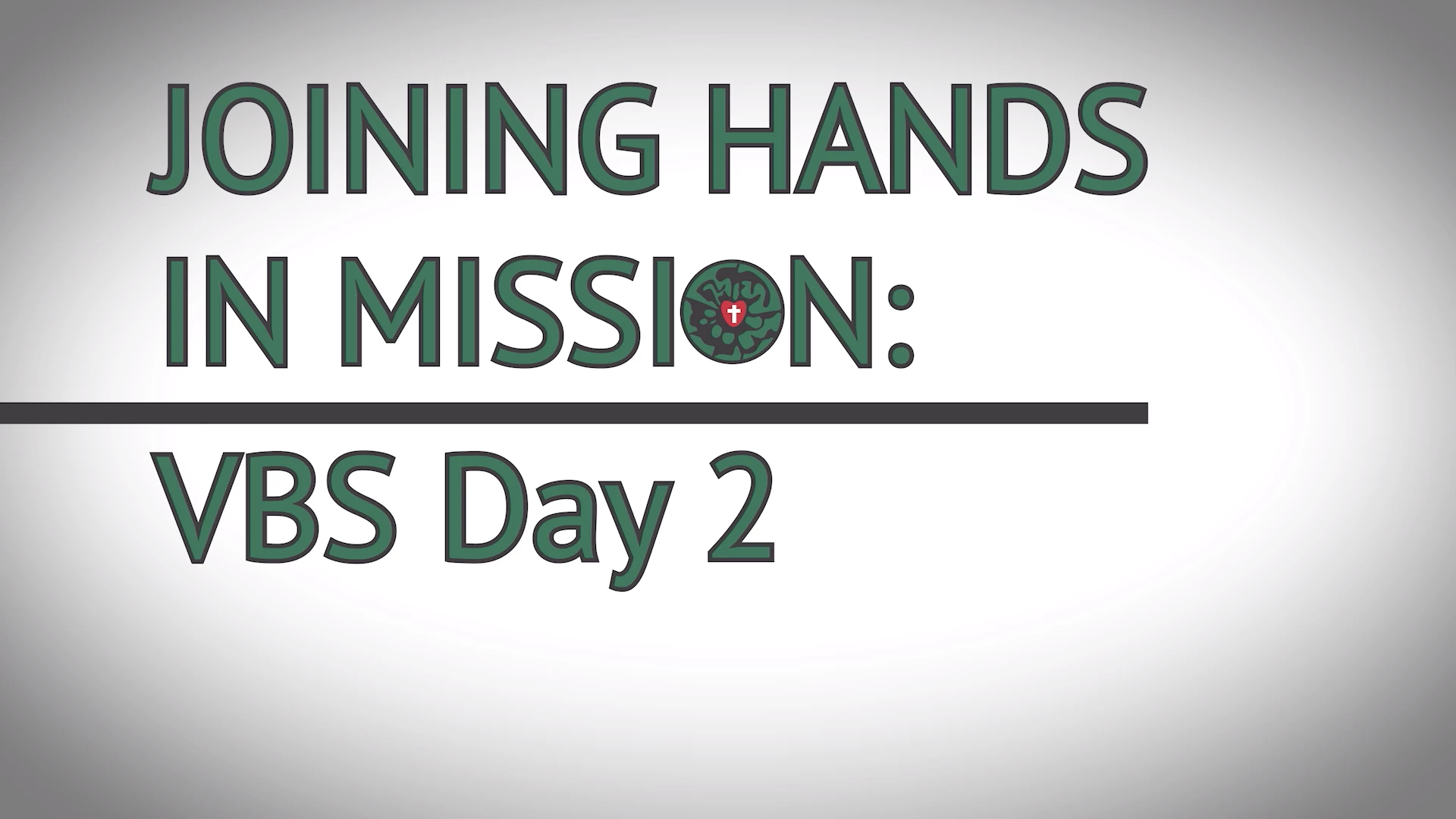
I'm experiencing bug after bug and crash after crash in the 2020 versions of Premiere Pro, which I did not experience in 2019.  It doesn't make any difference on what 2020 version of PrPro and Media Encoder I'm on. This happens on all versions. I'm having an export problem where a vignette is not exporting correctly (screenshot attached). I'm getting this weird Loney Toons effect. I have several instances set up exactly the same throughout the project where they do export correctly (screenshot attached). For some reason, this keeps happening on the part that says Day 3. Why does it only happen at this spot? I already cleared the cache, reset the preferences, did a cartwheel, etc. What else can I do to fix this?


INCORRECT:
CORRECT:
This topic has been closed for replies.

6 replies

Brandon Loshe
Legend
July 22, 2020

Hmm...this is so weird. When I set the renderer to Mercury Playback Software Only, my preview in the export window has the Lumetri Color Vignette completely missing if I export to HD. If I export to 4K (the native sequence setting), the vignette is showing properly again. Any idea what's going on with that?

QingLyn
Known Participant
November 5, 2020

Having exactly the same problem.  4k timeline, HD export, SOME, not all, Lumetri vignettes missing.  


Any takers?

R Neil Haugen
Legend
July 22, 2020

That's a GPU issues. Driver or bad card ... see if Software Only 'fixes' it.


Neil

Everyone's mileage always varies ...
Brandon Loshe
Legend
July 22, 2020

My problem just went from bad to worse. Here is what happens now. Whole film is just a series glitchy green.


Brandon Loshe
Legend
July 20, 2020

I'm curious...I switched the project settings to Software only (not using Metal nor OpenCL), and the vignette totally dissapears altogether. Is that supposed to do that? Think that's related to the countly problems that I'm having?

R Neil Haugen
Legend
July 20, 2020

Brandon,


As a practical matter, how about skipping using the vignette from Lumetri ... use the intrinsic Opacity effect, create your shaped mask and opacity settings/feathering ... and save as a preset. Create a bunch of different shapes/amounts.


And you don't need to accept a centered mask as your only one. I use these, rarely if ever use the Lumetri vignette. It's not that great a vignette to me, too few options.


And if that's holding back your projects, get over to saved opacity masked vignette presets.


Neil

Everyone's mileage always varies ...
Brandon Loshe
Legend
July 20, 2020

Perhaps I'll give that a try. Thanks for the idea. 


Wish I could just open my ProPro and AE projects up in the 2019 versions...

Brandon Loshe
Legend
July 20, 2020

I've had so many bugs in 2020 that I can't get any projects to export correctly. After struggling with this for weeks now, I'm fairly certain many of my problems are coming from the Lumetri Color. I reported the bug, but I don't know what to do in the meantime.


https://adobe-video.uservoice.com/forums/911233-premiere-pro/suggestions/40946509-lumetri-vignette-bug

Inspiring
July 19, 2020

Have you tried setting your Export Encoding Settings to Software Only?

MtD

Brandon Loshe
Legend
July 19, 2020

Yeah, trying Software Only was my initial thought, too. Unfortunately, doing that didn't make a difference. By the way, I saw your post on the other page (link below), but figured I'd hang tight and see if that worked for the other guy.


https://community.adobe.com/t5/premiere-pro/premiere-pro-crashed-on-nearly-20-export-attempts-over-the-last-fortnight-sos-please/m-p/11299170?page=1#M283972