
Participant
March 6, 2023
Answered

M2 Pro MacBook - cannot access settings menu

  • March 6, 2023
  • 2 replies
  • 219 views

Hi there,


Every time I try to access the settings menu in Premiere Pro (latest version) on my new M2 MacBook Pro, Premiere Pro crashes. I have tried a previous version of the software and the same issue occurs.
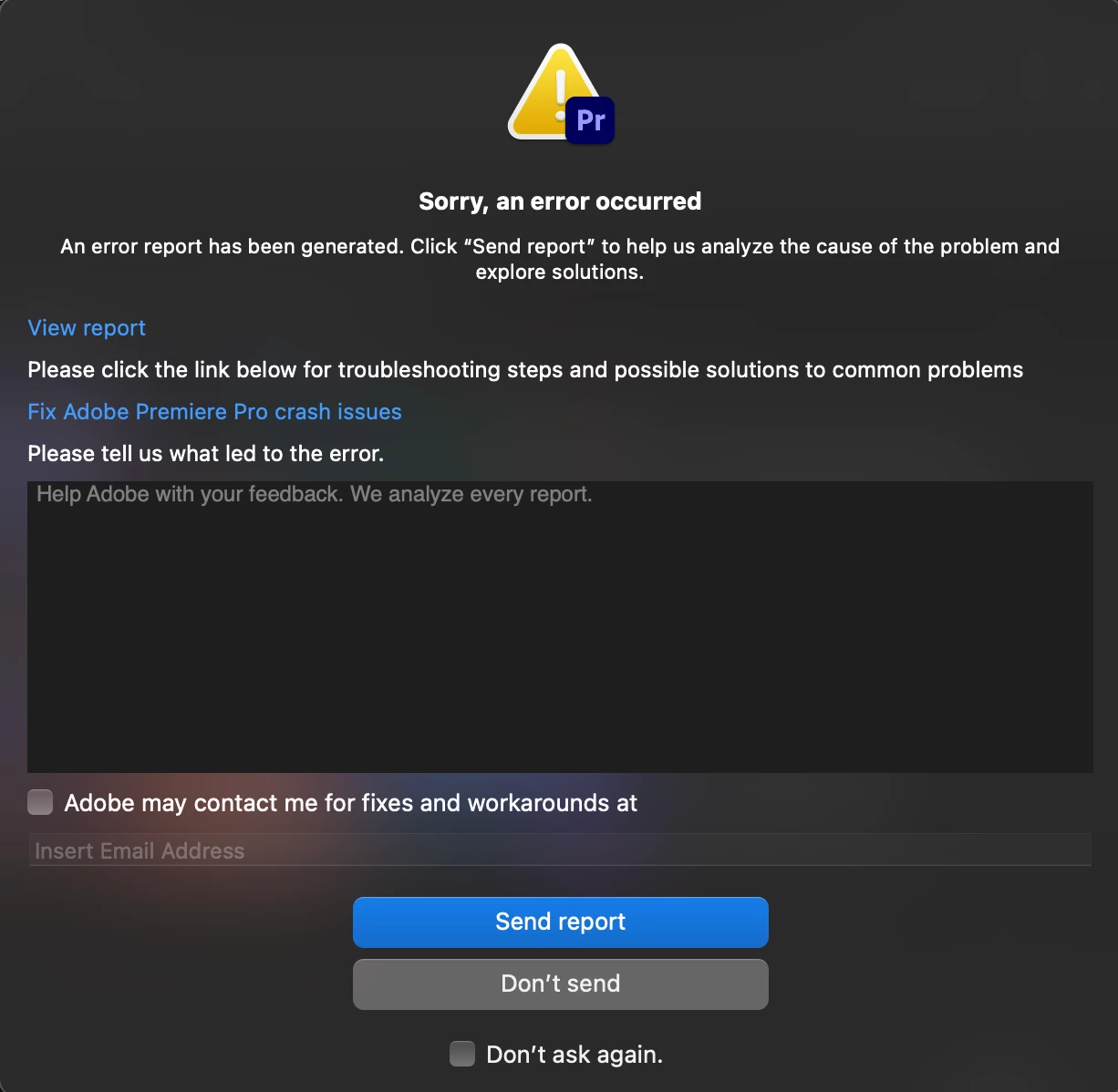
 

Is anyone experiencing the same problem/know of a solution?


Thanks!

This topic has been closed for replies.
Correct answer cdgiberson89

I fixed my particular issue. Needed to remove a plugin for the Tourbox remote. It was a folder called ControlSurface. No issues after removing. Adobe support indicated that this issue is caused by third party plugins. I tried disabling them to no avail by holding option and reopening premiere but only worked after deleting and avoiding use of the remote all together. 

2 replies

cdgiberson89Correct answer
Participant
October 5, 2023

I fixed my particular issue. Needed to remove a plugin for the Tourbox remote. It was a folder called ControlSurface. No issues after removing. Adobe support indicated that this issue is caused by third party plugins. I tried disabling them to no avail by holding option and reopening premiere but only worked after deleting and avoiding use of the remote all together. 

Participant
October 5, 2023

I am having the same issue with a brand new M2 Max Macbook Pro on Sonoma. Crashes everytime I access the Settings menu on every version of Premiere Pro I install. Were you able to figure out a solution?