
Participant
November 12, 2023
Answered

MacOs v.24 Export Oversaturated Colours

  • November 12, 2023
  • 6 replies
  • 489 views

Hi everyone, 

I'm on MacOs and v.24 and I don't understand why my export is too saturated.

I use my usual parameters. 

h.264, match source, Render Maximum Depth, use max render quality, hardware encoding, vbr 1 

When I edit:
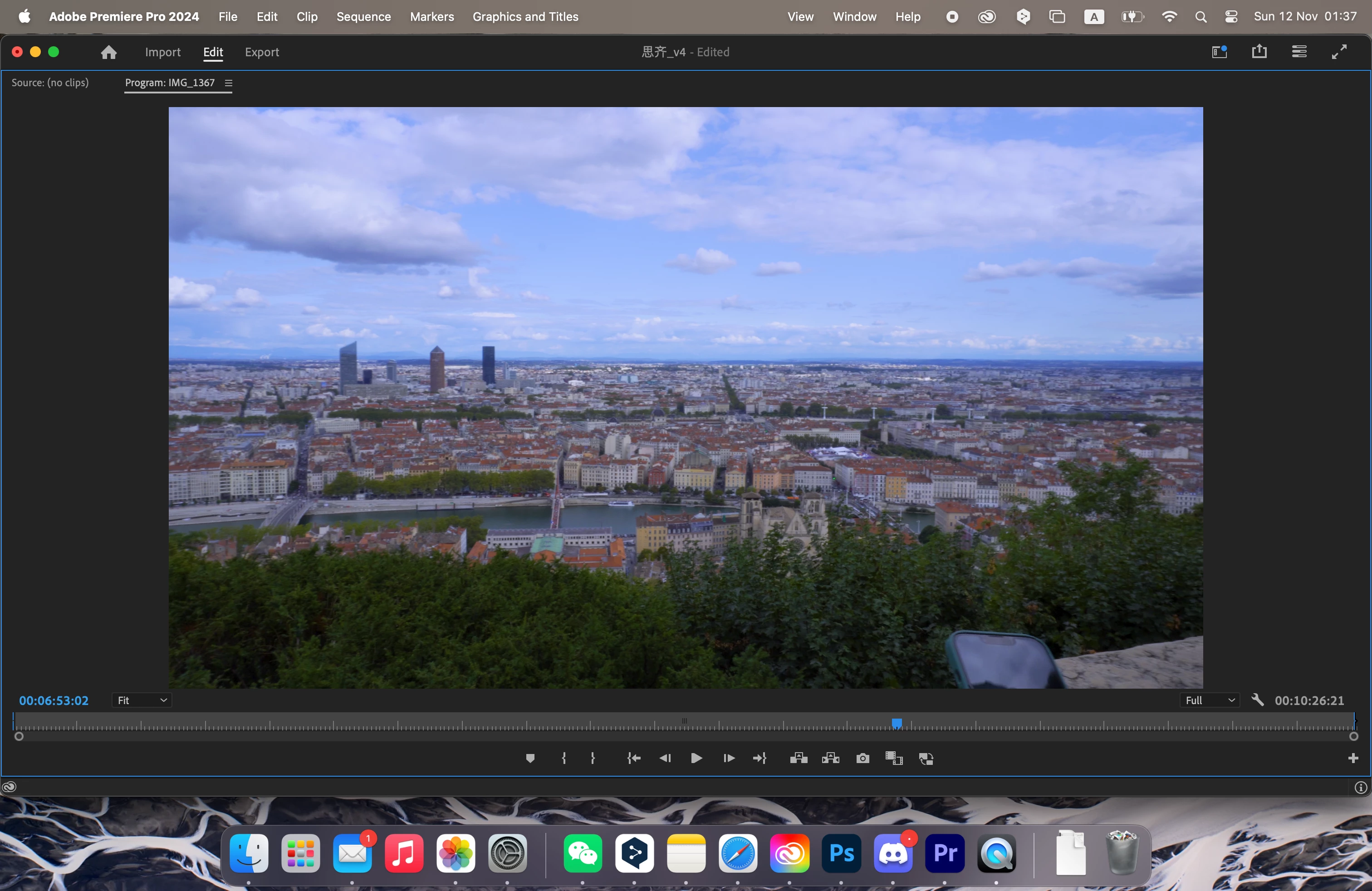
 

The export video:
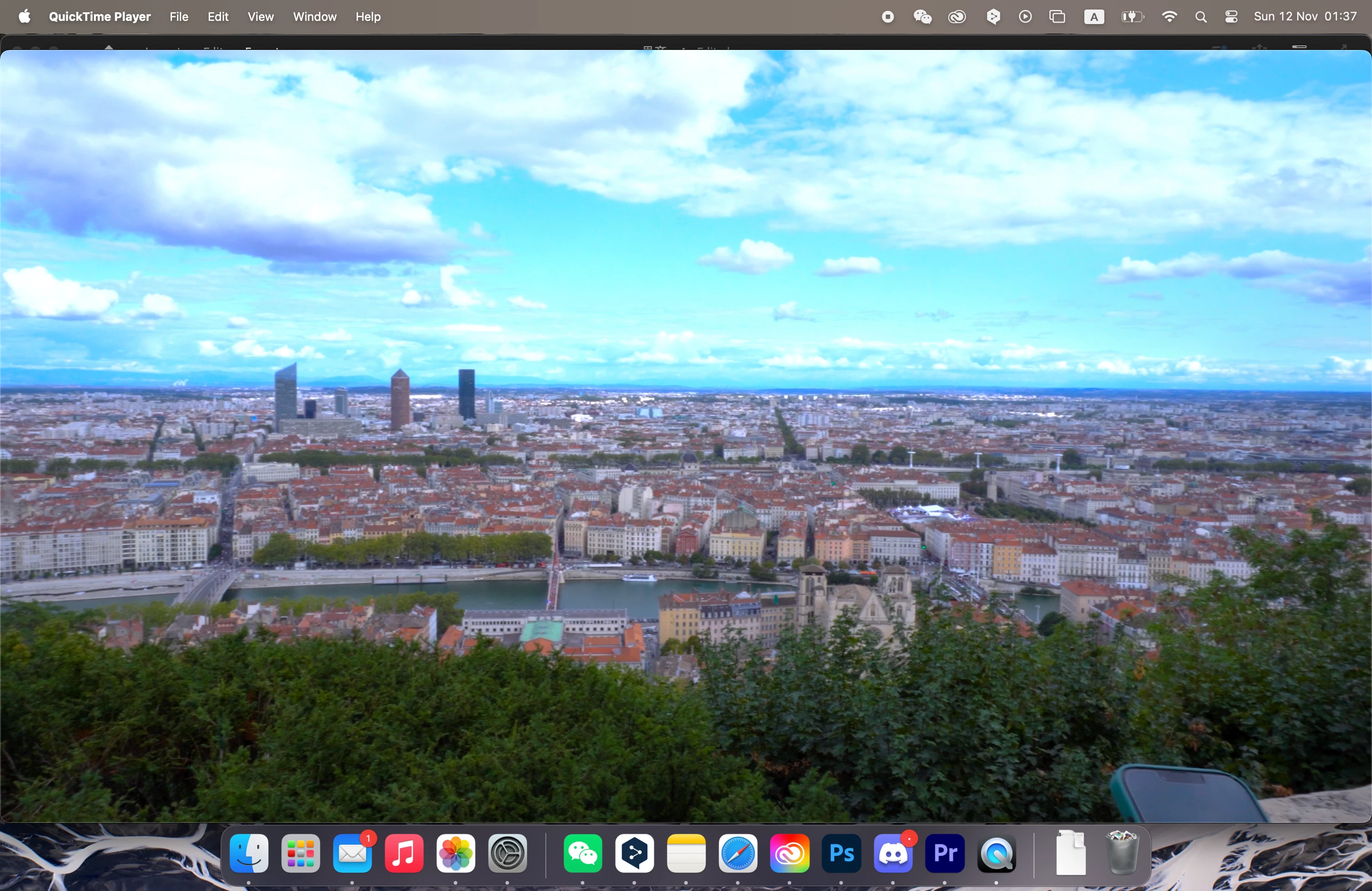
  

With the previous version it was the opposite it was undersaturared and I used a LUT. But now I disable effect because it was too strong. I try to change some parameters but it doesn't work.
Any idea to solve these problem?

This topic has been closed for replies.
Correct answer Shebbe

You're working in HDR which I assume you don't want. You need to set your sequence working color space to Rec.709.

6 replies

ZiiemliAuthor
Participant
November 13, 2023

Hi @Shebbe 
Thank you for your help, you right my sequence working color space was not correct. And my sequence working color space previous projects is right Rec.709.

Shebbe
Community Expert
ShebbeCommunity ExpertCorrect answer
Community Expert
November 13, 2023

You're working in HDR which I assume you don't want. You need to set your sequence working color space to Rec.709.

ZiiemliAuthor
Participant
November 12, 2023

Hi @R Neil Haugen 


ZiiemliAuthor
Participant
November 12, 2023

Hi Kevin,

With the two players is the same, doesn’t look good

R Neil Haugen
Legend
November 12, 2023

Are you working with a Rec.709/SDR sequence, or an HLG one?


What color space is your media, and what are you setting the color management to in the Lumetri panel Settings tab ... for Project, display, sequence and such?

Everyone's mileage always varies ...
Kevin J. Monahan Jr.
Legend
November 12, 2023

Hi @Ziiemli

I read your note. Try viewing it on VLC instead of QT Player. Does it look OK then?


Thanks,

Kevin

Kevin Monahan - Sr. Community and Engagement Strategist – Adobe Pro Video and Audio