
Major Issues with Docking Adobe Premier Pro
Please can anyone help: I am halfway through editing a movie (im a content creator) in APP 2022 -
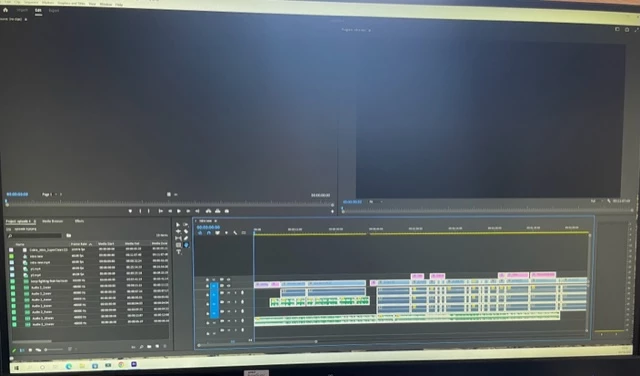
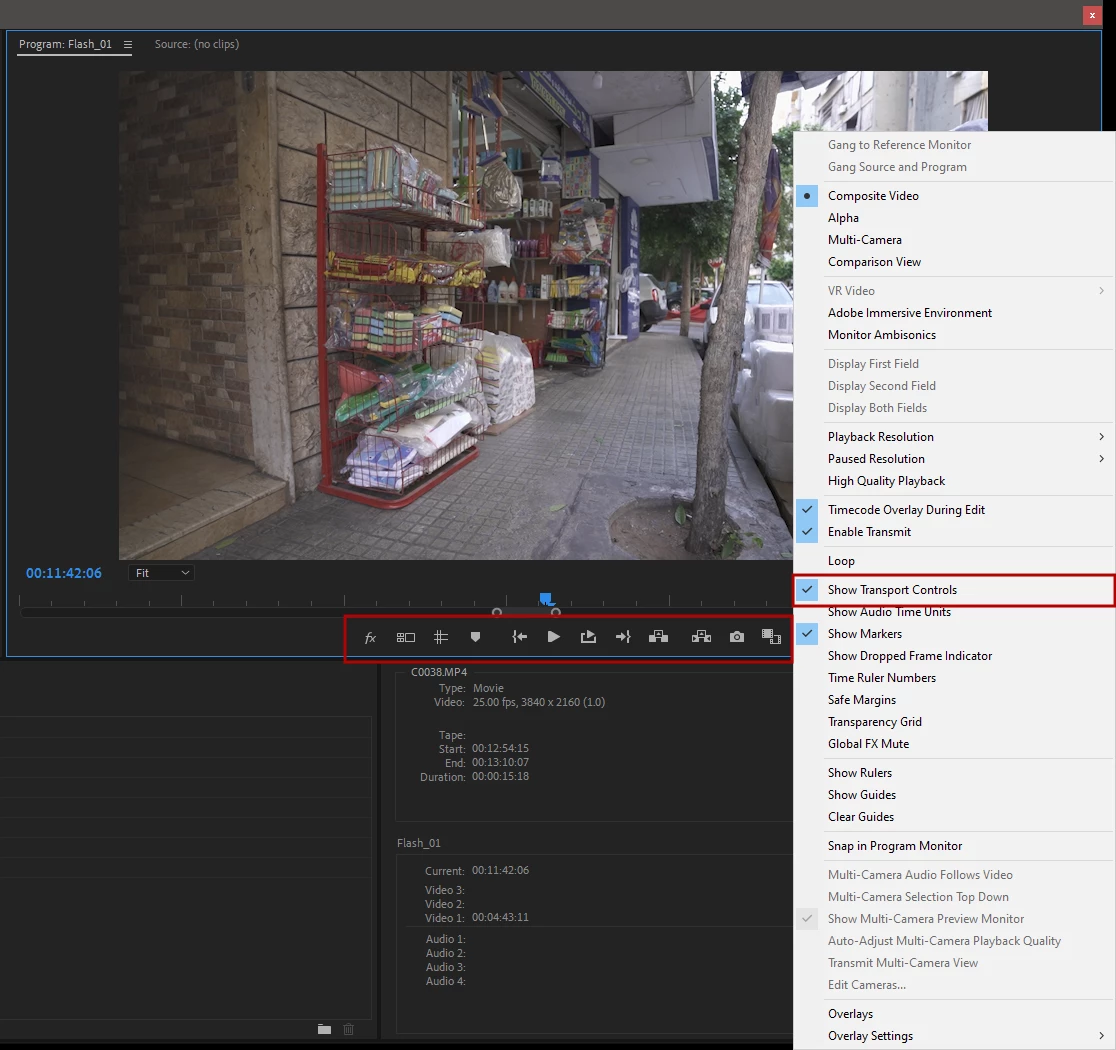
My endint screen has changed as below The top two docks in now in the wrong place, they should be in in the oppisite areas Source:(no clips) should be on the right hand side and Program: intro new (now top right should be over on the left side) as such I now cant hit the play button (as i could previously which is now showing in the source:(no clip) area top left so i cant preview or watch the editing underneth back.
I have tried hitting work spaces and re-set to saved layout but this has automatically saved so i cant do that - i have tried un dokcing and it still wont work - i need to be able to play the edit as you see in the bottom half of the screen and then export. thank you
 AdChoices