
Participant
March 24, 2023
Question

Masking Out Object in Moving Shot with Objects Moving In Front

  • March 24, 2023
  • 2 replies
  • 963 views

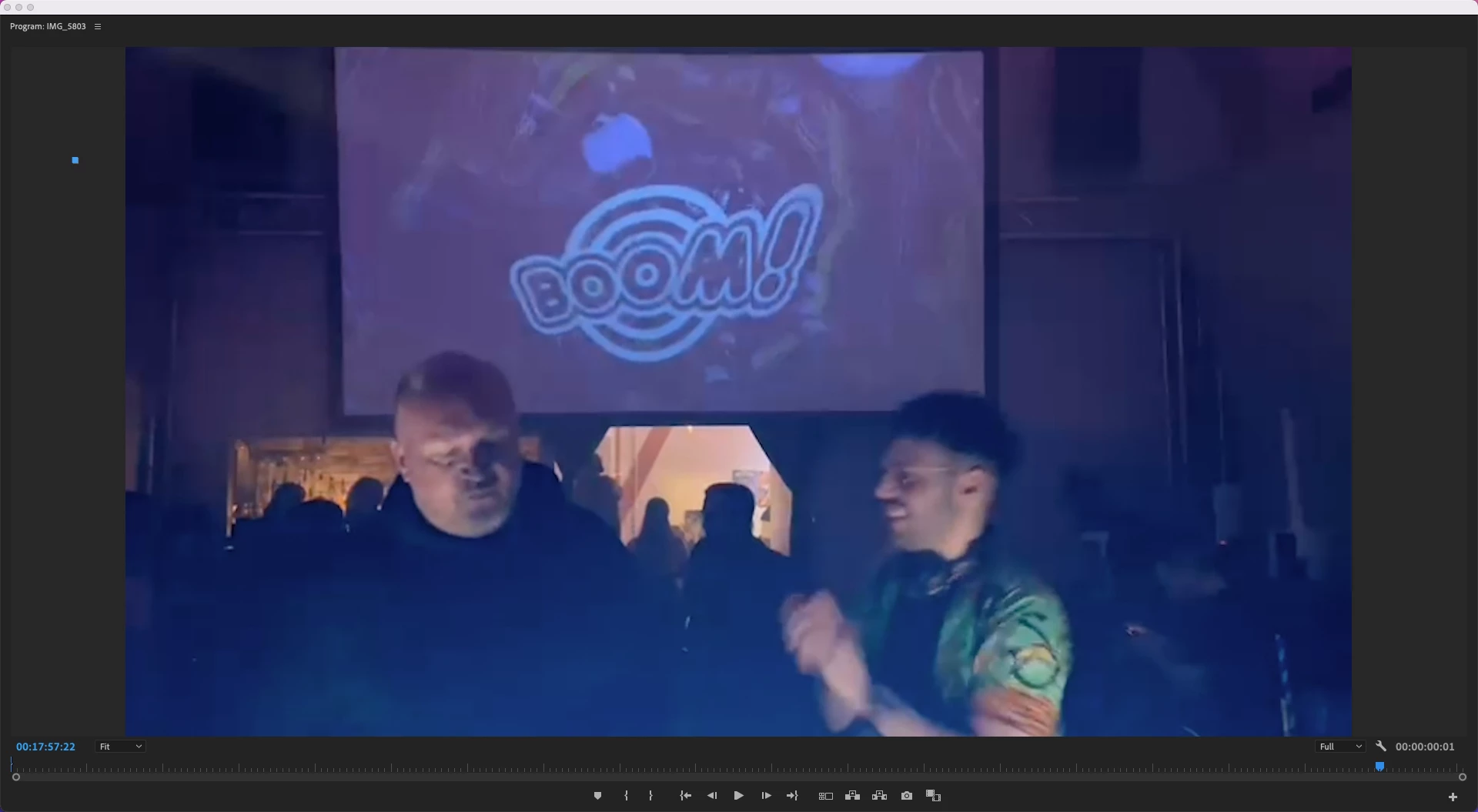
Hi, I'm working on a music video project, and in this particular shot, I want to mask out/replace the video on the projection screen with something else. The shot does move a little bit, as it was sourced from someone recording on their phone at a nightclub, but it's been stabilized and doesn't move too much. The other problem is that there are two people (who are otherwise featured in the video), and their heads move in front of the bottom part of the projection screen. How should I go about isolating and removing just the projection screen behind them in this shot? Thanks!
This topic has been closed for replies.

2 replies

Richard van den Boogaard
Community Expert
Community Expert
March 24, 2023

Like @Ann Bens suggested, this is task that is best handled inside After Effects.


Although you can create a mask of the screen and track that in PPro, this feature is more intended for editors that need to apply a rough blur on a license plate or someone's face. That is, in situations where precision is not key. In your example, you need it to be precise, otherwise viewers will easily notice. Although tracking masks and combining that with camera tracking or using rotoscoping techniques is no easy task that requires a lot of time and attention to detail, the results can be very convincing.


Use the right tool for the job: After Effects.


Hope this helps.

Ann Bens
Community Expert
Community Expert
March 24, 2023

Best is to head over to Ae and see how rotoscoping works.