Participating Frequently
March 22, 2020
Question

Masking Problem (Stressing out)

  • March 22, 2020
  • 1 reply
  • 843 views

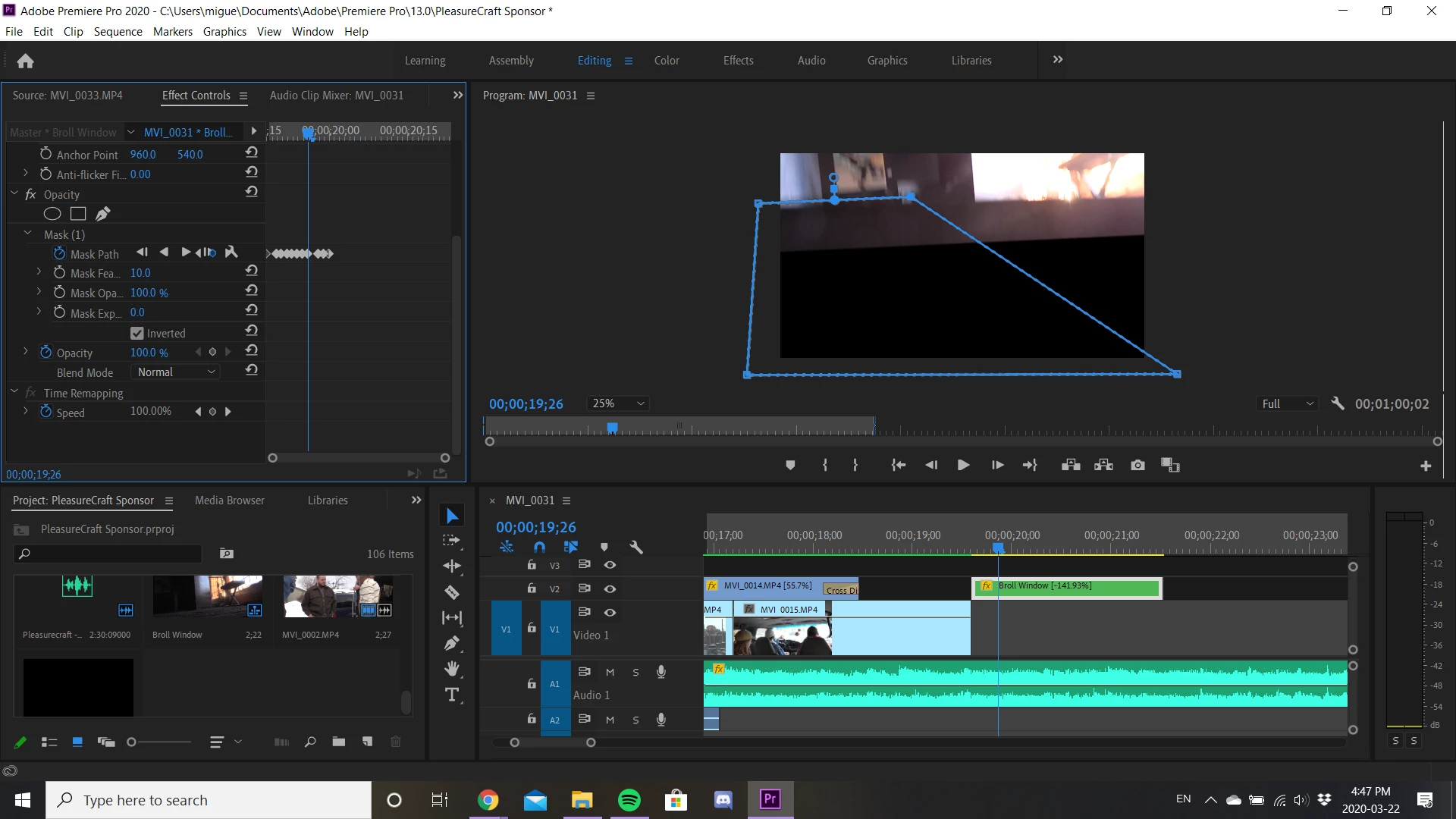
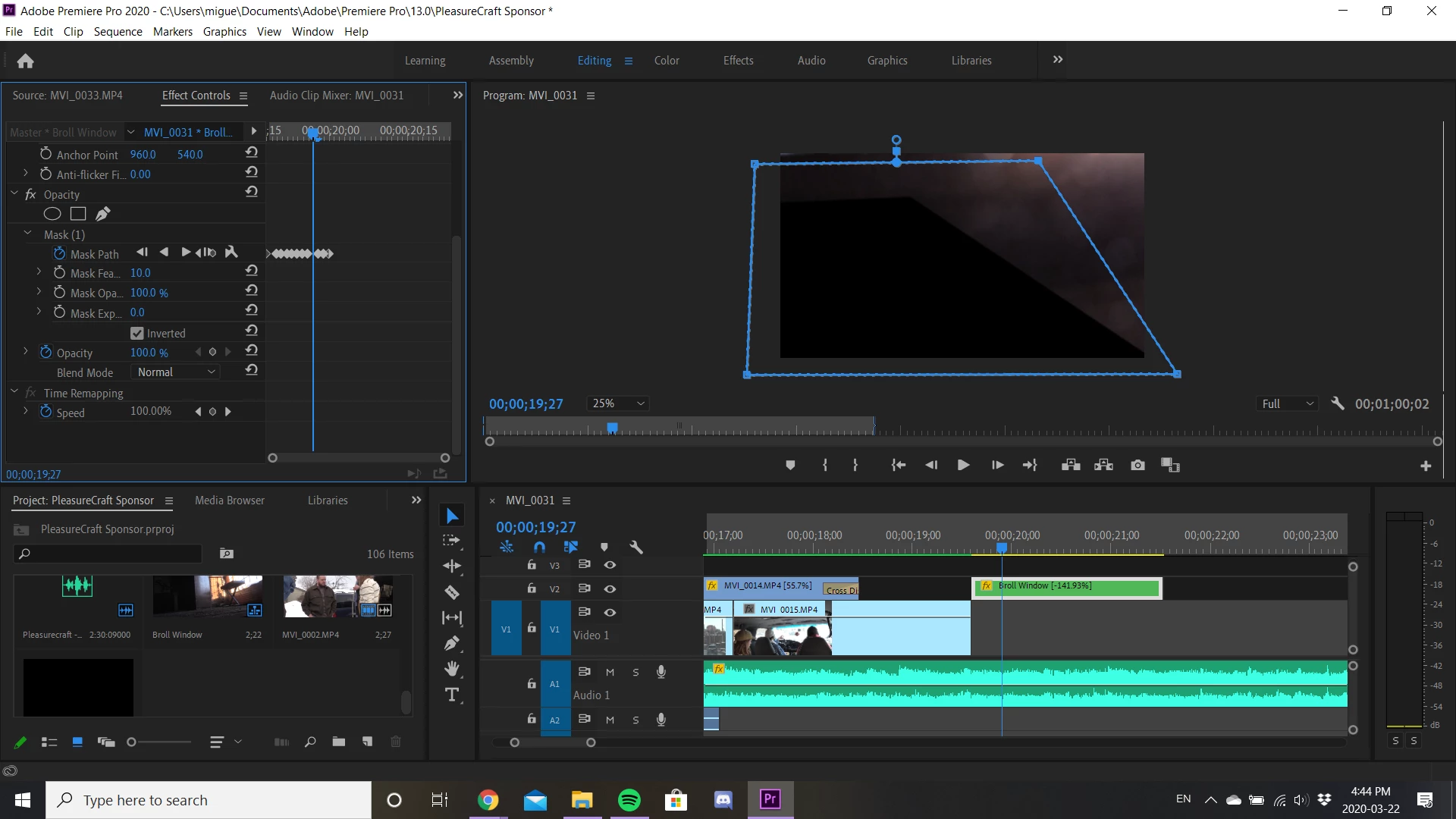
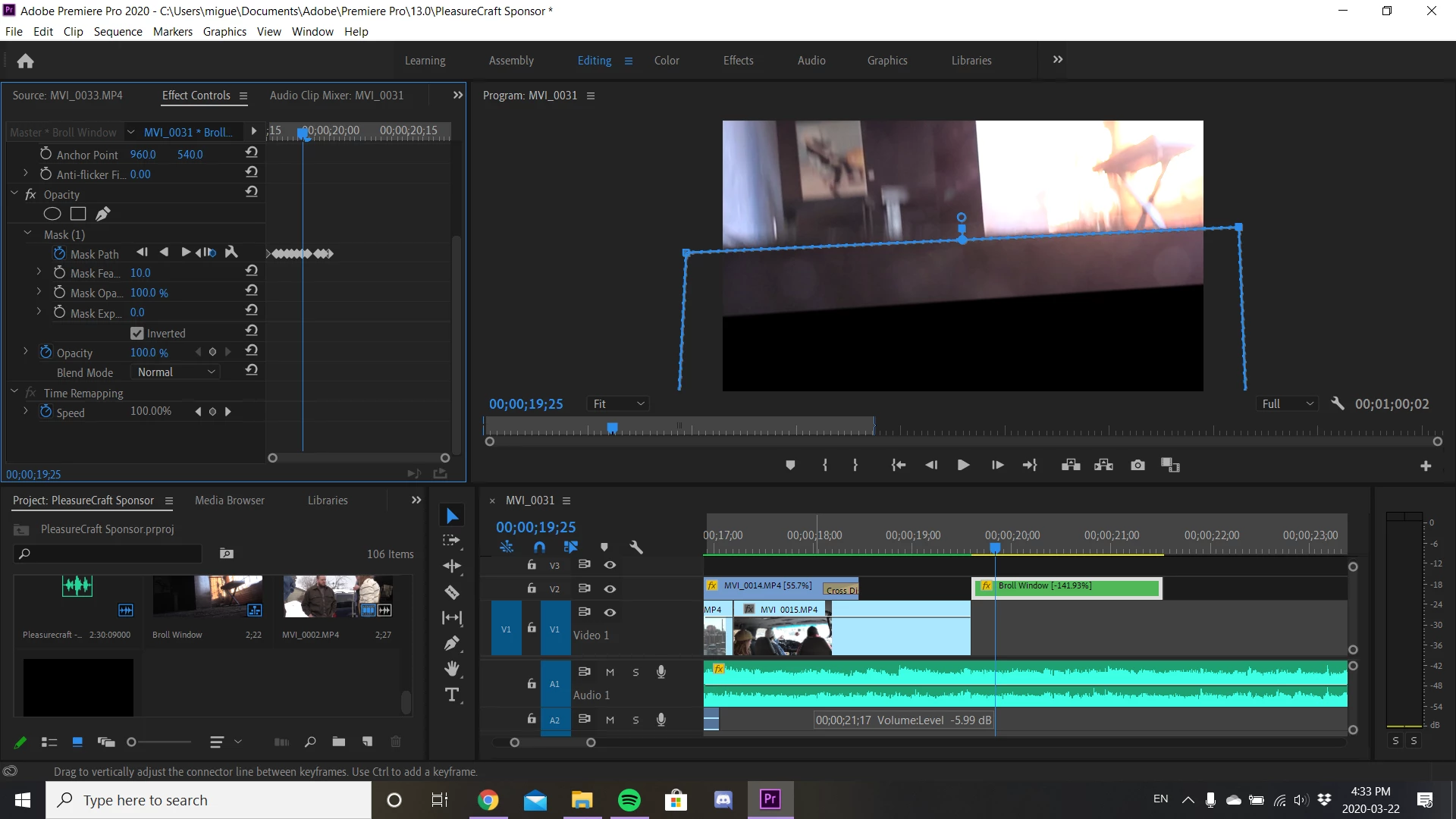
I'm currently having problems doing a masking transition where I'm finding the pen tool isn't cooperating with me. Where the mask is either delaying or out of sync. Here are some examples. 
This topic has been closed for replies.

1 reply

Inspiring
March 22, 2020

It is difficult (for me) to see what you are trying to do. 

Have you rendered your work and see if the matte  displays correctly in the render?


MtD

BRAN88Author
Participating Frequently
March 22, 2020

Ya, so I'm just trying to do a swipe transitions using the mask/Pen tool. I have rendered my work and everything is alright but. however, the blue mask outline that I drew usually a black box is filled inside and whenever you drag one of the corners it follows along with it. In the images that follow 1,2,3 aren't aligned with the blue outline I'm drawing that isn't happening. They are almost distant/lagged/or unsynced from each other. 


In Images 2 and 3 I wanted to show a frame by frame comparison:

Image 2: In the first frame I drew a  random shape and you can notice that the black box isn't following as it should

Image 3: then when I change to the next frame. that's when the black box updates. It necessarily replicates what I did previously. 


(I've done a lot of masking before but I've never encountered such difficulty to mask) I apologize if this is confusing. I'm trying my best to describe what's happening. 

Inspiring
March 22, 2020

It looks like you are trying to mask a nest, is that correct?

Depending on the complexity and contents of the nest, and the properties of the the sequence settings you are using,  it may be that your computer does not have sufficent horsepower to provide prompt updating during the preview process - as Premiere has to first display the contents of the nest as dictated by your sequence settings, then display the effect of what appears to be a soft edge mask.

To speed the process up and make the preview easier (and faster) on your computer, you could return to the sequence that created the nest and export that out of Premiere as a file in a high quality codec.  Then re-import that exported file and use it,  instead of the nest, in the sequence you are working on. This will unburdon you computer from having to deal with contents of the nest.


MtD