


Matching audio edits that were created with remix tool...
I know this is a long shot, since I have scoured the community and the web and cannot seem to find the answer. When you use the remix tool to edit a music track, is there any way to re-create those exact edits again on the licensed track once you purchase it?
For example-
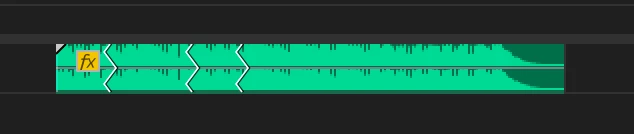
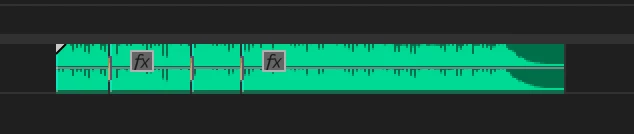
I download a preview music track from Adobe Stock and use the remix tool to customize it for my edit. When the project is approved and ready to send to mix, my client then purchases said track so I can replace the preview track in my sequence. I've tried to "Replace With Clip", that just drops the licensed track into the sequence, unedited. I've tried copy/paste effects (supposedly including "remix"), but that does nothing at all. I've also tried to recreate the remix with the licensed track, but have a heck of a time getting it to match the edits that were created in the preview track. It will give me the right length, but never puts the edits in the same place again, even with the exact same settings in the "Segments" & "Variations" tools in the Essential Sound Panel. I've also tried to take the preview track offline and reconnect it to the licensed track. It still does not recognize the remix.
Am I missing something?
It would be nice to at least have a feature where you could figure out where it puts the edits by timecode, either through edit detection or even some kind of EDL that I could use to re-create it.
Monterey 12.6.6
iMac 5K, 27", 2020
Premiere Pro 23.3.0

 AdChoices