
gyro22222
Inspiring
May 4, 2019
Answered

Media encoder and direct export show different results

  • May 4, 2019
  • 2 replies
  • 554 views

I've been using Premiere pro for many years.

Suddenly I'm having a problem. I have the latest updates

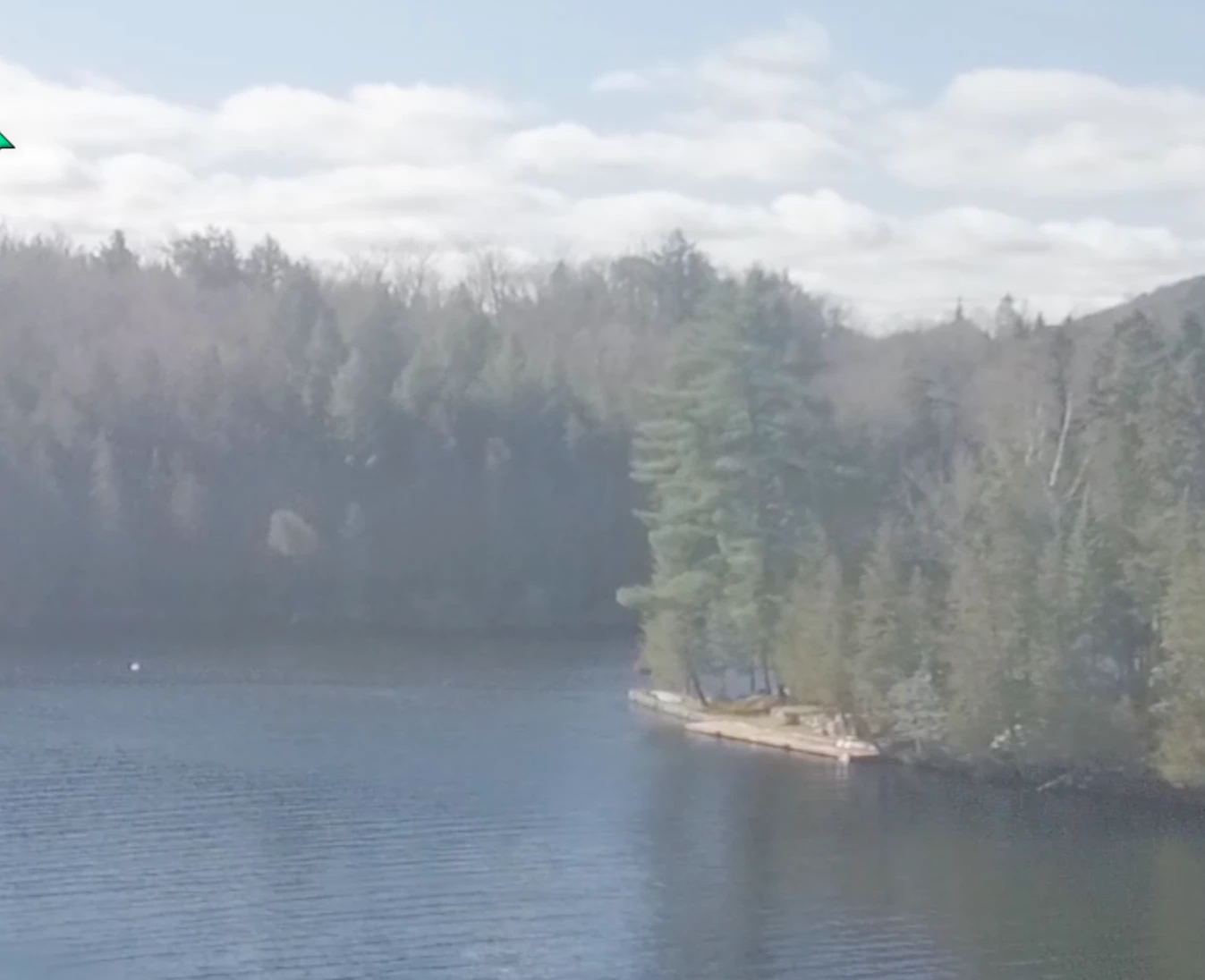
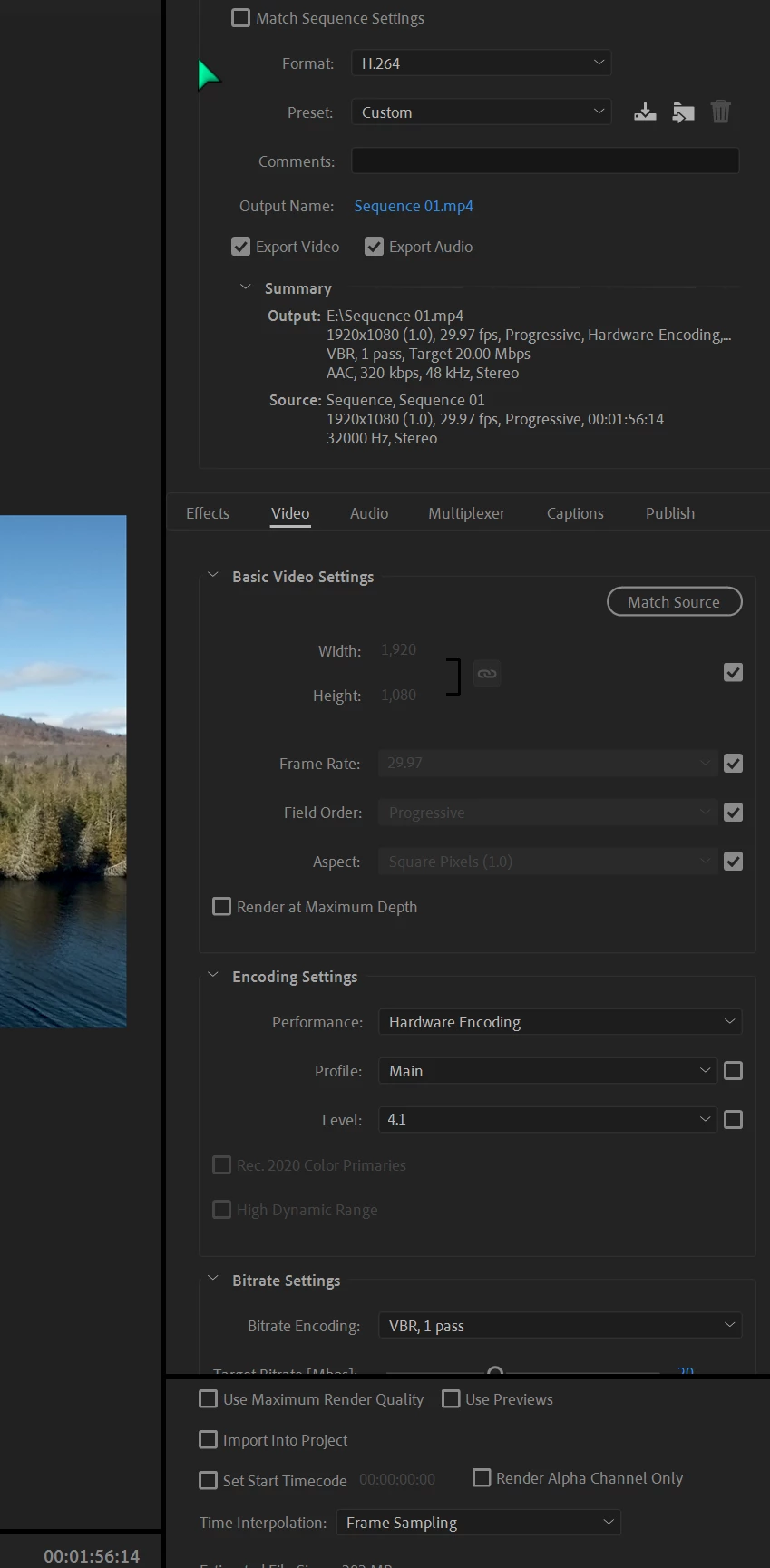
when I export directly at original size 1920x1080 using h264 high quality 1080p, instead of queuing , the video turns out correctly.

I I queue, it is washed out. see attached.

I've scoured the forums and tried several things to no avail.

suggestions?

Thanks,

Hal

top is washed out image from queue; 2nd is direct export
I'v
This topic has been closed for replies.
Correct answer gyro22222

I found the solution at the following youtube link:

Adobe Media Encoder not applying LUT - FIX. UPDATE: Please read description below. - YouTube

Basically, in win 10, you have to copy the custom LUTS into both the:

Premiere Pro LUT location

C:\Program Files\Adobe\Adobe Premiere Pro CC 2019\Lumetri\LUTs\Technical

and the media encoder LUT location

C:\Program Files\Adobe\Adobe Media Encoder CC 2019\Lumetri\LUTs\Technical

worked right away after doing this

Thanks for your help.

2 replies

gyro22222
gyro22222Author
Inspiring
May 4, 2019

Yes I used LUTS

i already uncheckEd import sequences

suggestion?

Thanks, Hal

R Neil Haugen
Legend
May 4, 2019

Are you parking those LUTs as directed OUTSIDE the Program/package  files area?

As putting your LUTs in with the Premiere built-in ones will do this every time. If at my computer I could add a chart with the proper locations.

Neil

Everyone's mileage always varies ...
gyro22222
gyro22222AuthorCorrect answer
Inspiring
May 5, 2019

I found the solution at the following youtube link:

Adobe Media Encoder not applying LUT - FIX. UPDATE: Please read description below. - YouTube

Basically, in win 10, you have to copy the custom LUTS into both the:

Premiere Pro LUT location

C:\Program Files\Adobe\Adobe Premiere Pro CC 2019\Lumetri\LUTs\Technical

and the media encoder LUT location

C:\Program Files\Adobe\Adobe Media Encoder CC 2019\Lumetri\LUTs\Technical

worked right away after doing this

Thanks for your help.

R Neil Haugen
Legend
May 4, 2019

Are there any LUTs involved on that media?

And ... sometimes going into Me's preferences and un-checking "import sequences natively" fixes odd behaviors.

Neil

Everyone's mileage always varies ...