
Media files deleted from my hard drive upon exporting .AAF (Premiere 2019, 13.1.2)
I've had multiple long conversations with phone support, but still no closer to solving this problem.
My Media files are .MXF (filmmed with Canon C300). When I export an .aaf of my sequence with the audio embedded, the media files are DELETED from my hard drive (not my project, but the actual external hard drive where I store my media). I did not believe Premiere could remove original media files but it has. I've tested this about 8 times, it's always the same. Fortunately, I have backups of my files. First I export .aaf, at the end of the export there are various error messages, some like this:
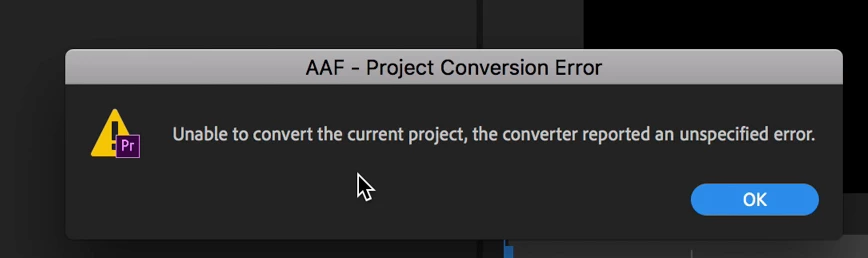
Some of the error messages have more details. The aaf export finishes, but the file is useless and basically unreadable (and very small).
Then, about 30 seconds after the .AAF file has exported, certain media clips (but NOT all) shows up as "offline". When I look in the hard drive where the media is stored, certain clip folders have been emptied completed (no .mxf file, no metadata files), whereas others within the same project, remain.
Has anyone else had this problem?
 AdChoices