
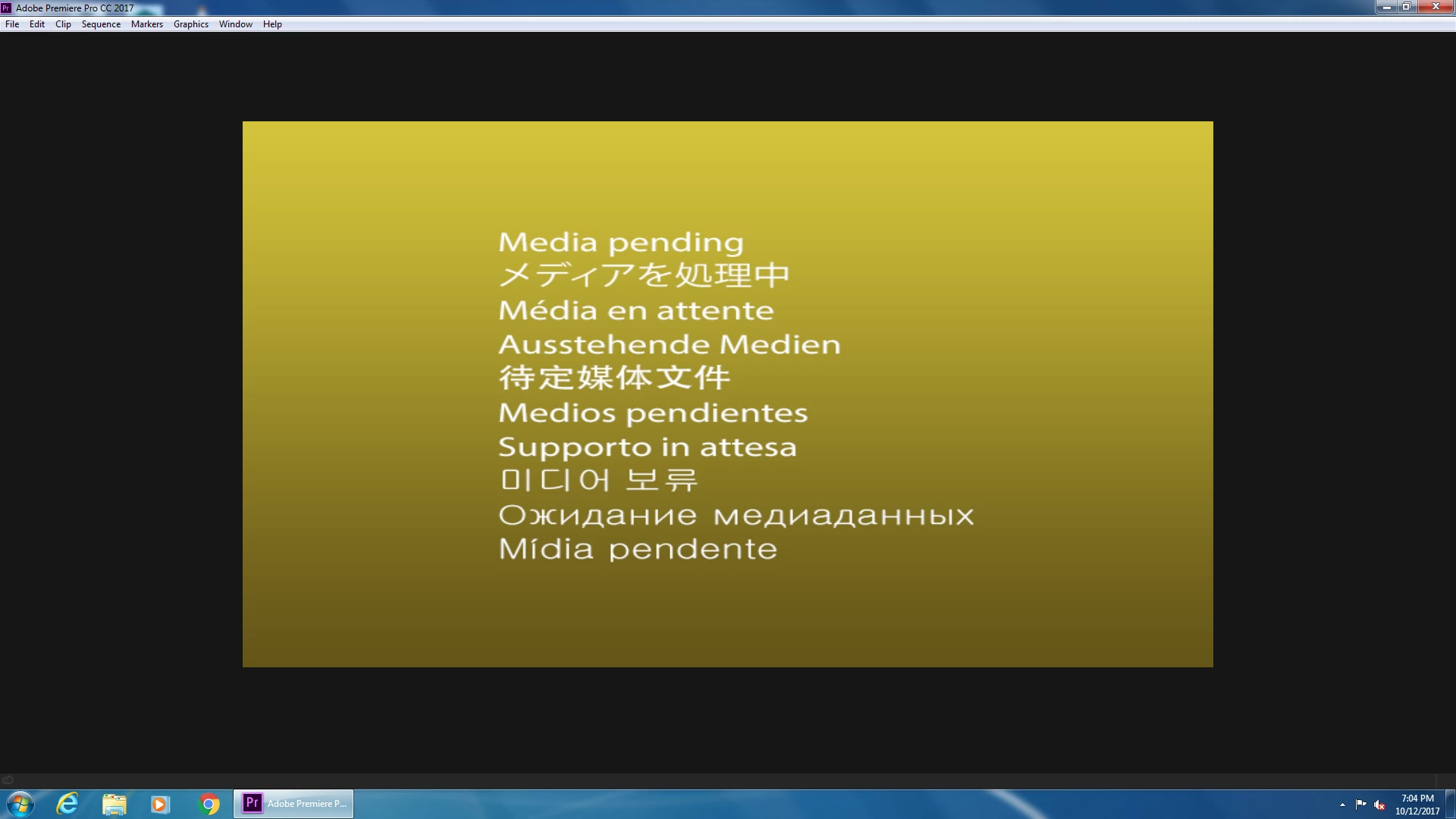
Media Pending/Black Screen During Launch
I am the Applications Specialist at a library, we have some devices with creative cloud apps on them for public use. When launching Premiere Pro CC 2017 on some of these devices we are either seeing a black screen or a "Media Pending" screen. When this happens it completely freezes up the program, you can't even use the ribbon at the top to open a new project or close the application. The only way to close the application is to use the task manager. I believe it has something to do with the video that premiere pro 2017 plays at launch. We never had this issue with any version of Premiere Pro CC 2015. Premiere launches without a problem in an admin account but not for the profiles the public uses. I have tried to give permissions to the appropriate user for every adobe folder I could find on the C: drive but it still won't work.
Here is a pastebin link to one of the PDApp Logs that I took after the program crashed. I hope it helps.
PC Specs:
Windows 7 Pro SP1 64-bit
12GB RAM
Nvidia GTX 745
Premiere Pro CC 2017 (11.1.2)
I have emailed ecs@adobe.com multiple times over the past few weeks to get help with this issue and the one time someone called me back I was unable to replicate what he did to get the program working. Also the tech that helped me never sent me the documentation I requested and I haven't received any follow ups on this issue.
Odd Notes: The program works fine on a few other devices that are configured the same and using the same user account. If you click randomly in the black space or on the media pending image it will sometimes load an unseen project file which you can then use to launch a new project. 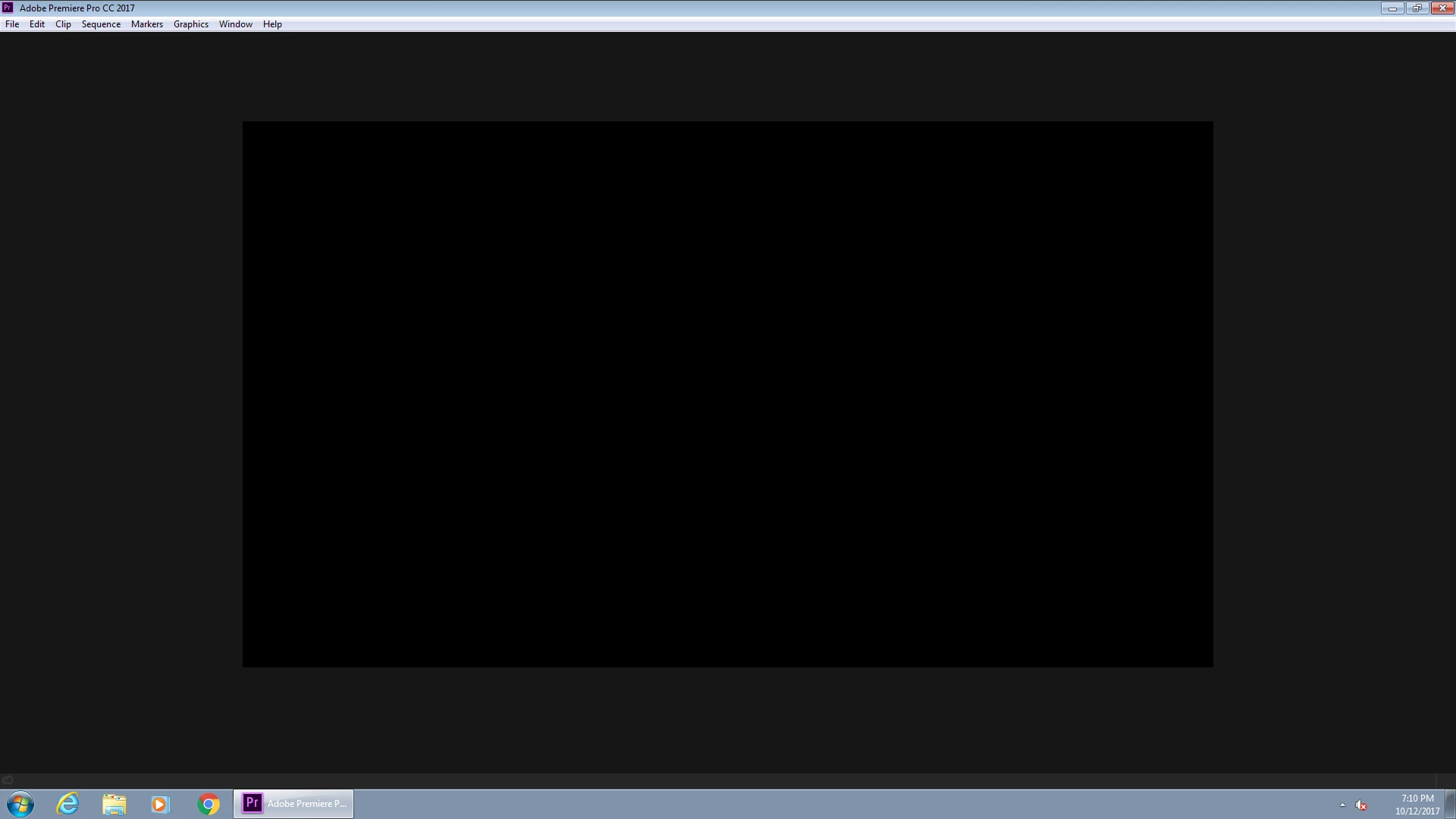
 AdChoices