
Participating Frequently
August 23, 2021
Answered

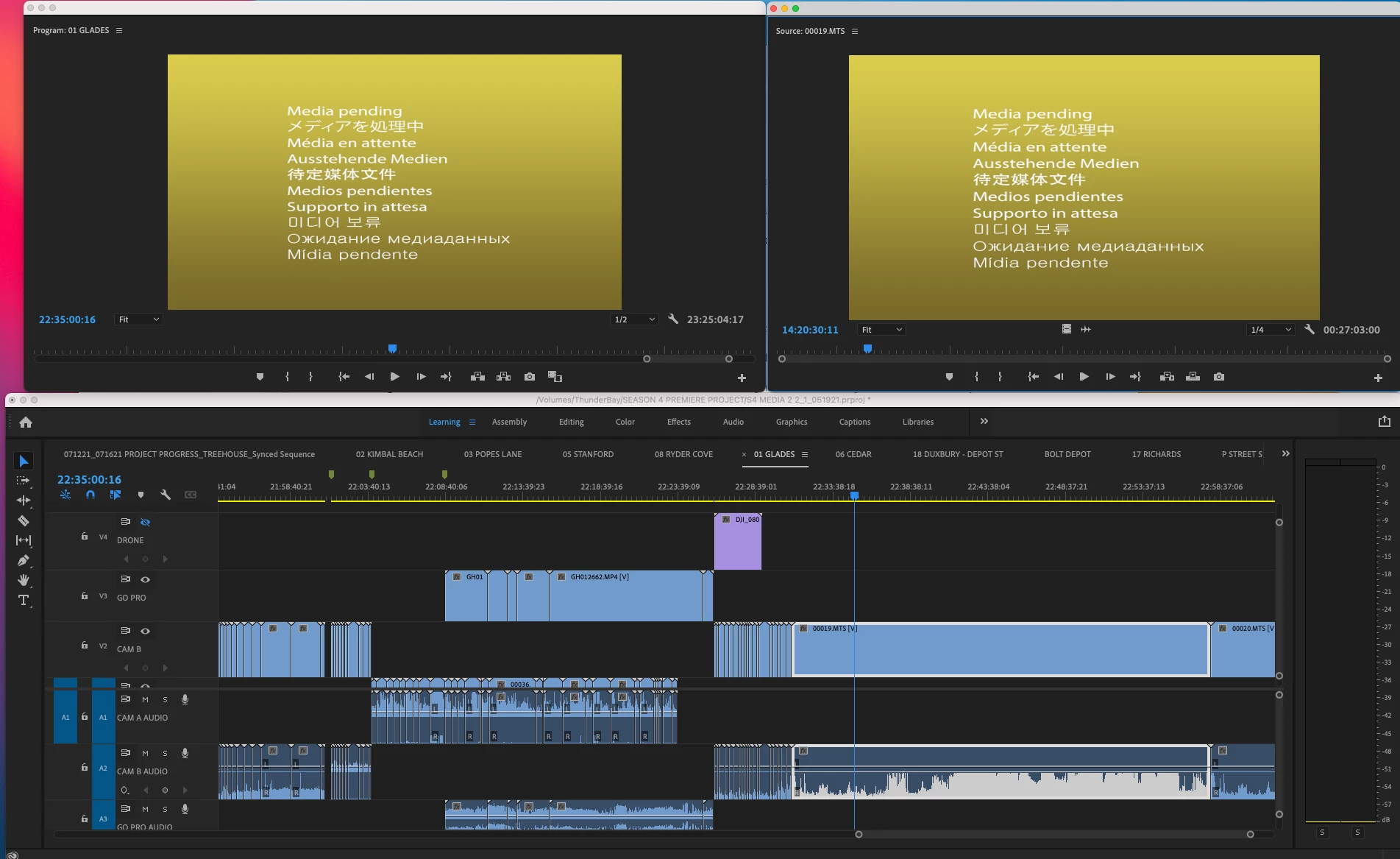
Media Pending constantly in Premiere Pro v15

  • August 23, 2021
  • 1 reply
  • 505 views

I've been working with this same project file for months. Today it will not load the media. All files are linked to the correct drive. I've restarted 4x, updated my Big Sur software and checked softwate compatibility with my SoftRaid software. I'm baffled. On occasion I can see Adobe "loading peak files, preview files in the bottom left corner. but Premiere isn't giving up error messages of any kind.  Any suggestions?
This topic has been closed for replies.
Correct answer MyerPj

You might try deleting your media cache:


• Start PP from it's normal desktop icon (IE: don't open from a project file link).
Close the Open/Home screen (and you will be in PP without a project open).
• Go into Edit/Preferences/Media Cache (Mac users adjust menu name)
• Then Press: Remove Media Cache Files: and Delete...
• Select: Delete all media cache files from the system and OK
Close PP - It will create any needed cache files on the fly as you edit.

1 reply

MyerPj
Community Expert
MyerPjCommunity ExpertCorrect answer
Community Expert
August 23, 2021

You might try deleting your media cache:


• Start PP from it's normal desktop icon (IE: don't open from a project file link).
Close the Open/Home screen (and you will be in PP without a project open).
• Go into Edit/Preferences/Media Cache (Mac users adjust menu name)
• Then Press: Remove Media Cache Files: and Delete...
• Select: Delete all media cache files from the system and OK
Close PP - It will create any needed cache files on the fly as you edit.

RENEEHOOAuthor
Participating Frequently
August 23, 2021

Thank you. I have to give it some time to generate new files before I can confirm if this worked.