
August 10, 2018
Answered

Media Pending Premiere Pro CC

  • August 10, 2018
  • 2 replies
  • 3504 views

The Title is a bit wrong. I can start Premiere pro but I can't press anything. If I press something for example "File" the Windows sound sounds. It opens a window and there stands "Media pending" in many languages (Picture down below).
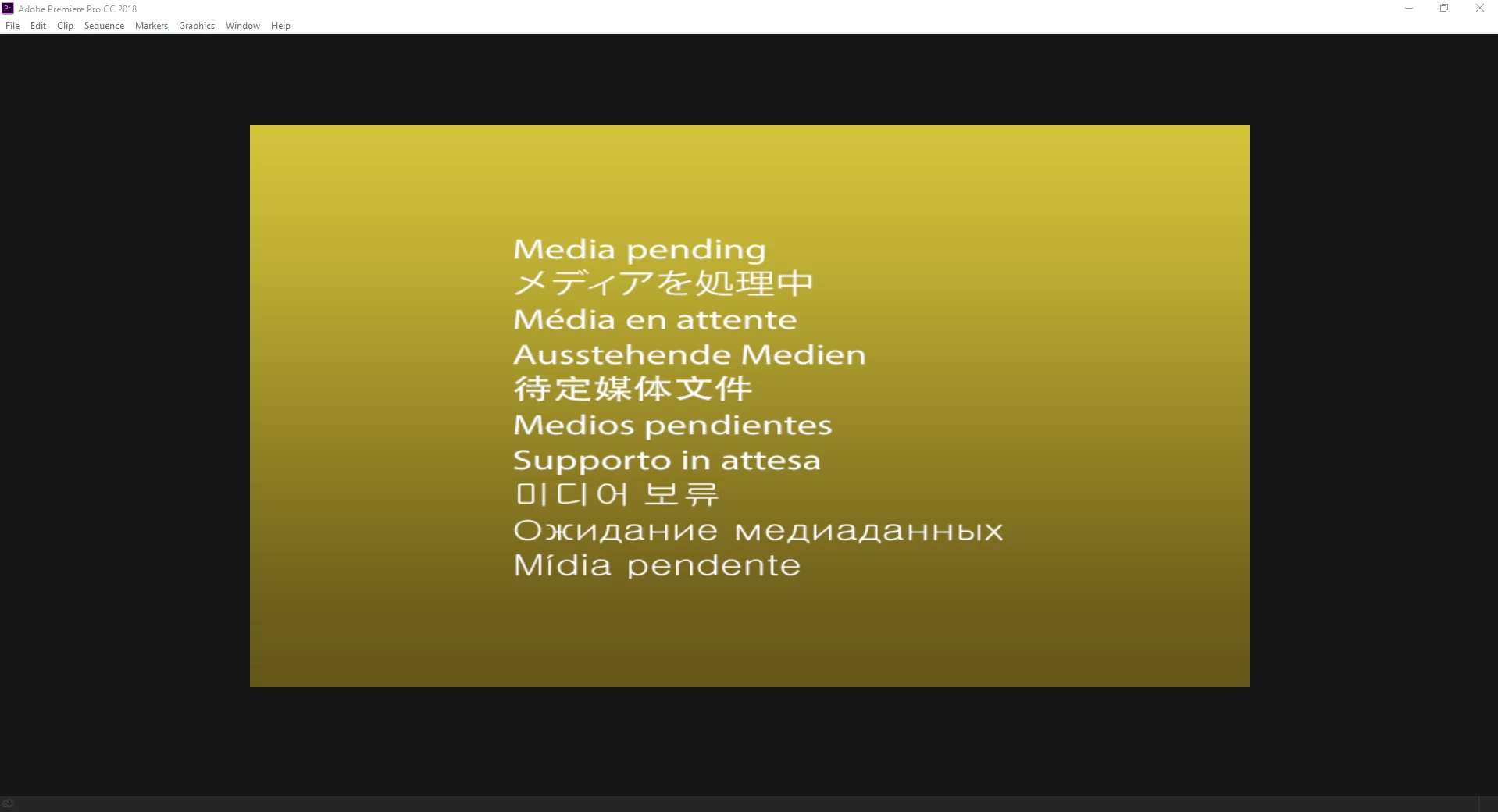
[title edited by mod]

This topic has been closed for replies.
Correct answer Vidya Sagar

Hi filipm30695978,

Sorry for the issue. Try clearing the media cache: FAQ: How to clean (delete or trash) media cache files?

and reset the preferences: FAQ: How to reset (trash) preferences in Premiere Pro? and check the issue.

Let us know the status.

Thanks,

Vidya

2 replies

Vidya Sagar
Adobe Employee
Vidya SagarCorrect answer
Adobe Employee
August 13, 2018

Hi filipm30695978,

Sorry for the issue. Try clearing the media cache: FAQ: How to clean (delete or trash) media cache files?

and reset the preferences: FAQ: How to reset (trash) preferences in Premiere Pro? and check the issue.

Let us know the status.

Thanks,

Vidya

August 14, 2018

HI Vidya

Thanks for the links, that really helped me. Now everything works and I have no problems anymore

Thanks,

Filip

John T Smith
Community Expert
Community Expert
August 10, 2018

More information needed for someone to help... please click below and provide the requested information

-Troubleshooting https://forums.adobe.com/thread/2261475

-Premiere Pro Video Editing Information FAQ http://forums.adobe.com/message/4200840