Inspiring
February 10, 2025
Question

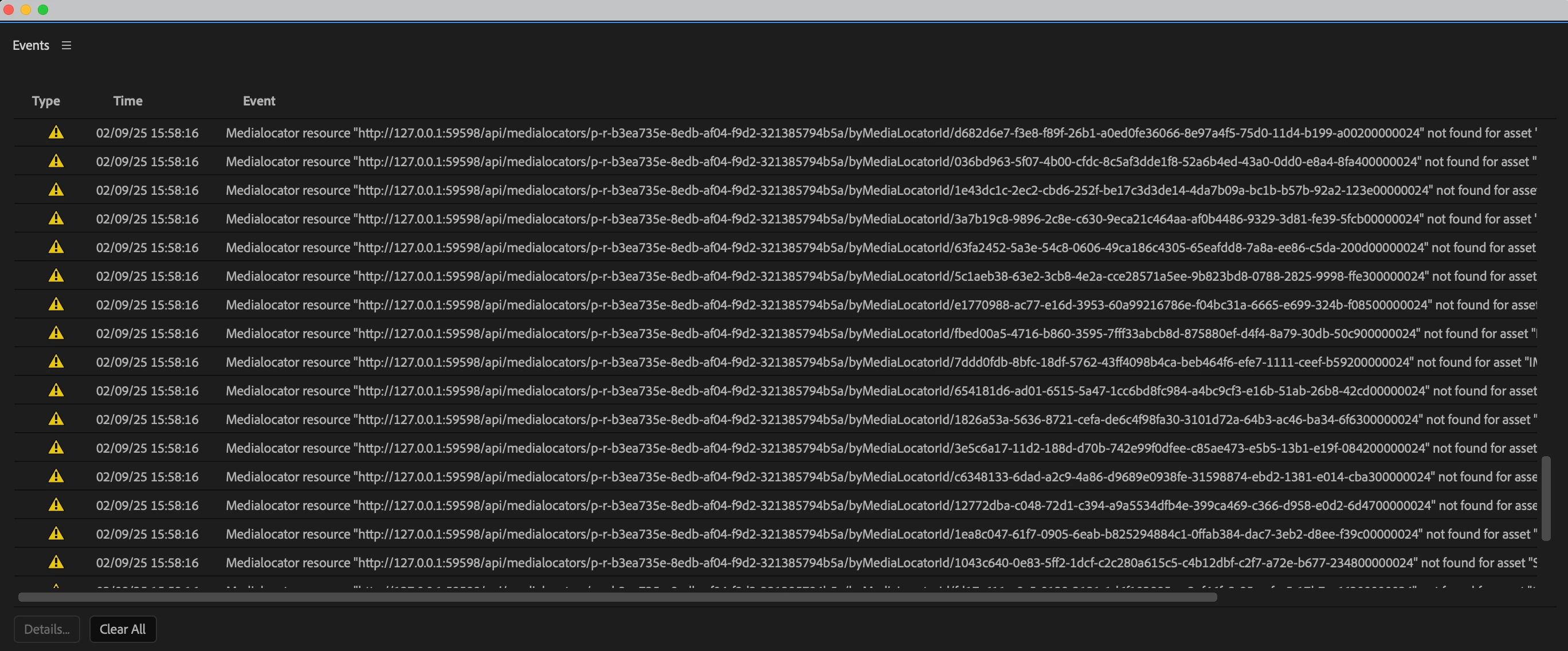
"Medialocator resource...not found for asset"

  • February 10, 2025
  • 1 reply
  • 271 views

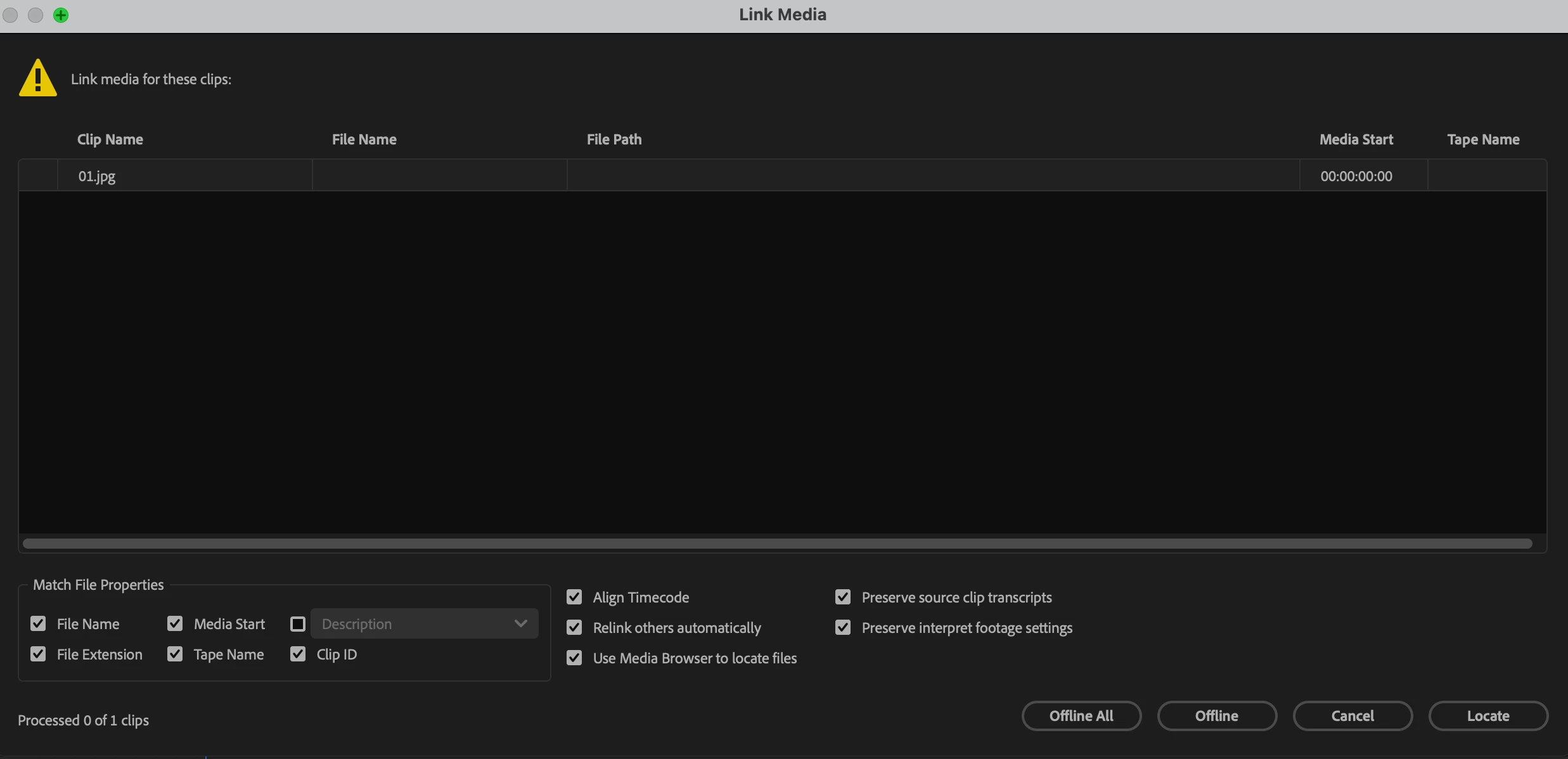
Running Premiere CC 2025 and working on a Teams project. Performed some drive organization the other day and re-linked successfully. Opening the same project today, I unexpectedly experienced offline media and errors about "Medialocator resource...not found for asset." I could only manually relink clip by clip this time and there was no last path saved information to speed up the process. After successfully relinking and saving, I came back to find the same clips and errors when I opened the project again. Attached screenshots for reference. 
1 reply

Kevin J. Monahan Jr.
Community Manager
Community Manager
February 11, 2025

Hi @GeneralN00b,

Are these files located on a local drive or on a network somewhere? If the latter, ensure that the clocks are aligned on all devices on the network. I hope the community can offer other suggestions but we need more info.


Thanks,

Kevin


Kevin Monahan - Sr. Community and Engagement Strategist – Adobe Pro Video and Audio
Inspiring
February 11, 2025

Hi Kevin,

The files are on a local drive. I ended up creating a new Teams project, pasting the relinked sequence, and saving as a new Teams project. Premiere loaded the new project fine without any issues so this seems to be workaround for the time being. Will try replicating the whole project using this method.

Inspiring
February 11, 2025

I forgot to mention that simply saving as a new Teams project did not fix the issue for me and still displayed offline media.